Natsura Store Launch Announcement
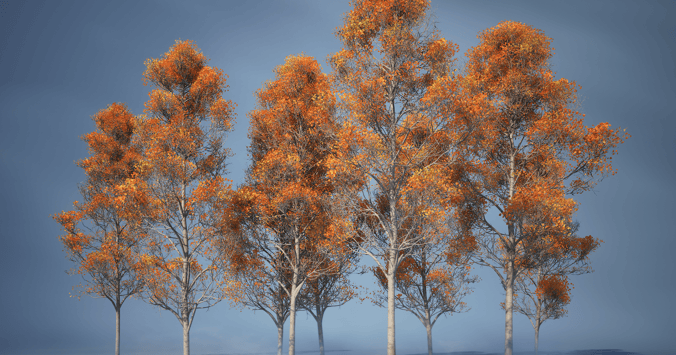
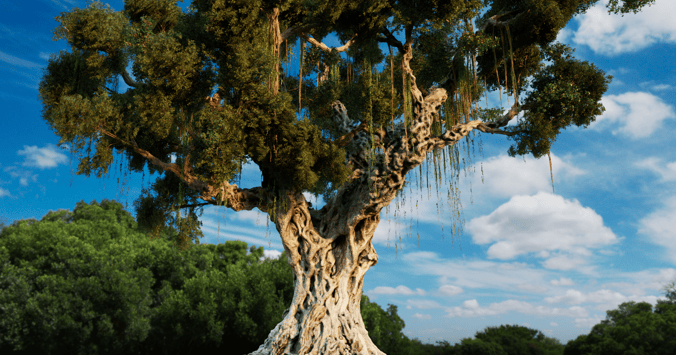
The Natsura Store is open, with our first three species resource packs: Beech, Oak and Sweet Chestnut, made in collaboration with our exclusive production partner Viridius Digital.
- Category
- Announcement
- Published
- Reading time
- 4 min
- Written by
 George Hulm
We are pleased to announce the launch of the Natsura Store, along with our first three species resource packs: Beech, Oak and Sweet Chestnut, made in collaboration with our exclusive production partner Viridius Digital.

Designed to slot seamlessly into your Natsura workflow, and built to meet the demanding requirements of modern game development, VFX, film and simulation pipelines, each asset pack has been hand-modelled and assembled using meticulously captured photometric data and photogrammetry scans.
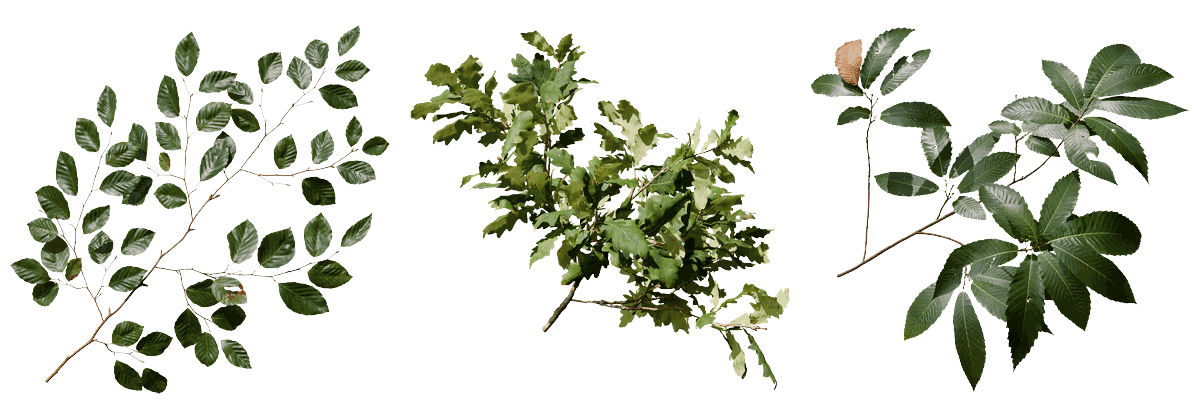
Everything is Nanite-ready, with atlas opacity for traditional low-poly workflows, and royalty-free for commercial games, film and visualisation.
What's in a pack
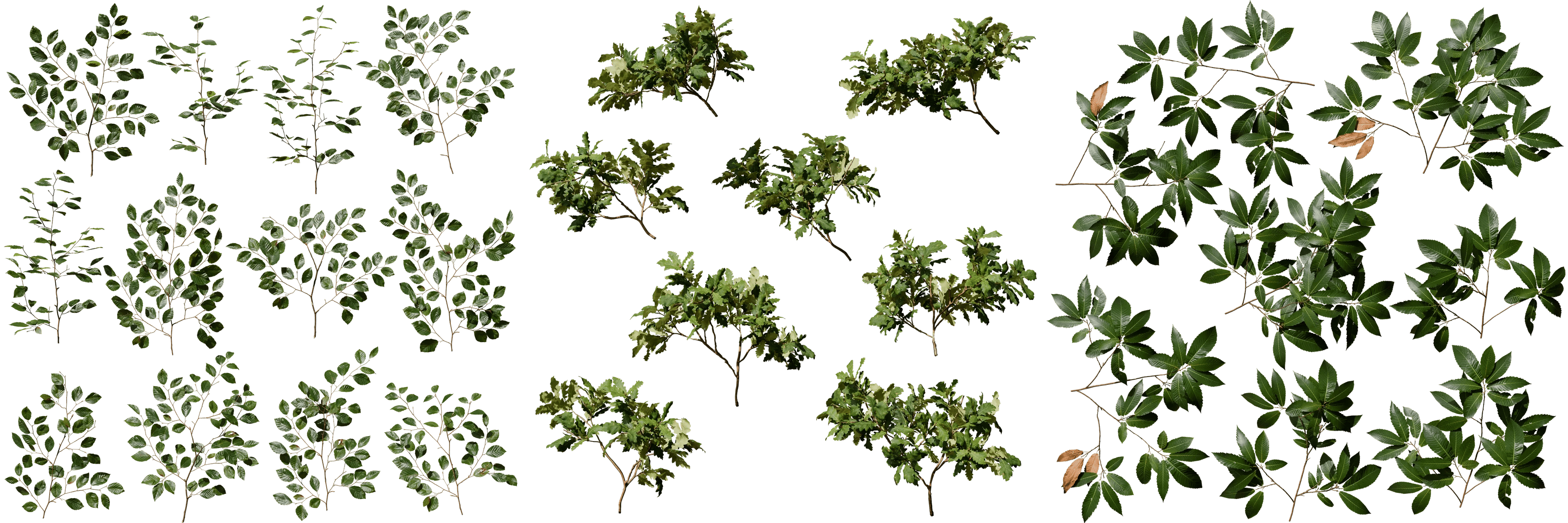
- Common Beech: 12 large branch clusters, 8 sub-clusters, 9 leaf and 7 twig meshes
- Pedunculate Oak: 8 large branch clusters, 11 sub-clusters, 23 leaf and 11 twig meshes
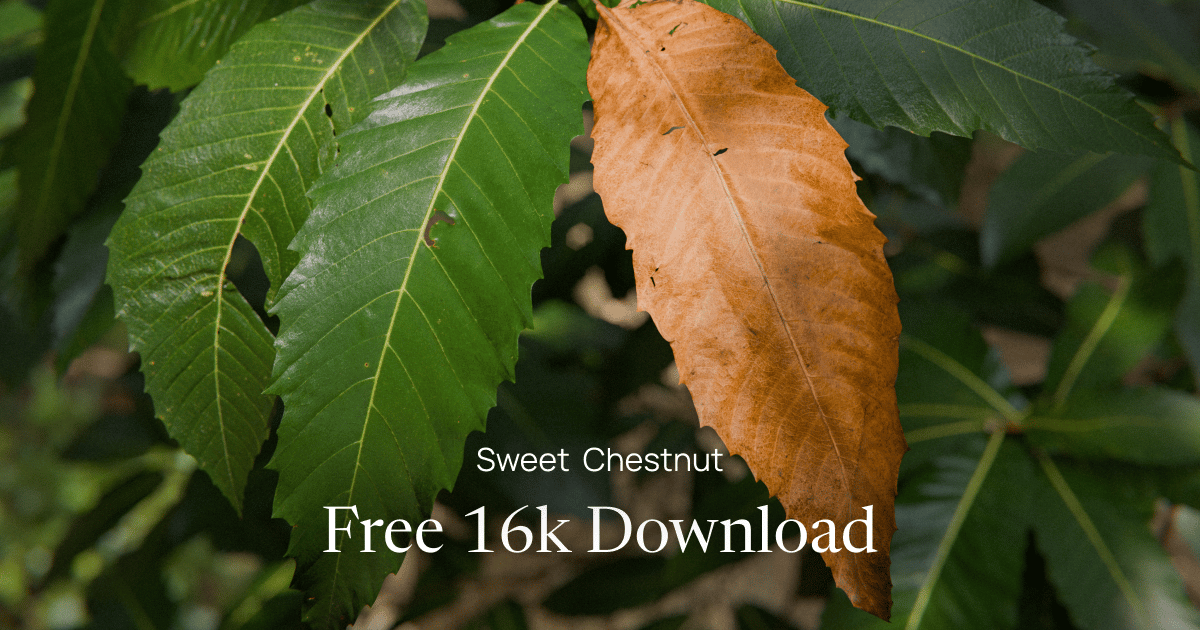
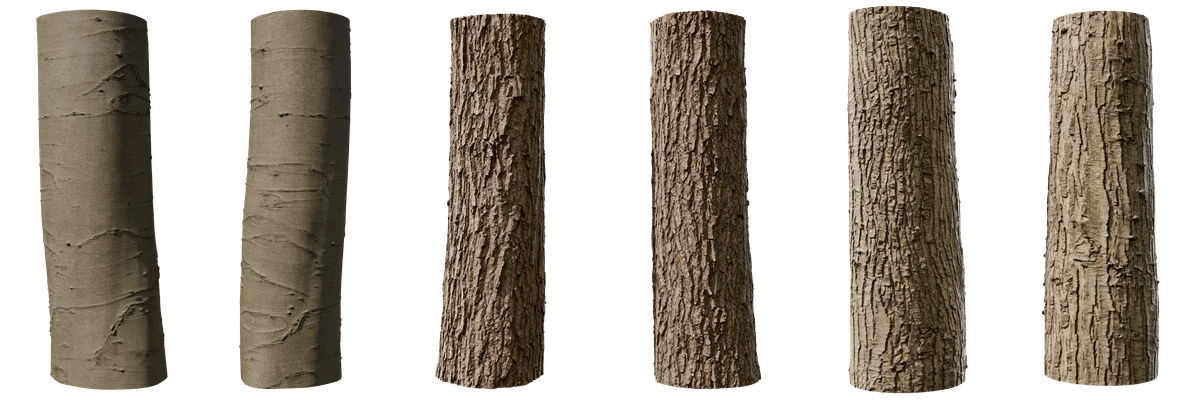
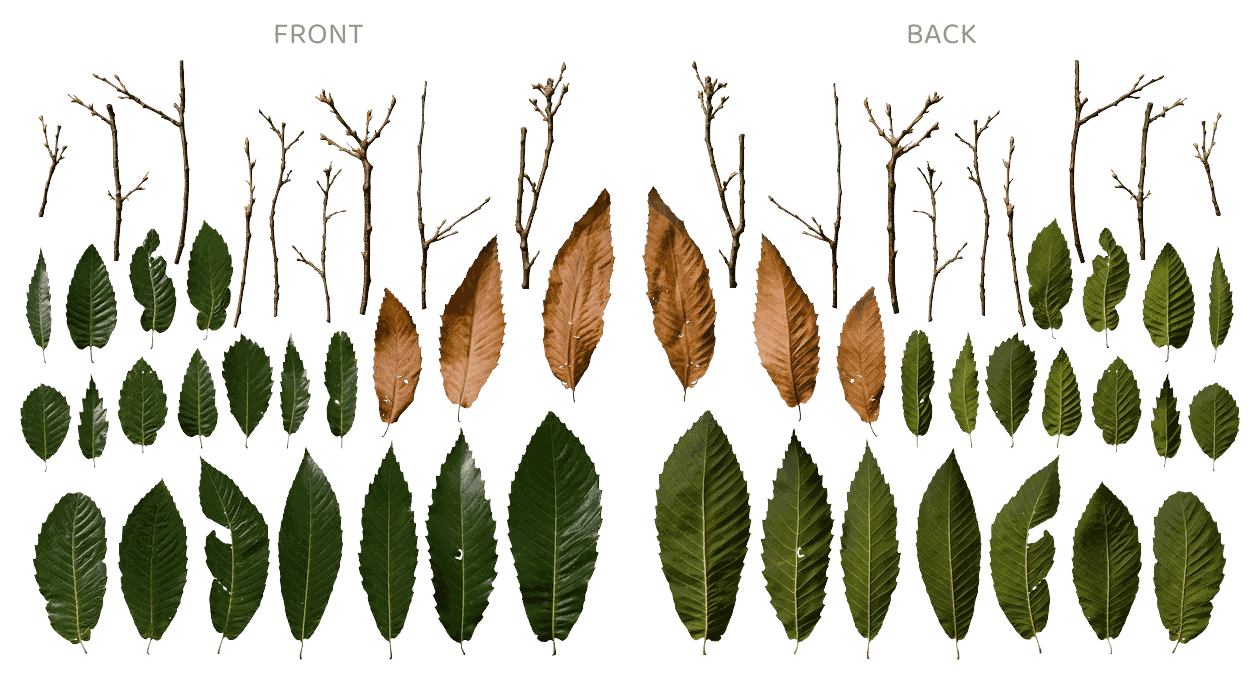
- Sweet Chestnut: 8 large branch clusters, 13 sub-clusters, 21 leaf and 9 twig meshes, front and reverse leaf atlases, and separate trunk and young twig bark
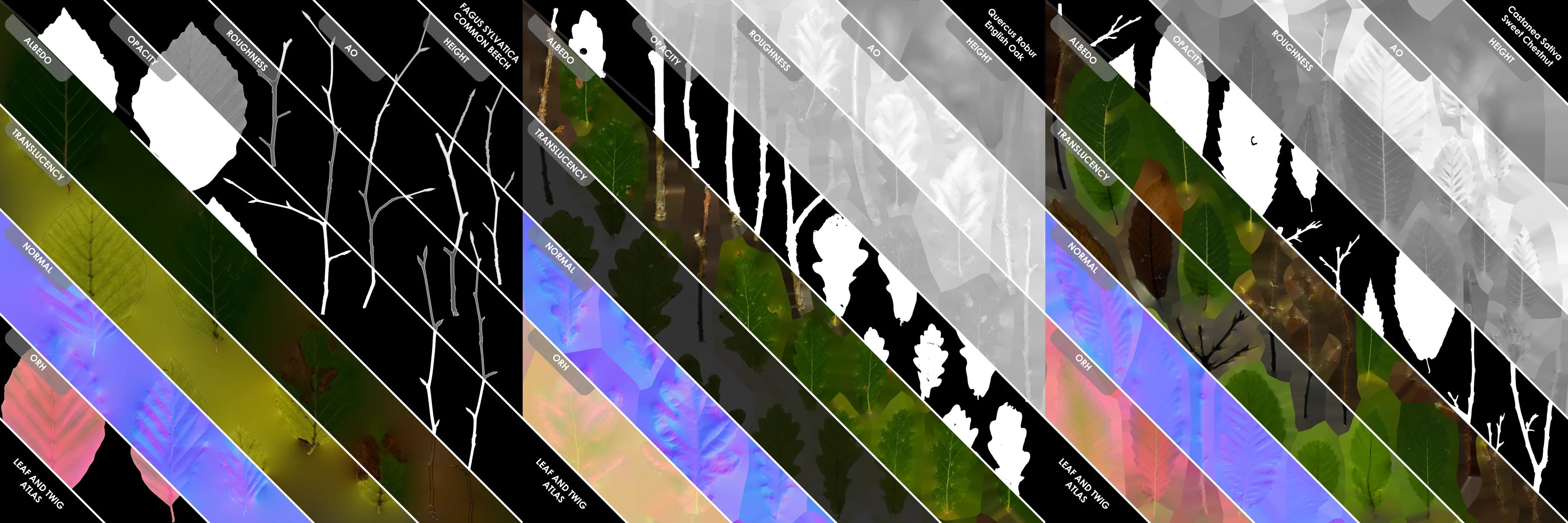
Every pack comes with a leaf and twig atlas and a tiling bark set, as USD and FBX meshes with PNG textures.
Fronts and backs
Real leaves have both a front and a backside which often vary in both colour and response to light. For species with strongly contrasting textures, we capture both sides, to enable you to carry this realism through to your finished 3d assets.
One licence framework for every end user
| Licence | Textures | For | Price | Launch price |
|---|---|---|---|---|
| Personal | 4K | Your own projects | €40 | €28 |
| Professional | 16K | One person, client work | €100 | €70 |
| Studio | 16K | A company and its teams | €300 | €210 |
| Studio AI | 16K | Studio, plus AI training | €1,500 | €1,500 (no discount) |
The price of species resource packs may vary depending on the time and effort it costs to produce them.
Not sure which licence fits? See the Store FAQ.
Try it free
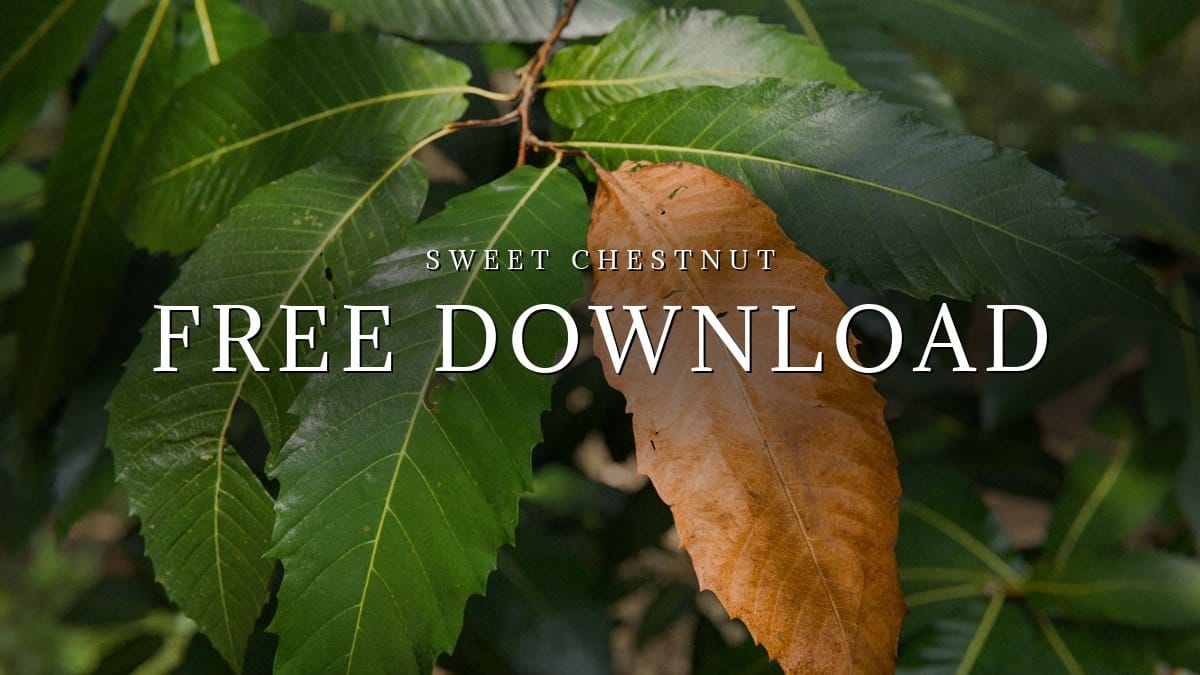
To try the workflow first, grab the Sweet Chestnut pack from the store for free.
New to Natsura? See plans at natsura.com/pricing.
Working with the parts in Natsura
When these assemblies are loaded into Natsura, our tools rig them automatically, ready for animation, and vary them as they're placed into the canopy so no two branches are identical.
Using these packs, you can build a tree in Natsura and export it as an Unreal Nanite Skeletal Assembly within minutes, with full control over instance sizes, counts, geometry density, rig fidelity and wind animation.
In Natsura, twig, branch and canopy assemblies are placed procedurally by interactively assigning traits to each branch, such as age, health, angle or size. These traits automatically determine where a branch sits in the canopy. So even when it feels like you're building one tree, you're really building a species recipe that can grow and evolve along with your asset library, for all your future projects.
This approach underpins the rest of the tools too. While the tools are fully interactive and support a familiar direct modelling experience, mastering Natsura is about thinking through how a species grows in different situations and at different ages, and encoding that into a single recipe that defines growth and meshing.
This means variation in Natsura doesn't only come from random seeds, but from overlapping signals and influences configured by the user. Every behaviour and parameter can be set to listen to per-tree properties such as soil quality, age or maturity, and these traits flow through the growth system to shape every aspect of the tree.
Natsura doesn't give you a black box or canned procedural setups. It gives you the fundamental control needed to build any kind of plant you can imagine. Combined with species resource packs, this unlocks a new kind of 3D vegetation asset: one that grows, evolves and reacts.
Coming soon
Questions, or want to show us what you've grown? Join the community on Discord.
Store FAQ
Which licence should I choose?
Every asset is sold on one ladder of licences, and every rung allows commercial use. Pick the rung that matches how the work will be used, not just the resolution you want.
- Personal (4K textures): for individual creators working on their own projects. No client work. Organisations may use Personal for internal evaluation only.
- Professional (16K textures): for individual professionals working on their own projects or delivering work to clients. Held by one person, with no shared organisational licence.
- Studio (16K textures): for companies and studios that need shared access across teams, projects and production pipelines. Covers one legal entity, with access for authorised employees and contractors.
- Studio AI (16K textures): all Studio rights, plus permission to use the asset for AI model training and AI production work. Covers one legal entity, and applies only to assets bought at Studio AI.
Can I change licence tiers?
Yes, and you only pay the difference. An individual on Personal can move up to Professional. An organisation on Personal or Studio can move up to Studio or Studio AI. Professional belongs to one person, so a company buying Studio is a new licence rather than an upgrade. While the store is in early access we handle upgrades manually, so email us at support@natsura.com with your order number. This will move into self-serve account management later.
What texture size do I need?
Personal includes 4K textures. Professional, Studio and Studio AI all include the same full 16K pack and differ only in licence. 4K suits most real-time scenes, while 16K holds up in close shots, cinematics and offline rendering. Larger textures mean much larger downloads, so check the file list beside the buy button before you choose.
How do downloads work?
After checkout, your assets appear in your dashboard with secure download links. Every rung you own stays downloadable, including the smaller resolutions your licence covers.