Where Natsura is heading
Prehistory
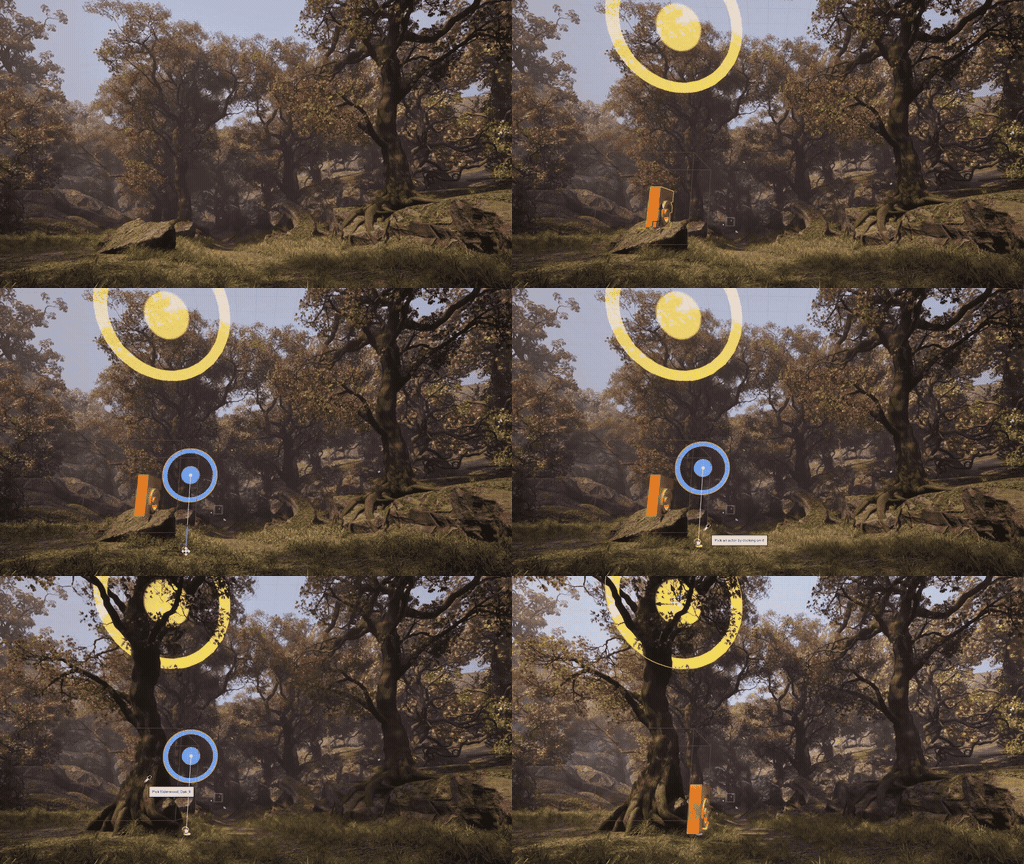
The earliest work, before early access. The growth engine arrived in 0.1, the first mapping system in 0.2, and the first decorations in 0.3. Internally the tools were namespaced Flops at this point, which is still visible inside some of the assets, and the work ran alongside Project Elderwood.
The first version of the growth engine. You describe the growth rules as a graph of nodes, and the simulation runs that graph step by step to grow the plant. See Simulation.
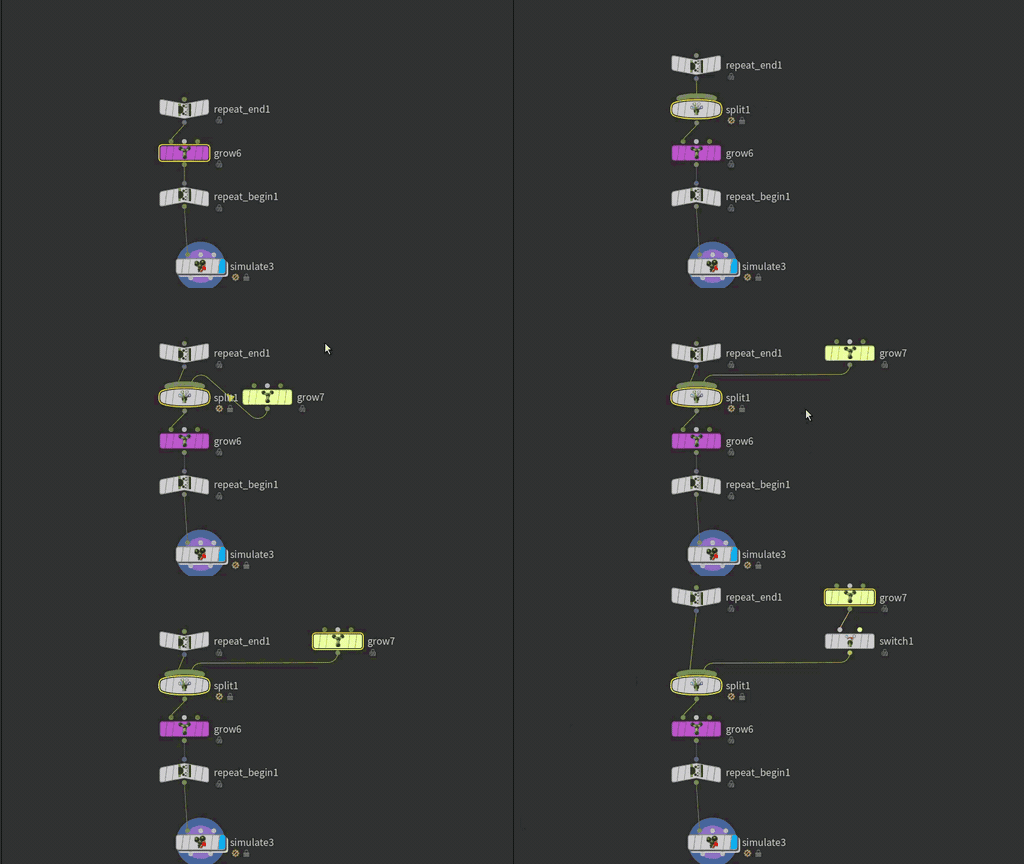
Extends the plant by creating new segments from the current endpoints, with control over length, angle, and width. See Grow.
Forks growth into several paths at once. Wire a different Grow into each input to give each branch its own rules. See Split.
Sends growth down one of two paths depending on a condition, such as height. See Switch.
Repeat Begin and Repeat End wrap a piece of the growth graph so it runs several times over, each pass growing from the ends of the last. See Repeat.

Write VEX directly into the growth logic, for the cases the other nodes do not cover. See Wrangle.
A parameter no longer had to be one number for the whole plant. A map works out a value for each part of the plant from something the simulation knows about it, such as its height or its age. See Mapping.
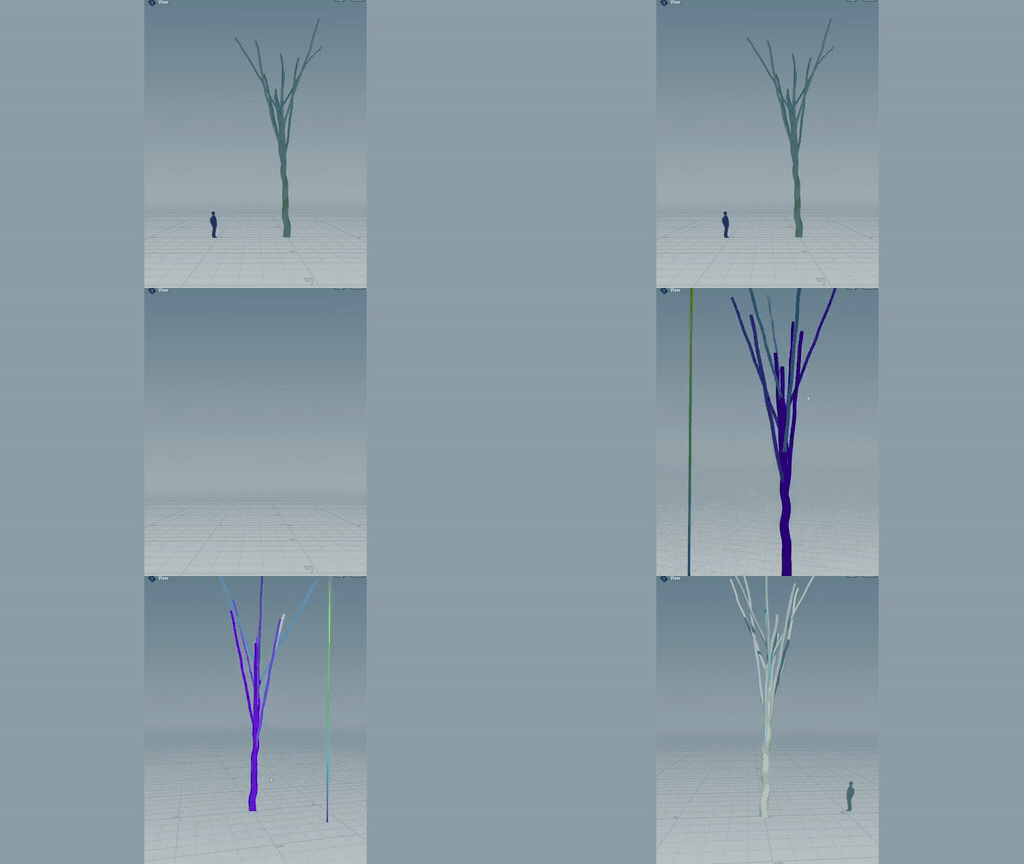
In its first form maps were chained one after another in a stack, each one working on the value the one before it produced. See Map.
Decorations mesh the grown skeleton. You assign one to a Grow to say how the part of the tree it grows is meshed. See Trunks & Meshing.
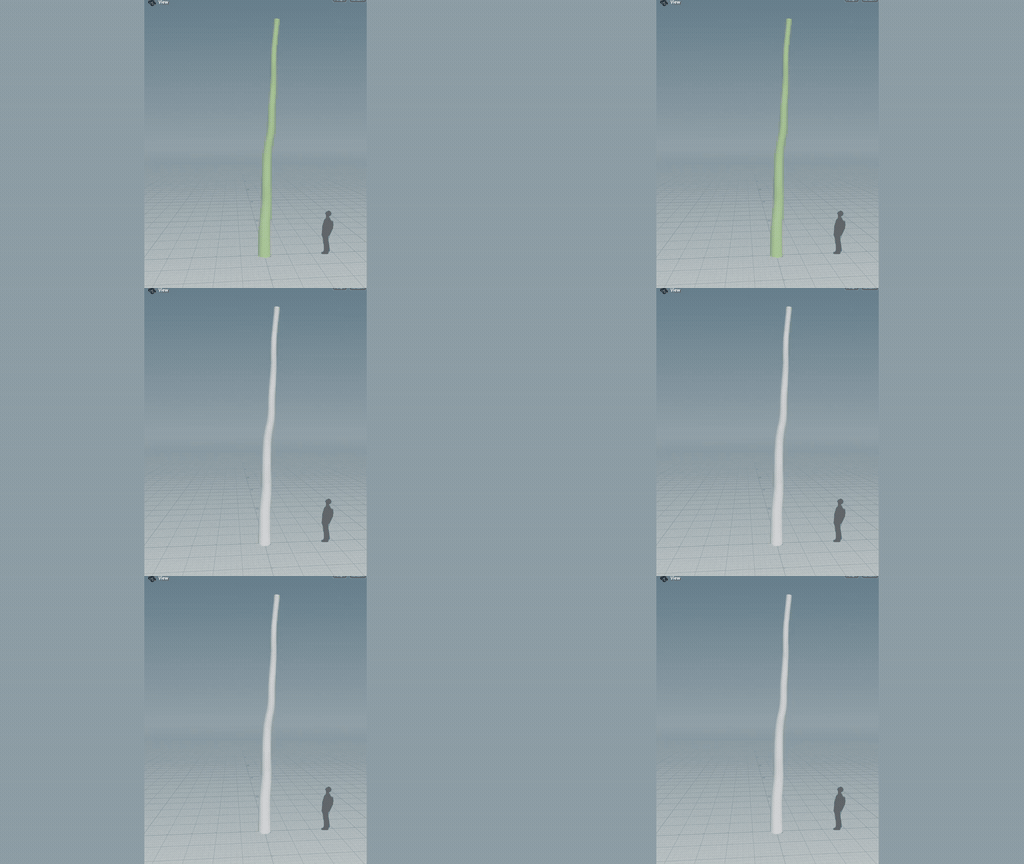
Surface Decoration meshes the trunk and branches. It sweeps a profile along each strand, sized by the strand's width. See Surface Decoration.
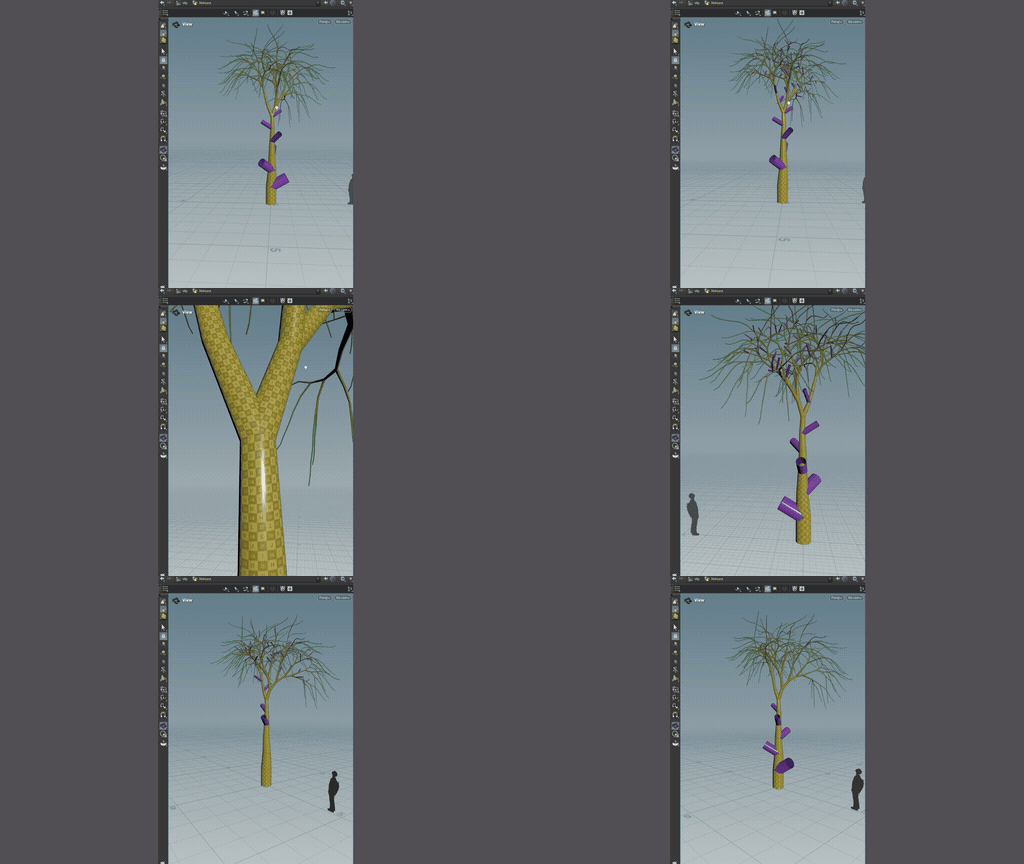
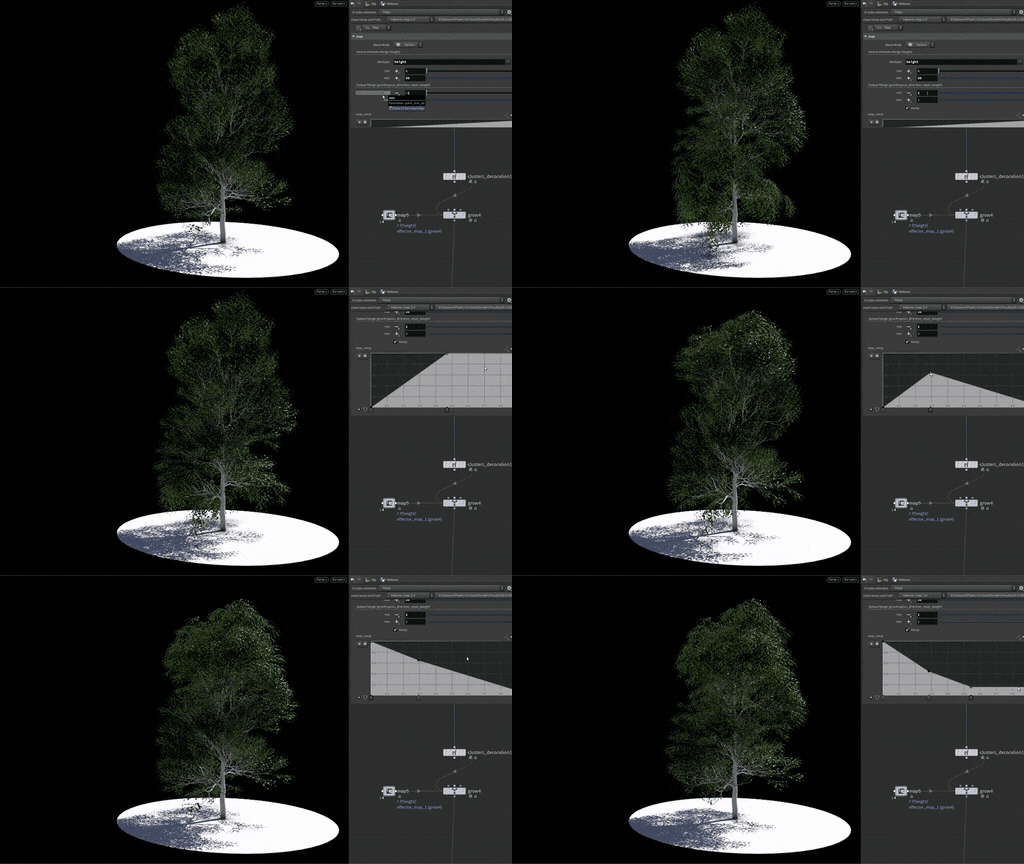
Attaches parts such as leaves, flowers, and fruit along the skeleton and bends them to follow the branches. It was deprecated in 0.6.1.0 in favour of Assembly Decoration, then rebuilt as Clusters Decoration 2.0 in 0.7.2. See Clusters Decoration.
Scans
The first scan tools, Scan Rig Update and Scan Extract Texture, along with Select Decoration, the Import Props utility, and a Simple Conifer recipe. It also brought many meshing updates and fixes, particularly for Elderwood.
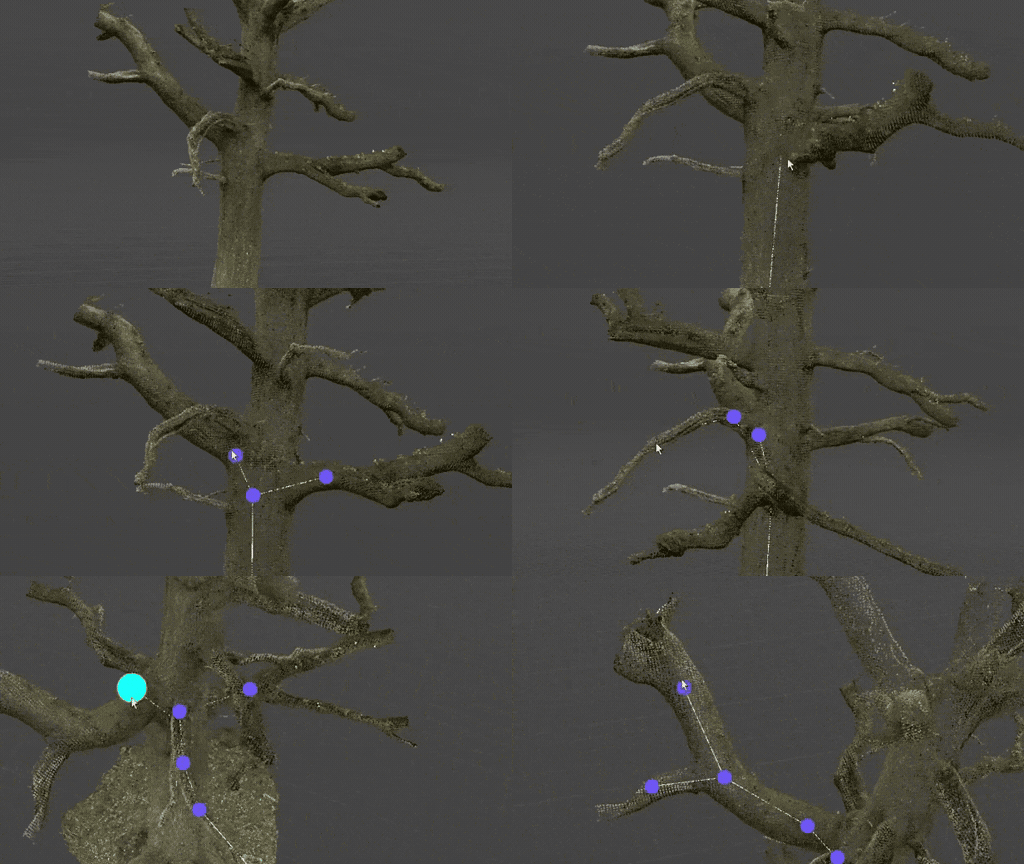
Gives a scanned section a skeleton, so Scan to Tube can rebuild it as a clean tube for a tiling bark texture. Experimental. See Scan Rig.
Extracts colour, ambient occlusion, height, and normal textures from scan data. It still ships, marked deprecated.
The first version of choosing which parts of a plant a decoration applies to, instead of applying it everywhere.
Loads mesh files, such as leaves, flowers, and rocks, and prepares them as parts for decoration. See Import Props.
Point attributes on the source points pass straight through into mapping, so what you bring in can drive how the plant grows. See Mapping.
Added a Simple Conifer recipe to the library. The example was dropped in 0.6.0.3.
Early Access
The release where anyone could sign up and download Natsura, with a free Apprentice licence. Grow 1.1 brought looping, forking, splitting, and switching into one node as parameters, and the long run of 0.5.x builds worked on making the Nanite assemblies workflow closer to production readiness.
Anyone could sign up on the new natsura.com, download the tools, and start on a free Apprentice licence.
Looping, forking, splitting, and switching moved out of separate nodes and into Grow as parameters, each of them mappable. See Grow.
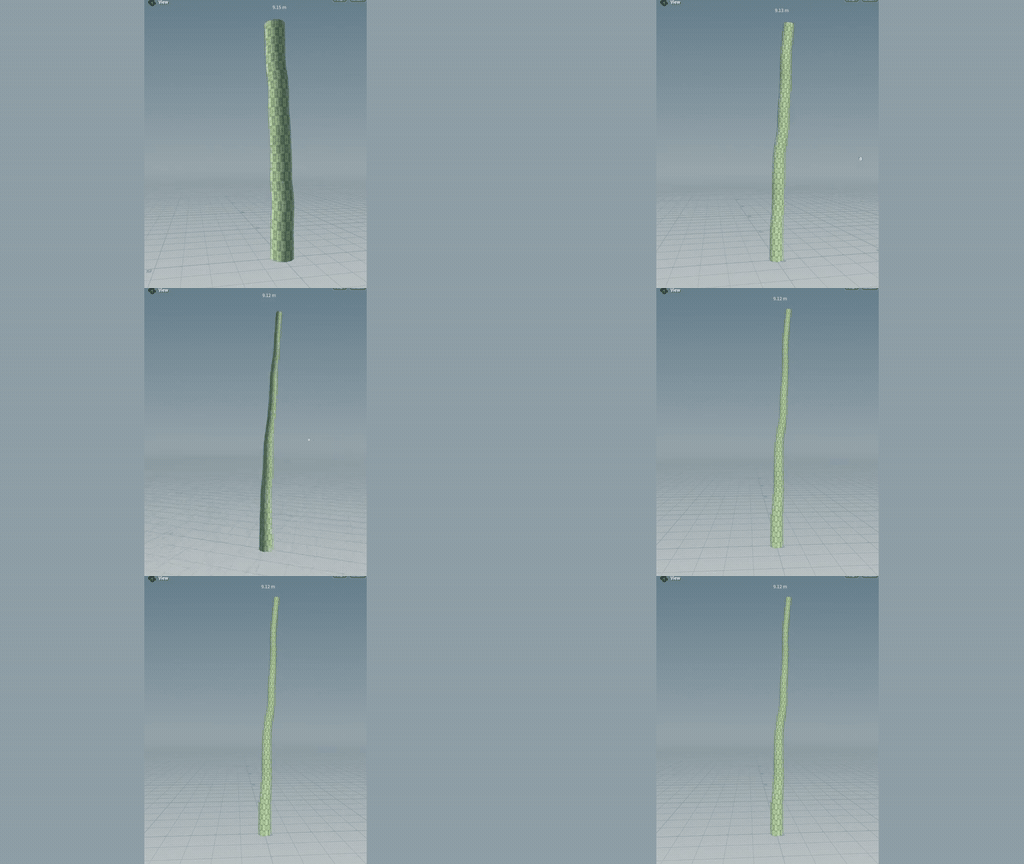
Chooses between two mapping chains on a condition, such as one branch angle below a height and another above it. See Map If.
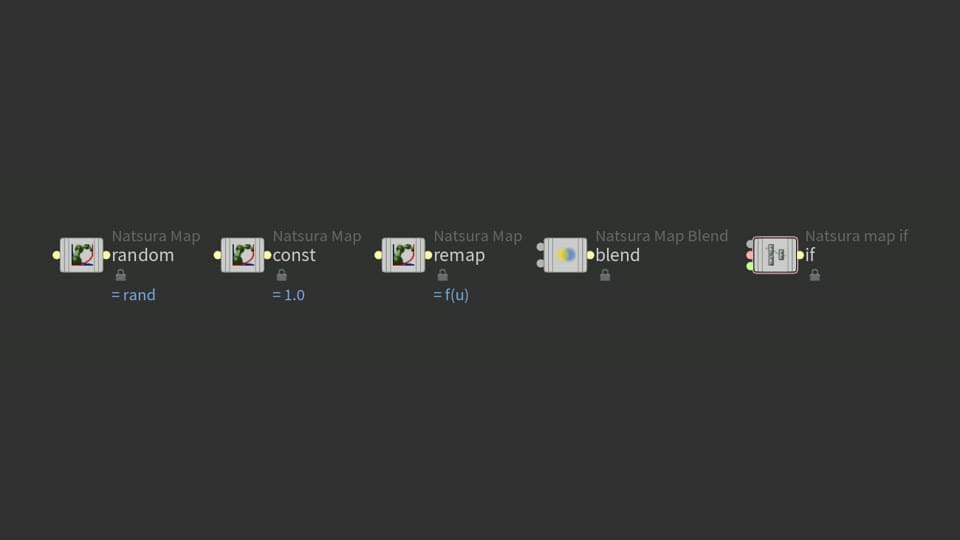
Blends two mapping chains on a weight, for smoother control. It is still experimental, and 0.7.2 fixed it and added a Mask input and six new modes. See Map Blend.
Switch and Wrangle gained mapping chains of their own, for attribute-driven logic, gating, and custom behaviours. See Switch.
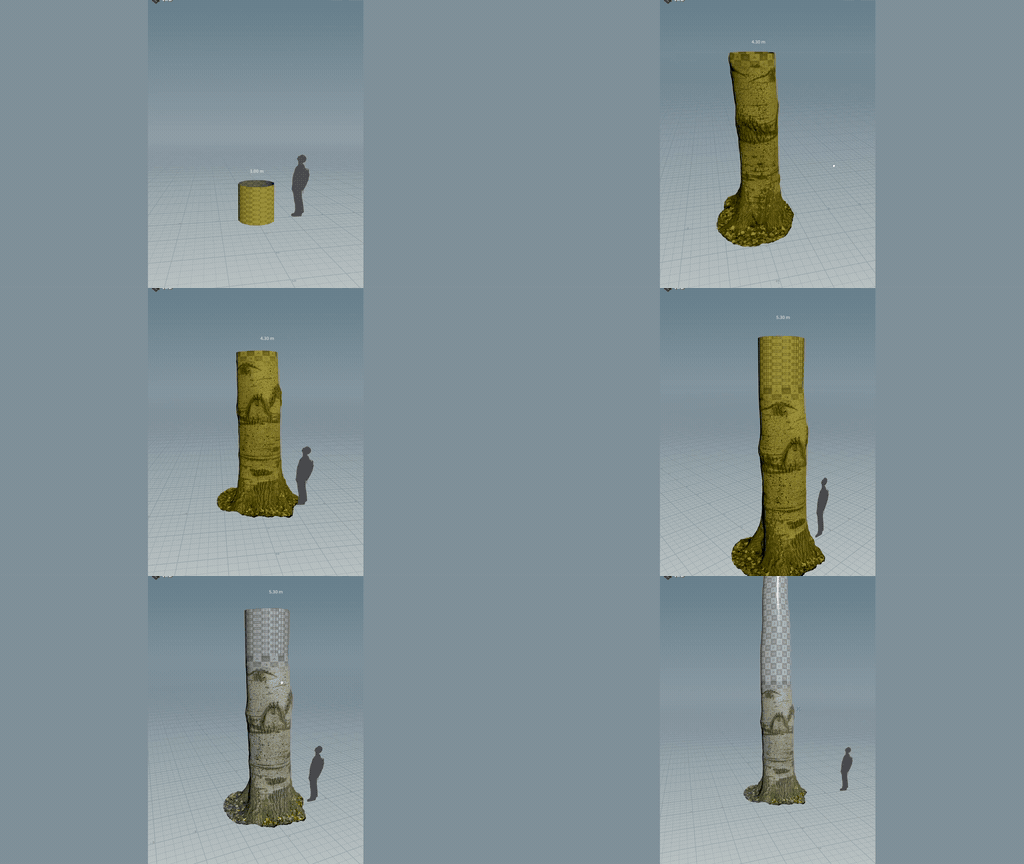
Put a scanned or sculpted trunk on the trunk Grow, so procedural branches and roots grow on from it. See Trunk Decoration.
Groups geometry into named modules that the cluster decorator can place. It still ships, experimental and hidden from the Tab menu.
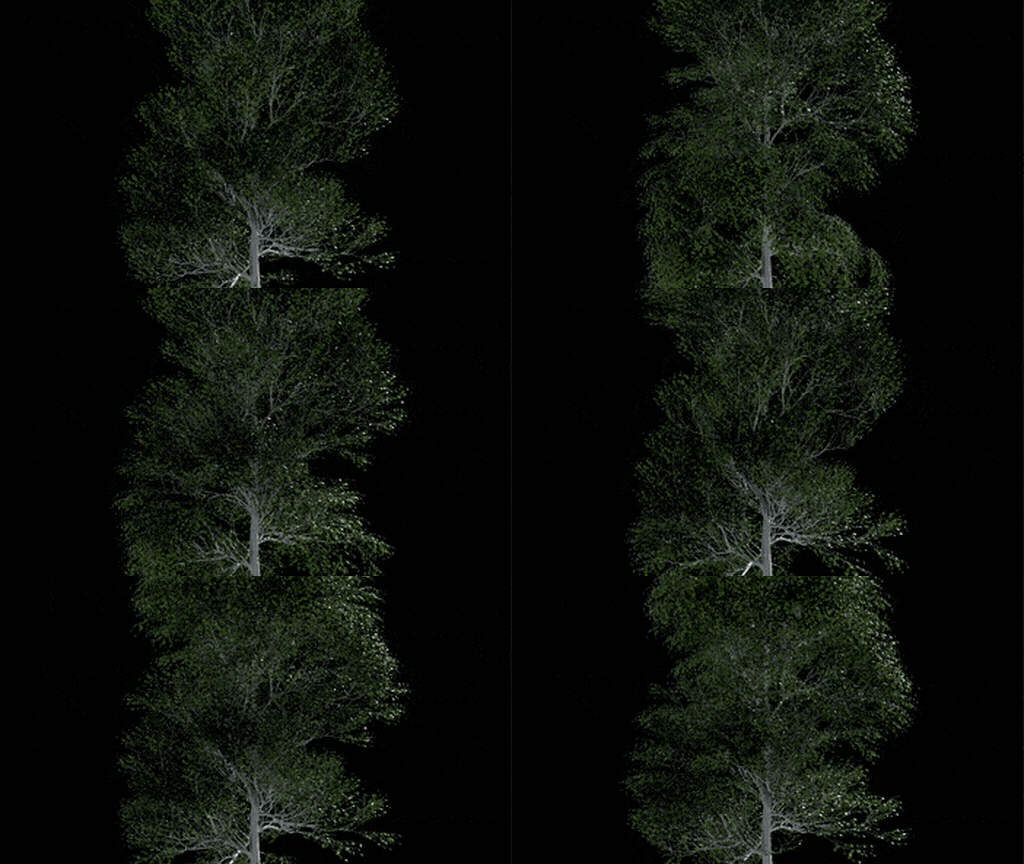
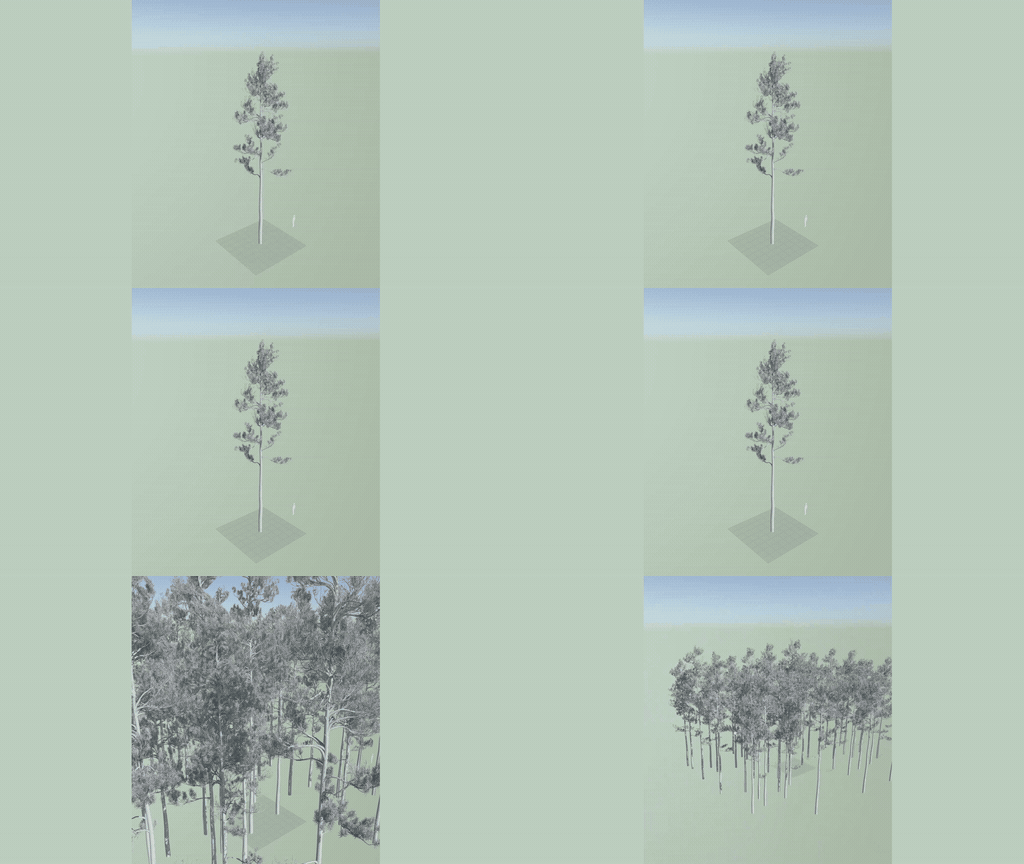
Makes the points a Simulate grows trees from, for stands and forests. Each point carries its own seed, age, and species, so one recipe grows a different tree at each point. Experimental. See Seed Points.
The 0.4 utility became a node: load meshes into the cluster decoration workflow as part of the graph rather than as a step beforehand.
WYSIWYG export to Unreal, released as experimental. It was removed in 0.6.0.0, and Export Unreal Nanite Assembly and Wind Config now do its job. See Unreal Wizard (Deprecated).
Bakes detail from a high poly mesh onto a low poly one as texture maps, in COPs. See Bake.
Graft scanned trunks and extend them procedurally. See Trunk Extension.
Quick access to examples, docs, Discord, and the website. The Natsura Hub replaced it in 0.6, and in 0.7.2 the Welcome Screen and Project Browser replaced the Hub.
A panel of mapping presets that could be applied to a parameter in one click. It was removed in 0.6.1.0.
Cleaner layouts, smaller buttons, new view modes (Skeleton, Preview, and Decorated), and new preferences such as bounds display and UI scaling. See Interface.
Panels became data-driven, defined in JSON with preferences that persist.
Overused dive targets were removed, which allowed Houdini to resume instancing nodes natively. Long-standing split and ID assignment bugs in the core graph were fixed at the same time.
Added experimental wind tools for Unreal: Wind Init, Wind Config, Wind Previs, and Unreal Wind. See Wind for Unreal.
Simplify Tree Rig and Skin removes joints and rebinds the skin to the ones that are left, before export. 0.5.12.0 added carve and max joint count methods and took reskinning from 30 seconds to 0.2. See Simplify Tree Rig and Skin.
Each decorator now has a clear contract for which attributes come in and which go out, and the rig attributes are transferred back in a single pass afterwards. Decorators got faster and use less memory.
The Mapping Template node defines which parameters on a node can be mapped. It was the groundwork for making decorations mappable, and in 0.5.11.2 Select Decoration moved onto it. See Mapping Template.
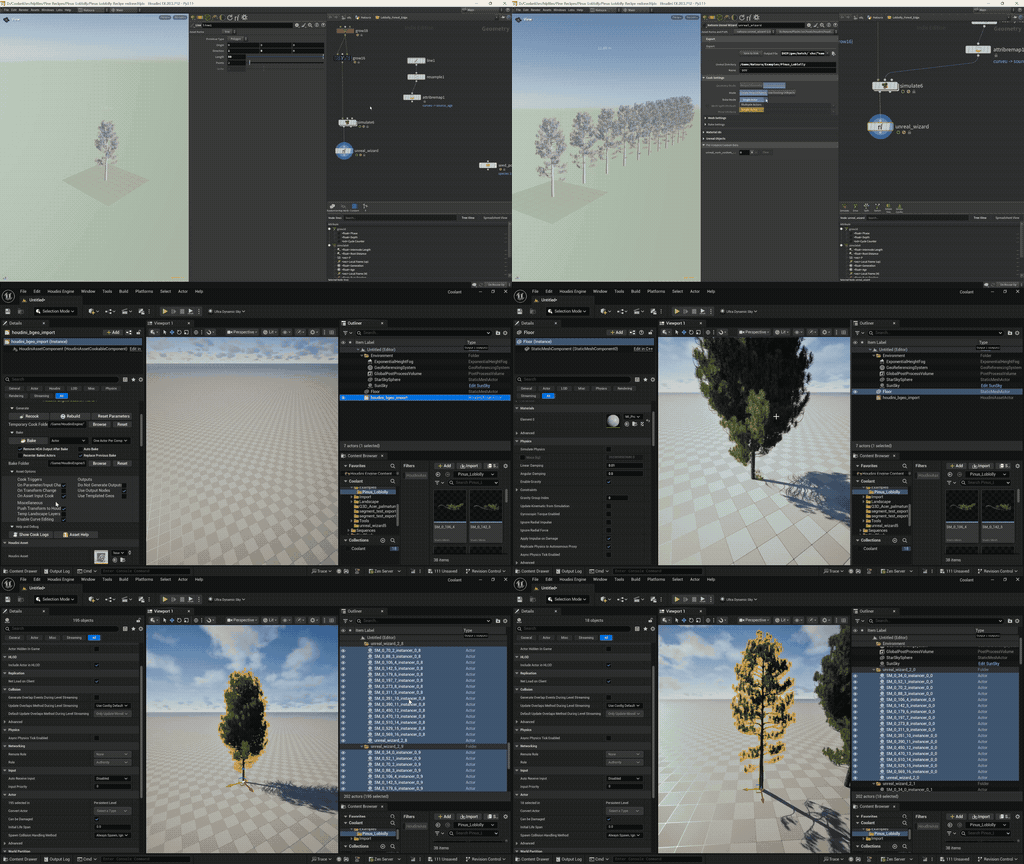
Export a tree to Unreal as a Nanite skeletal assembly, through Export Unreal Nanite Assembly and a Solaris node. Over the 0.5.x builds it gained multiple materials, multi-trunk rigs, and a run of export fixes. See Export Unreal Nanite Assembly.
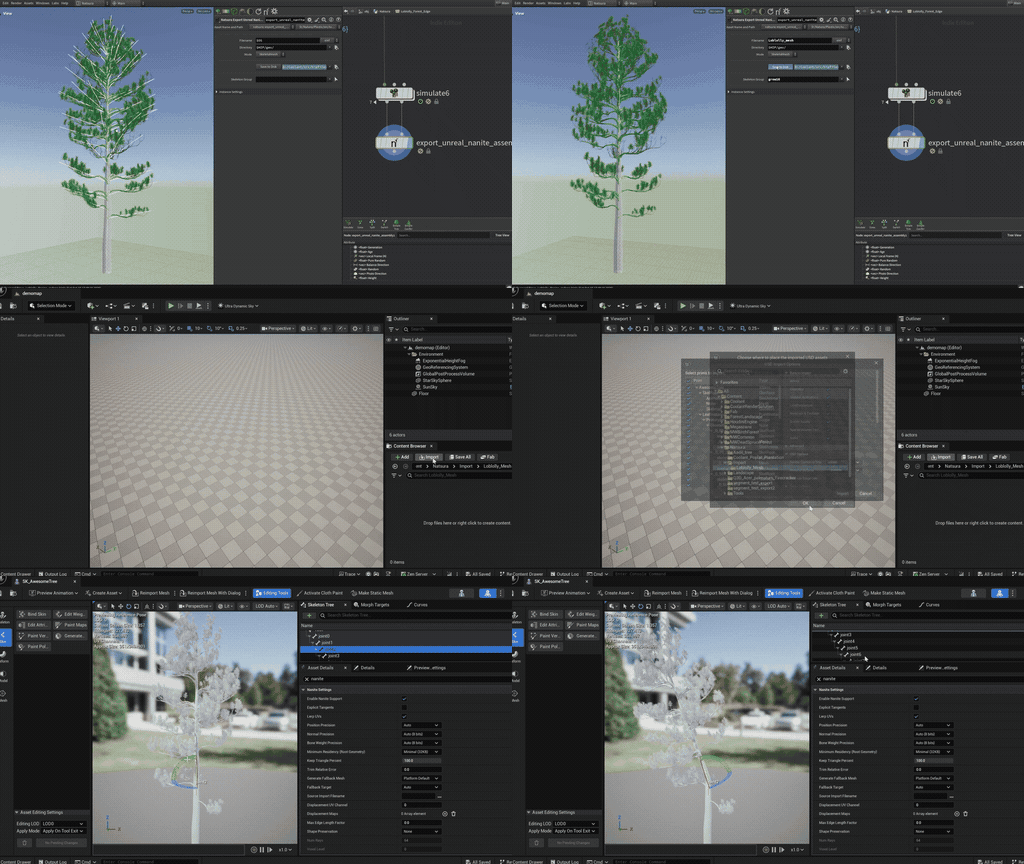
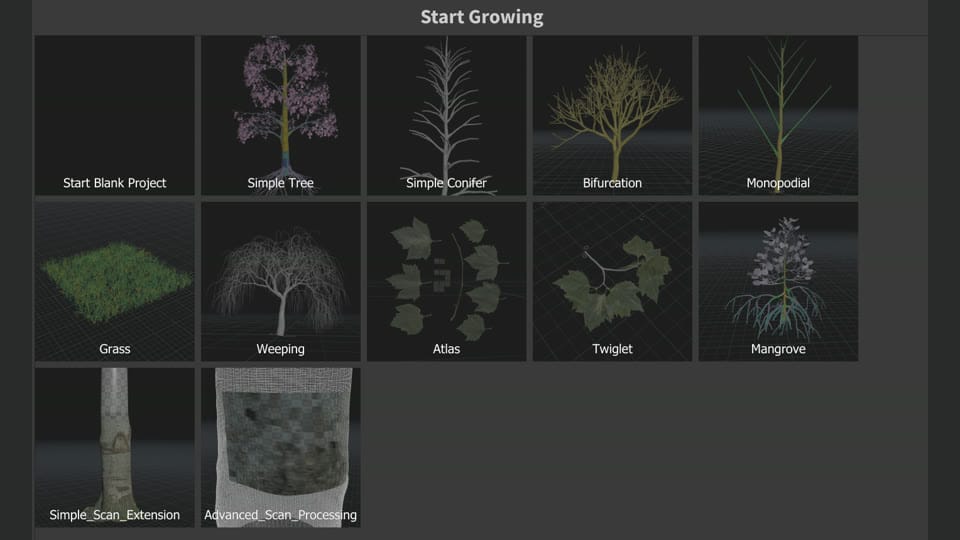
- Eleven example scenes for most of 0.5: Simple Tree, Simple Conifer, Bifurcation, Monopodial, Weeping, Mangrove, Grass, Twiglet, Atlas, Simple Scan Extension, and Advanced Scan Processing. The first 0.5 builds also had Birch, Overgrowth, and a few smaller examples.
Effectors
Shaping a tree with effectors, without writing VEX, and rigging twig and branch libraries into canopies with the Assembly workflow. Underneath, the mapping engine and the Python architecture were both rebuilt, and Houdini 21 support was added. This is the 0.6.0.0 release as it was announced; the builds that followed it are collected under 0.7.
A spiral parameter that can override inherited phyllotaxy, the effector stack built in, instant colour preview, and map construction deferred into Grow so graphs compile faster. Grow 1.0, 1.1, and 1.2 kept working, and scenes retype to 2.0 on load from 0.6.1.2. See Grow.
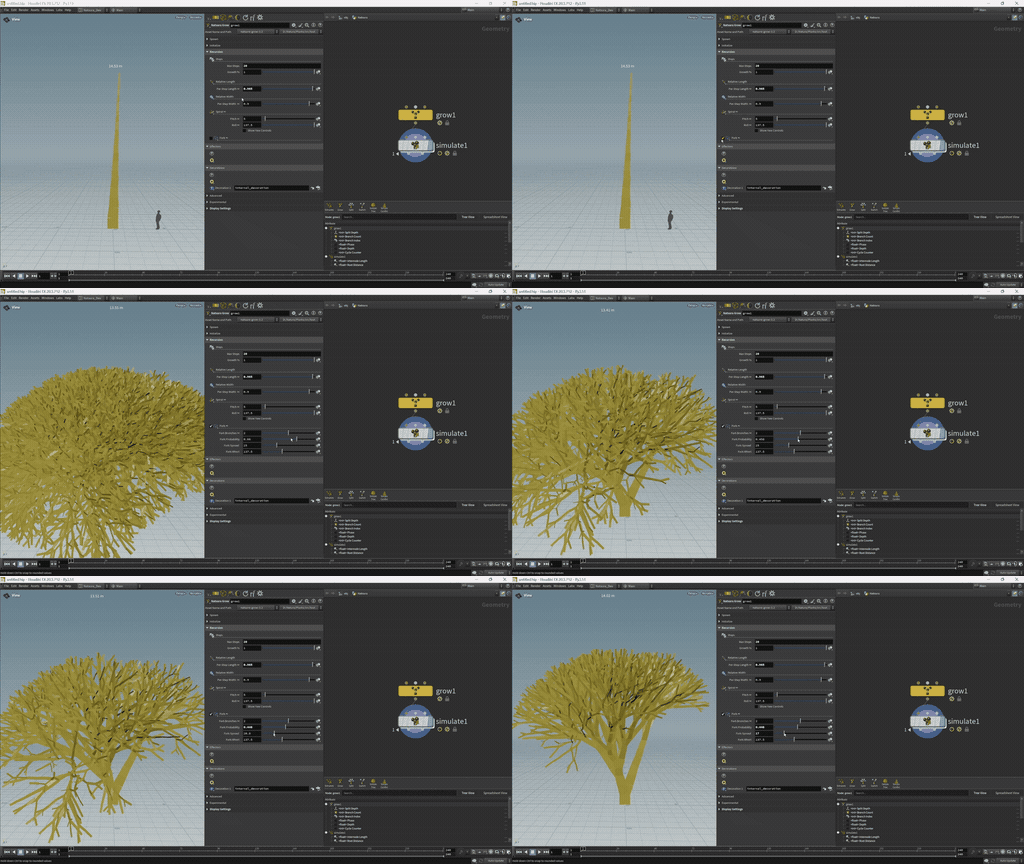
Effectors became nodes in the graph, assigned to a Grow through a stack like decorations and maps. Weight each one by a value or a map to shape a tree without writing VEX, or write your own in VEX with the base Effector node. See Effectors.
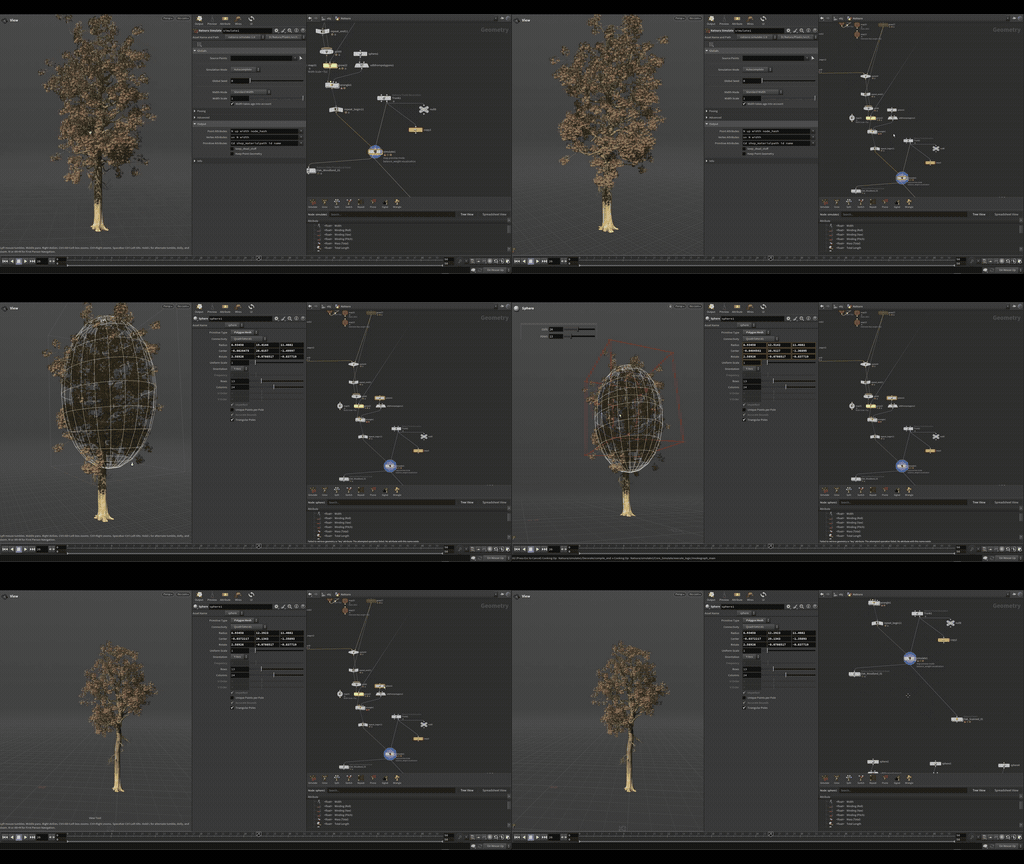
Three ready-made effectors joined the noise effector: deflection makes a tree aware of its own shape, gravity grows towards a direction (up, usually), and magnet grows towards or away from points you give it. See Deflection Effector.
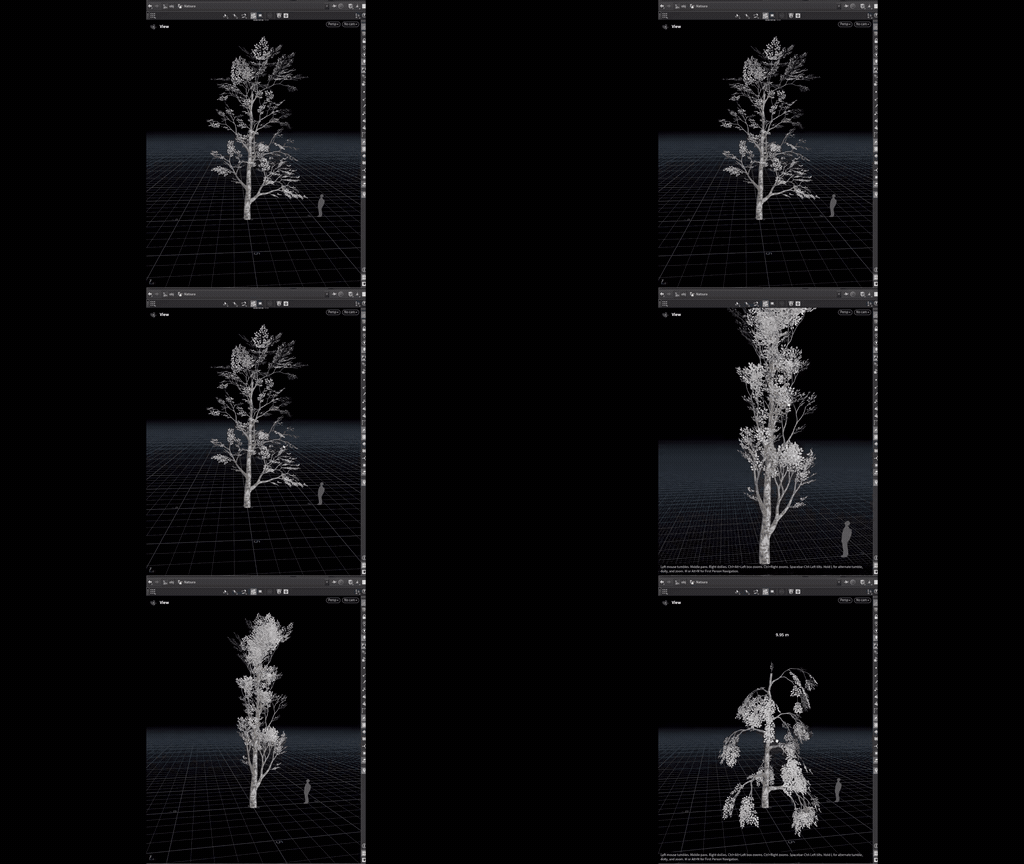
Imports a library of modelled twigs and branches from SOPs, USD, or BGEO and rigs it automatically, so the Assembly Decoration can place it on a tree. See Assembly Resource.
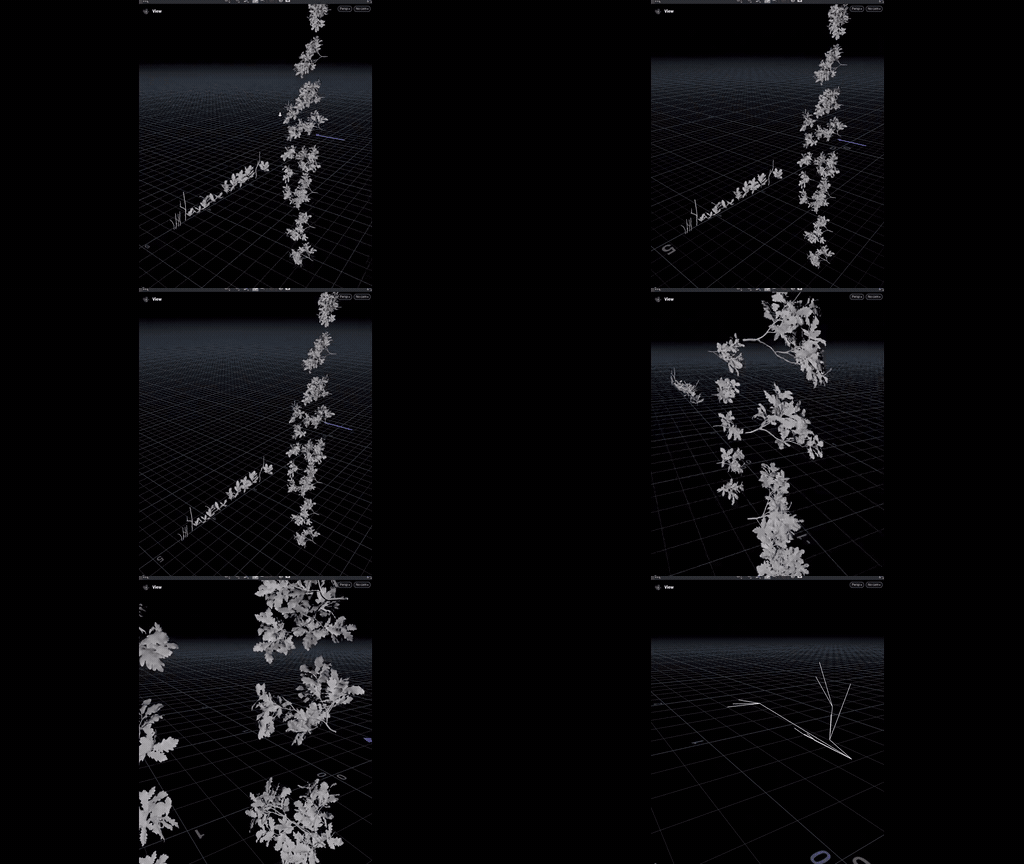
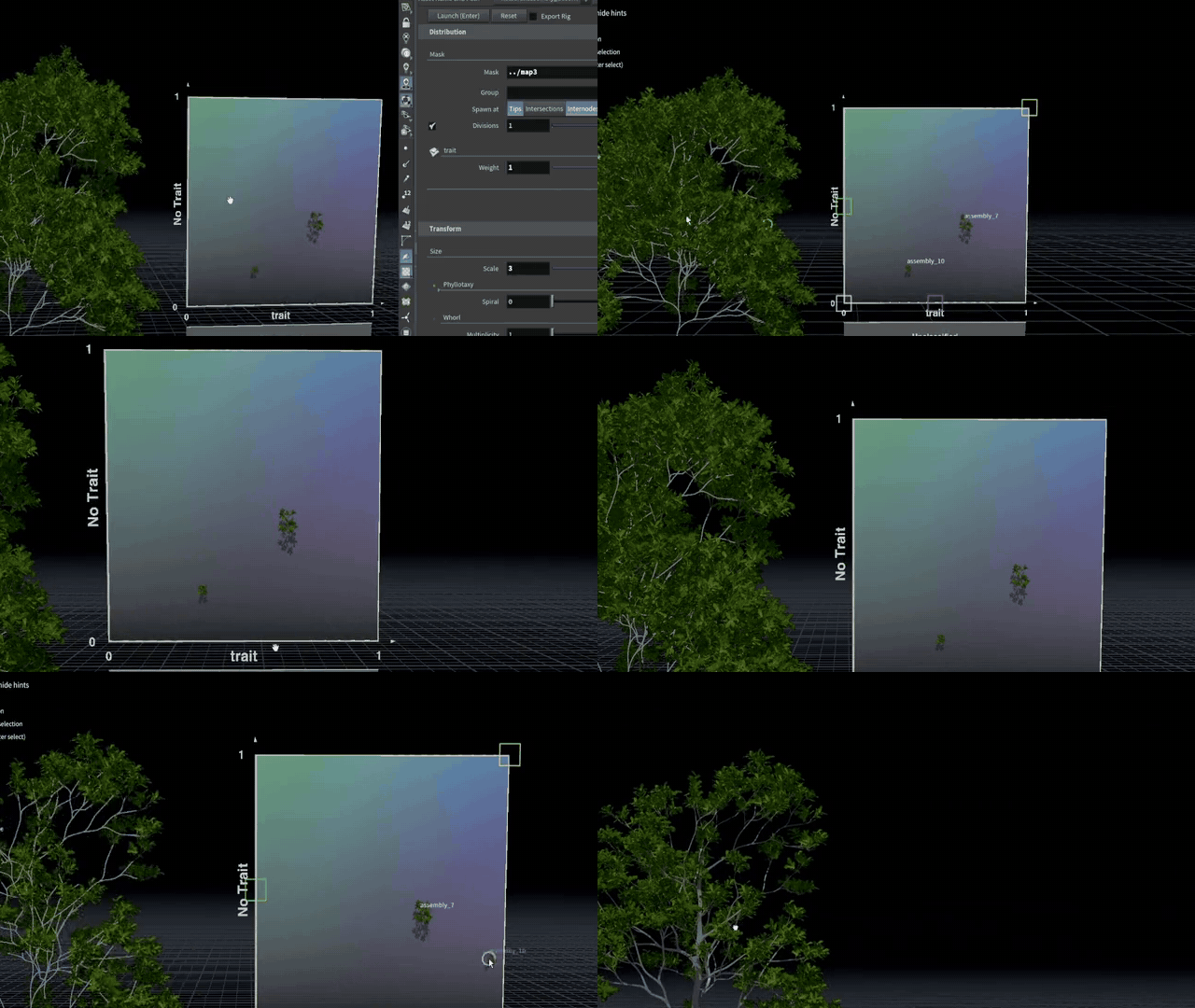
Places rigged parts from an assembly library on a tree, picks them by trait, and turns them with rigid rotations so they stay instances. Most of its values can be mapped. See Assembly Decoration.
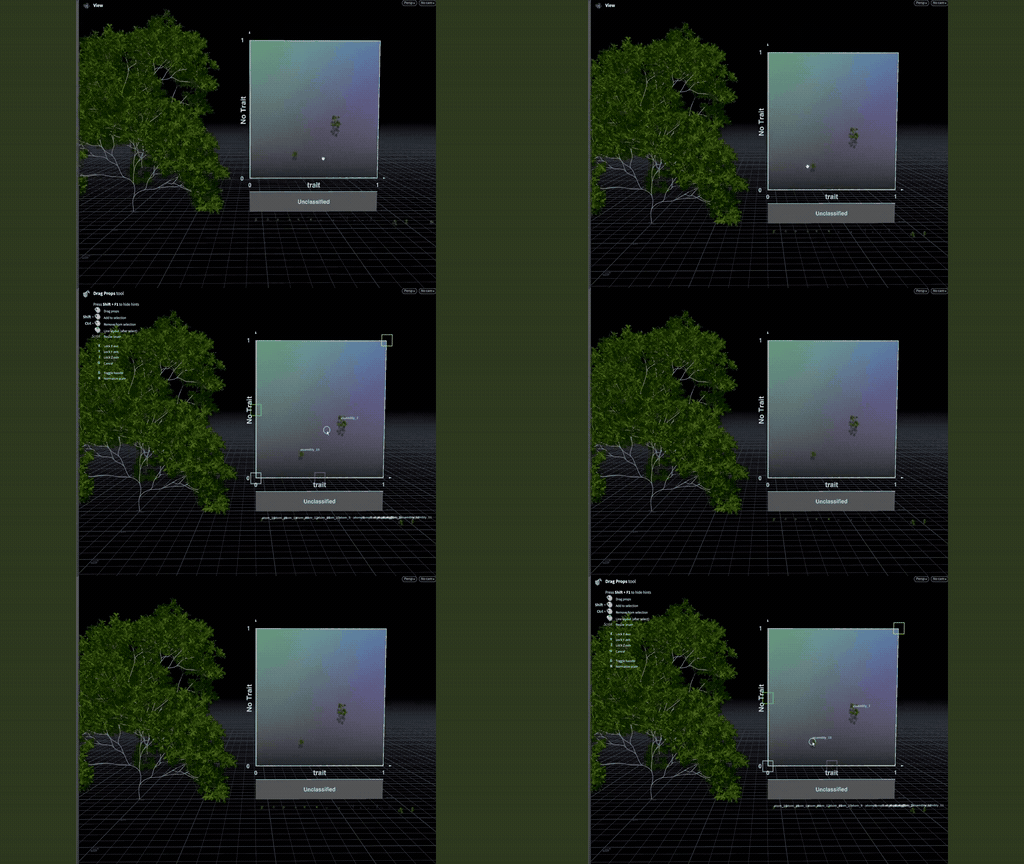
Gives the parts in an assembly library trait values, which the Assembly Decoration uses to decide where on the tree each part goes. See Classify.
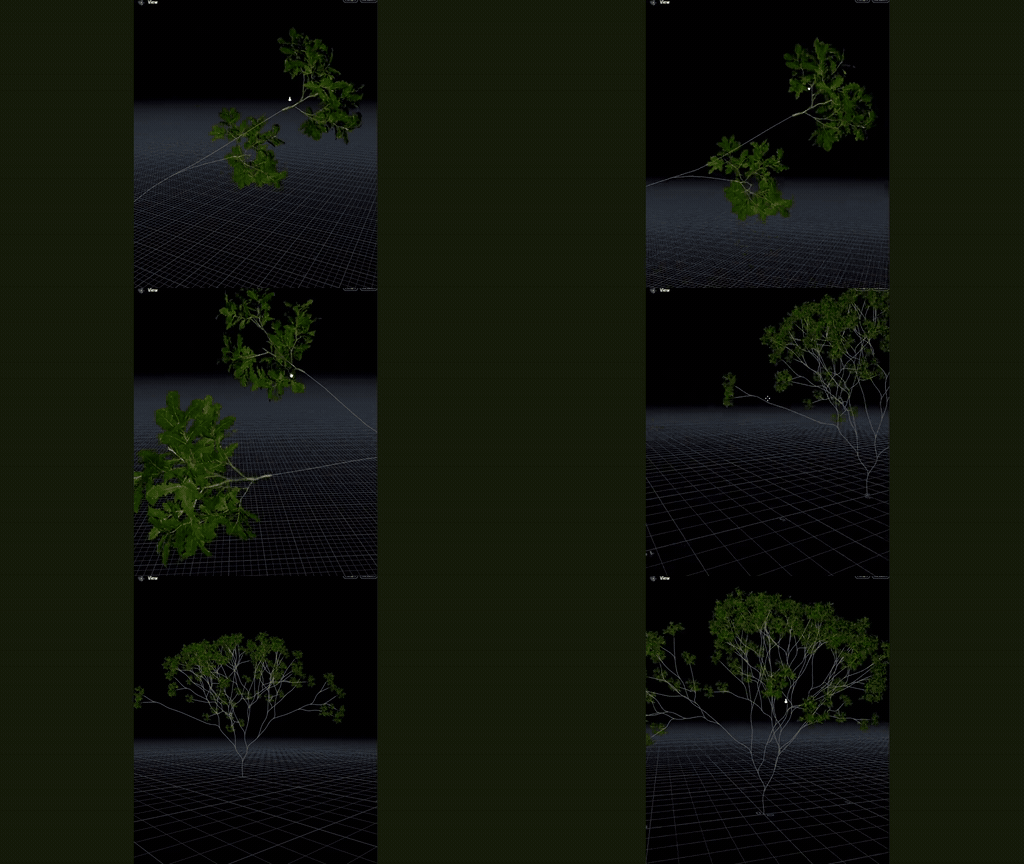
Simplify a rig hierarchy as a step you can chain, with multi-stem support. See Simplify Tree Rig and Skin.
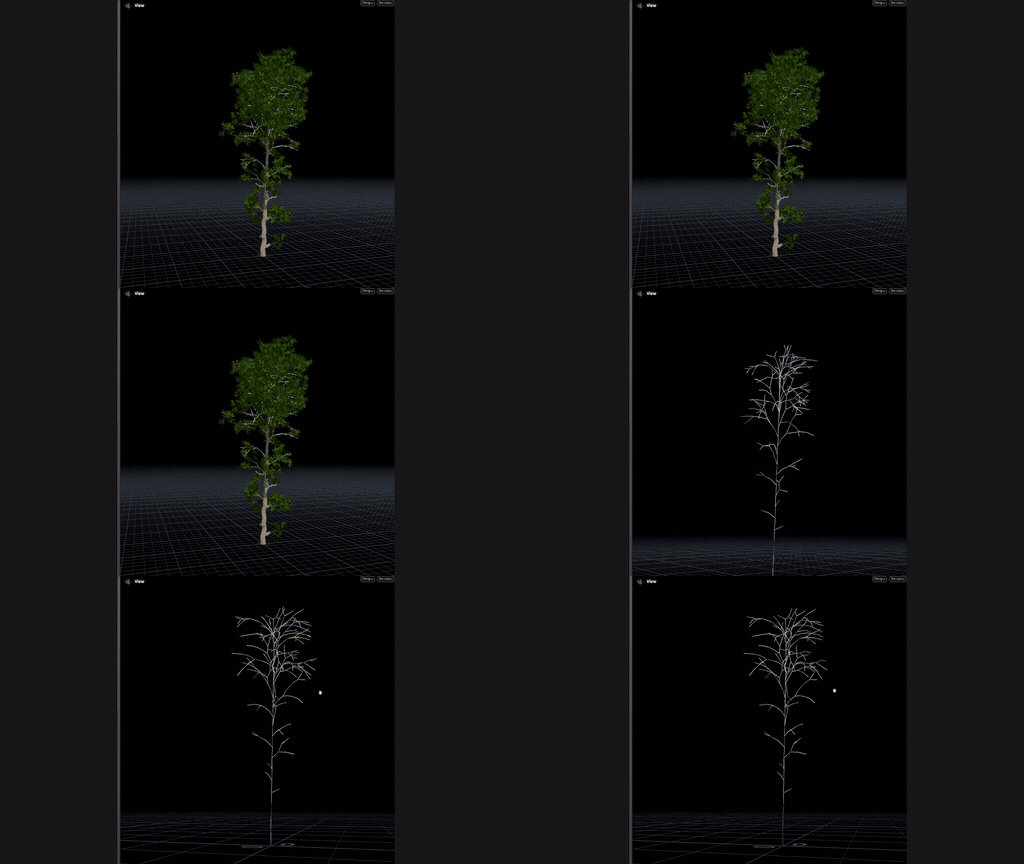
Wind Init, Wind Config, Wind Previs and Unreal Wind: assign wind classes along the tree and export them as DynamicWindSkeletalData for UE5. See Wind Config.
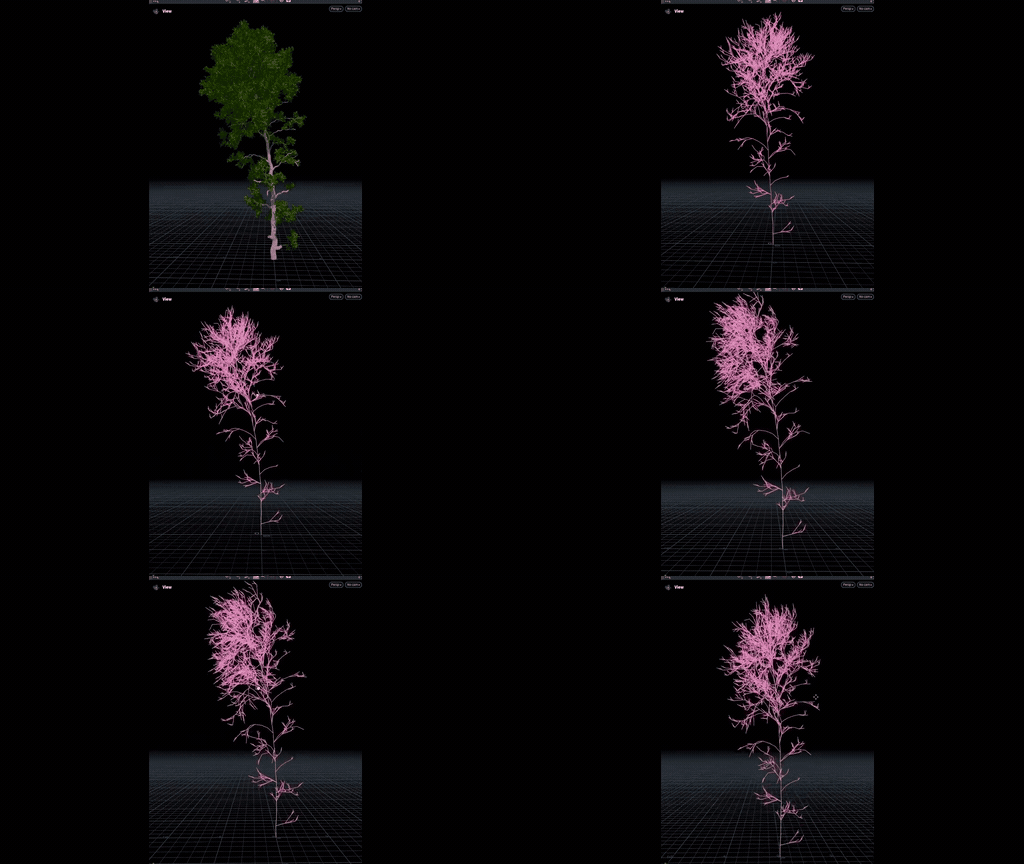
Export to Unreal as a Nanite assembly, skeletal or static, with materials and wind data alongside. See Export Unreal Nanite Assembly.
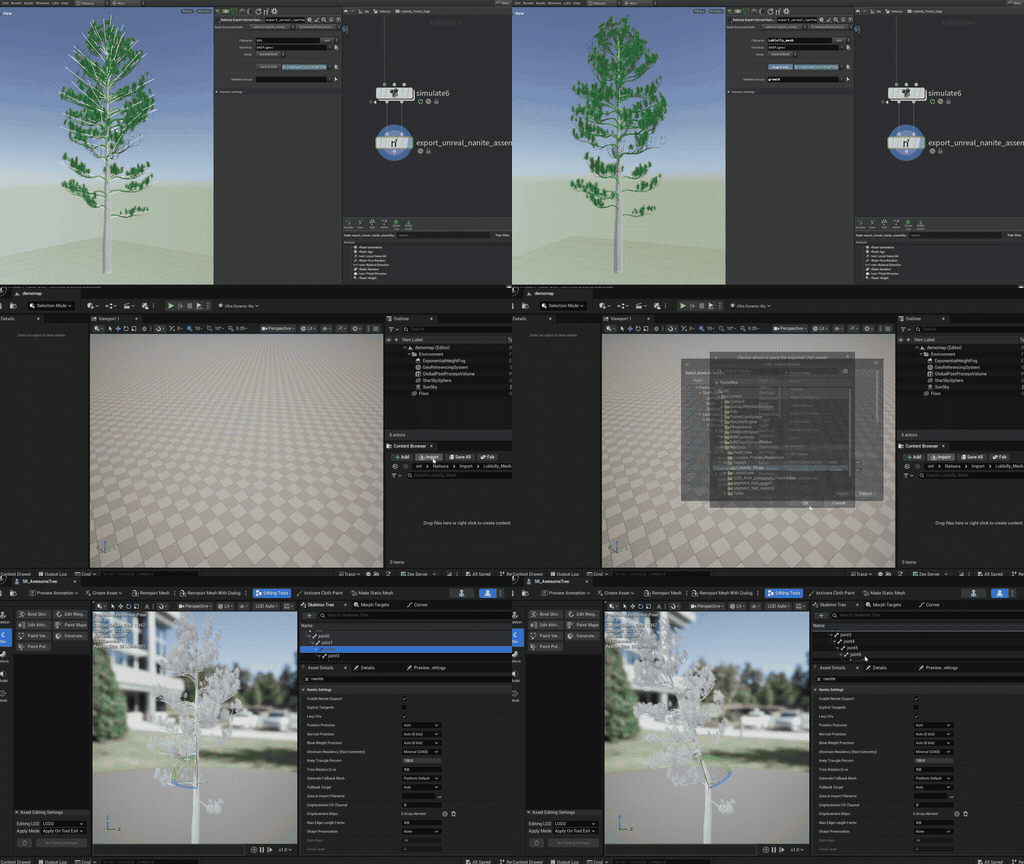
A LOP wrapper that builds a Nanite assembly inside a USD workflow, rather than only at the SOP level.
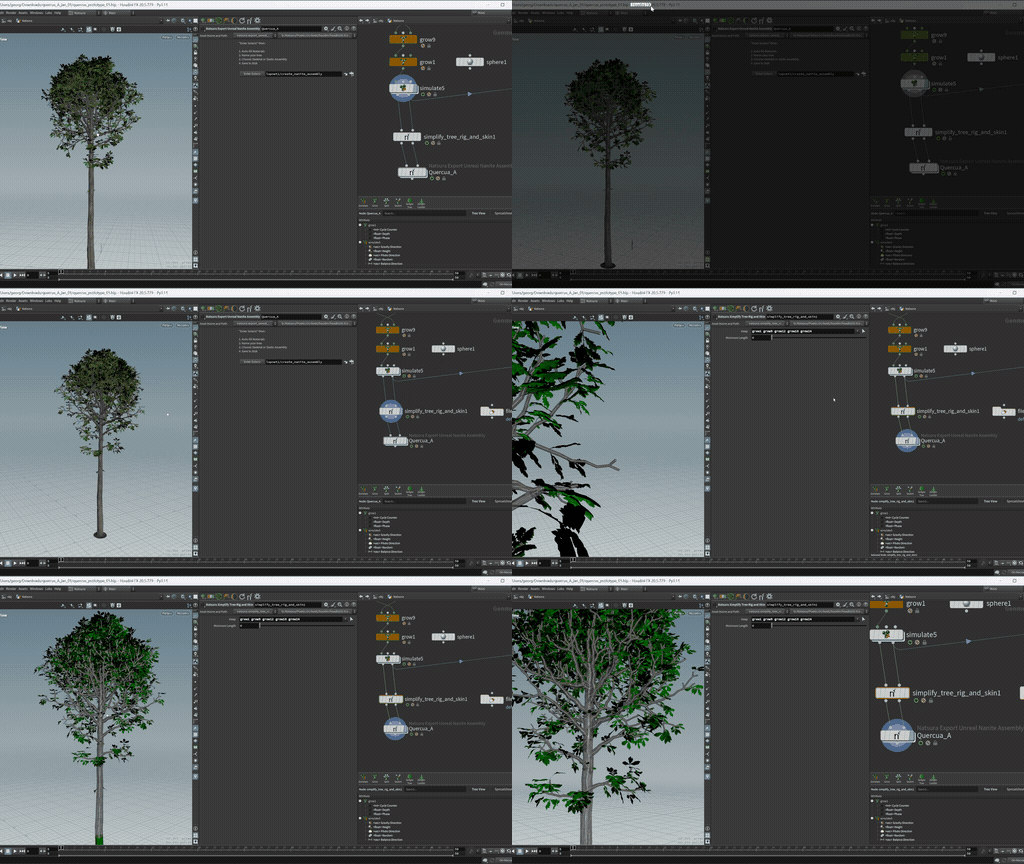
The nodes the wizard drives, usable directly: bring source imagery in, trace and remesh it, lay tiles out, build the atlas mesh, emboss detail, and assign the material. See Atlas Workflow.
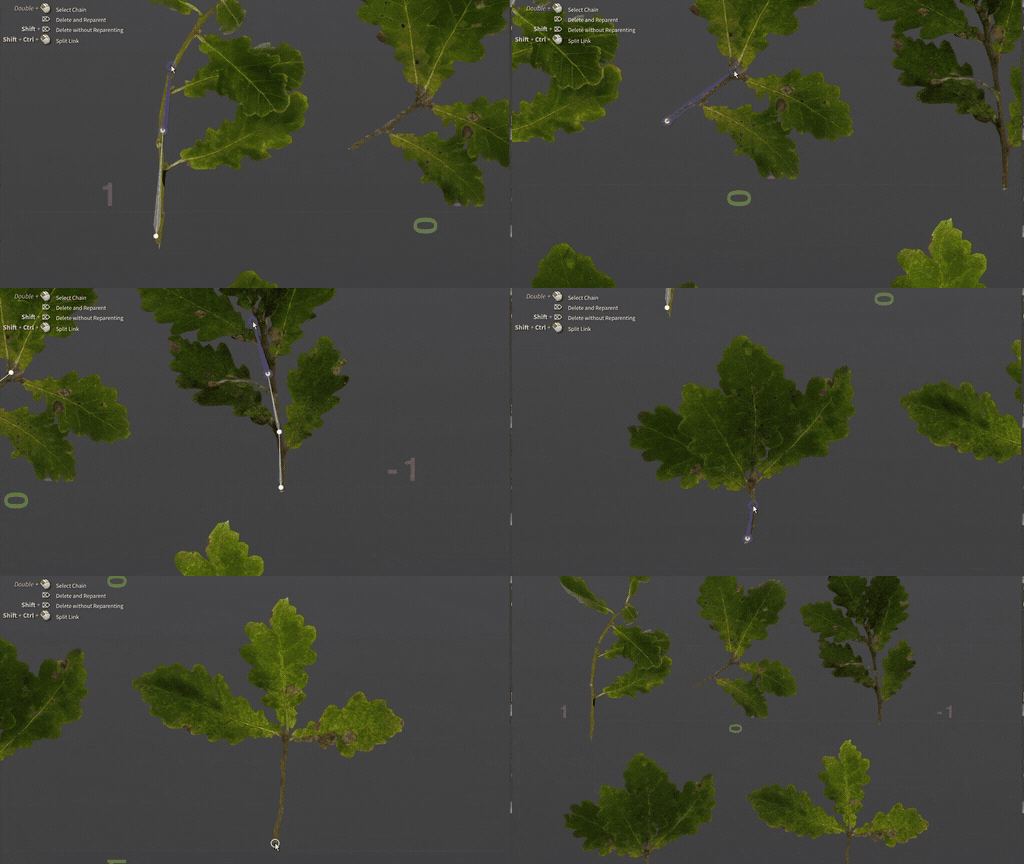
Turns a leaf atlas into separate leaf meshes that wear the atlas material, ready for the cluster decorator. It runs the other atlas nodes inside, and you can use them on their own when you need more control. See Atlas Wizard.
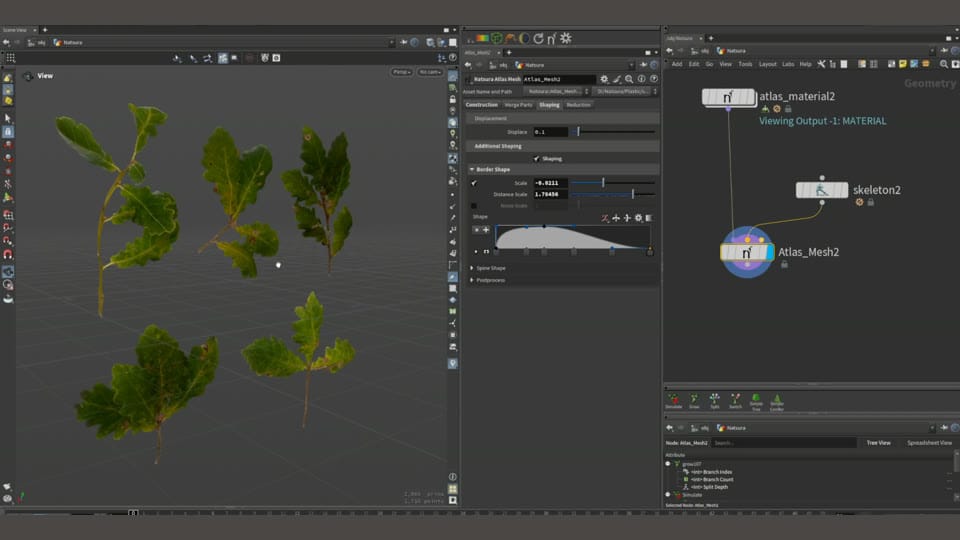
Three single-purpose map nodes: Map Constant is one value you can share between parameters, Map Random gives each element its own stable random value, and Map Attribute reads an attribute without remapping it. See Map Constant.
VEX taken out of the core path, prims deferred to the nodes that need them, and specialised map variants instead of one general one.
Everything moved into one natsura package with the HDAs holding thin wrappers, so logic changes without republishing an asset.
The output of one Simulate can be connected directly to the input of another, so growth can be carried out in more than one pass. See Simulate.
Procedurally extend complex scans and sculpts with multiple trunks. See Scan Workflow.
A place inside the Simulate to chain geometry fixes after growth, such as recomputing normals, deleting construction attributes, or adjusting topology, so they keep their dependency tracking.
Graph metadata updates were parallelised, from 16 seconds to negligible on large scenes.
The welcome panel became the Natsura Hub, with tabs for home, projects, examples, settings, and feedback, each of which could be docked on its own. The Project Browser replaced it in 0.7.2.
A tab in the workspace that shows tips and documentation for the node or tool you are on, with pinning, images, and your own notes. It was rebuilt as the Guide in 0.6.1.0. See Interface.
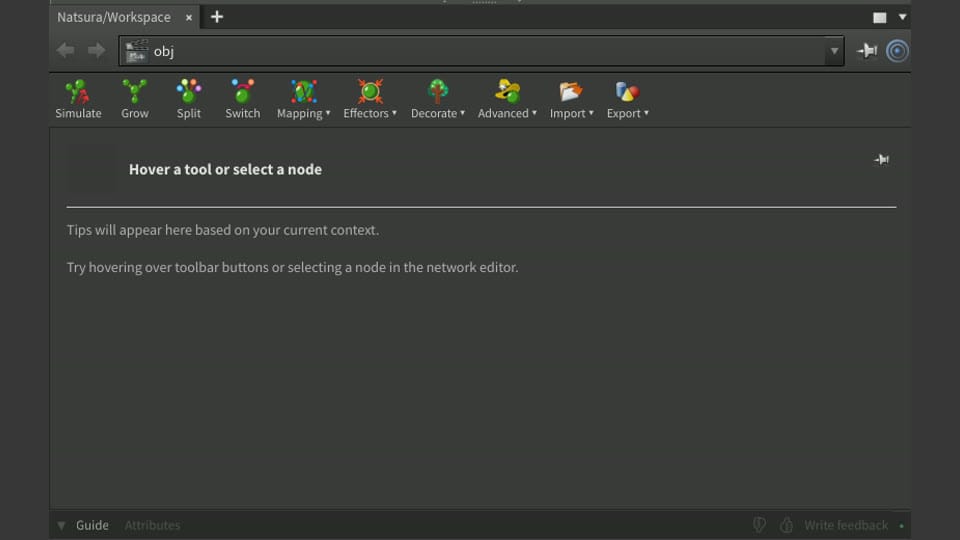
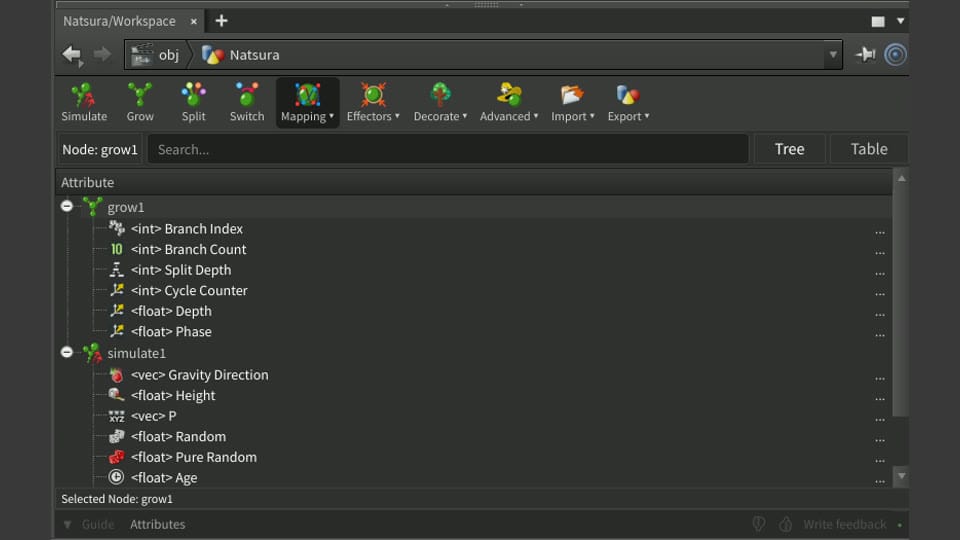
The toolbar and attribute spreadsheet became one workspace panel, which takes up less space and docks better. The Guide and attributes sit in tabs below the toolbar, and you can collapse them to leave just the toolbar. See Interface.
A small start-up splash for starting a new scene or opening recent files, which can be turned off. It became the Welcome Screen in 0.7.2. See Interface.
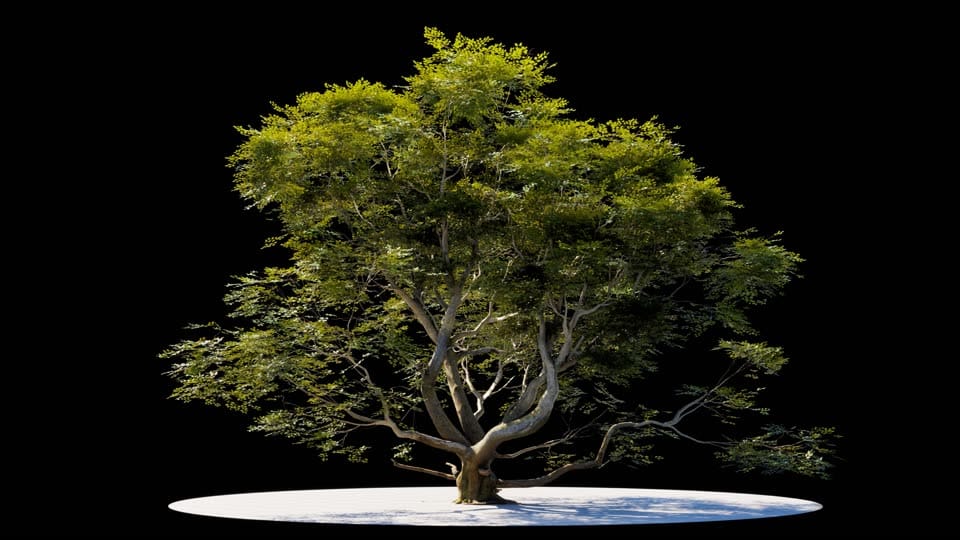
Node creation regrouped so the tab menu holds the nodes you make by hand and hides the ones that only ever appear inside something else.
Every Natsura node was given a distinct icon, so nodes can be identified by shape and colour in a large graph rather than by reading each label.
A preference decides whether Houdini opens into the Natsura desktop. If you would rather keep your own layout, any Natsura panel can be docked where you want it. See Interface.
The node library was organised: many utilities hidden from the Tab menu, the rest regrouped into submenus, icons for the main nodes, and a help page for most nodes. See Node Reference.
Natsura runs on Houdini 20.5 and 21.0, with a PySide2 and PySide6 compatibility layer for the UI. See Installation.
Anonymous usage data, opt-in and off by default. Natsura asks on the third launch and collects nothing without your consent. See Interface.
A menu on the display toolbar lists every Simulate in the scene, and greys out the ones that do not apply to the displayed node. It sets which Simulate a Grow or decoration previews in. See Interface.
Surface Decoration 2.0 got a first pass at mapping, with mappable width. It works on scans and procedural trees. See Mapping.
- Ten example scenes: Simple Tree, Simple Conifer, Bifurcation, Monopodial, Weeping, Mangrove, Grass, Twiglet, Simple Scan Extension, and Advanced Scan Processing
- Simple Conifer, Bifurcation, Monopodial, Weeping, Mangrove, Grass, Twiglet, and Advanced Scan Processing were removed in later builds
Assemblies and rigs
Building a canopy by decorating one simulated tree with another, and everything around it: bringing a library in, rigging it, classifying it, and placing it on a tree. Everything shipped after 0.6.0.0 is collected here.
Simulate a set of branches or a whole tree, decompose it into modules, and decorate another Simulate with them. Build canopies by decorating one simulated tree with another. The Instancify settings on the node turn repeated parts into shared instances. See Rig to Assembly.
Rig Merge merges two rigs into one, binding parents and children across the join. Rig Rename renames joints, and Rig Delete deletes them. All three are under Natsura/Animation in the Tab menu.
Bring a kit of parts in, rig it, and place it on a tree. Assembly Resource imports the kit, splits it into parts, and rigs it from the parts' pivots. Classify gives the parts their traits, and Assembly Decoration uses the traits to choose which part goes where. See Assembly Workflow.

Plays an assembly in the preview wind and shows its pivots, rig hierarchy, and debug colours, as a check that the rig works before the library goes on a tree. It runs inside Assembly Resource, Rig to Assembly, and the Simulate wind preview, and can also be placed on its own. See Internal Nodes.
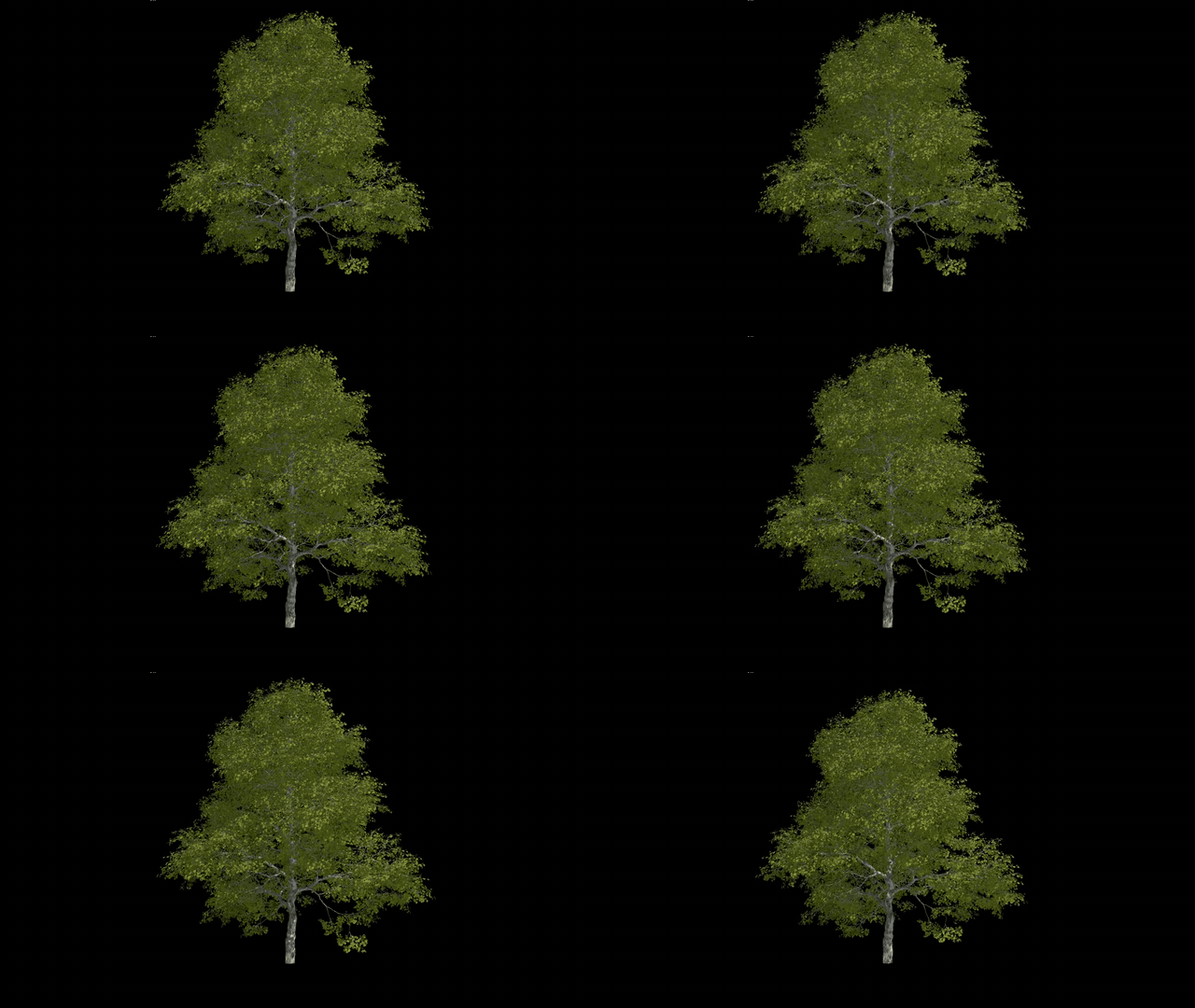
Pivot Edit moves a part's pivot to its base in the viewport and names the parts whose pivots are bad. Assembly Edit turns parts, or single joints in their rigs, after rigging. Both are for the parts automatic rigging gets wrong. See Pivot Edit.
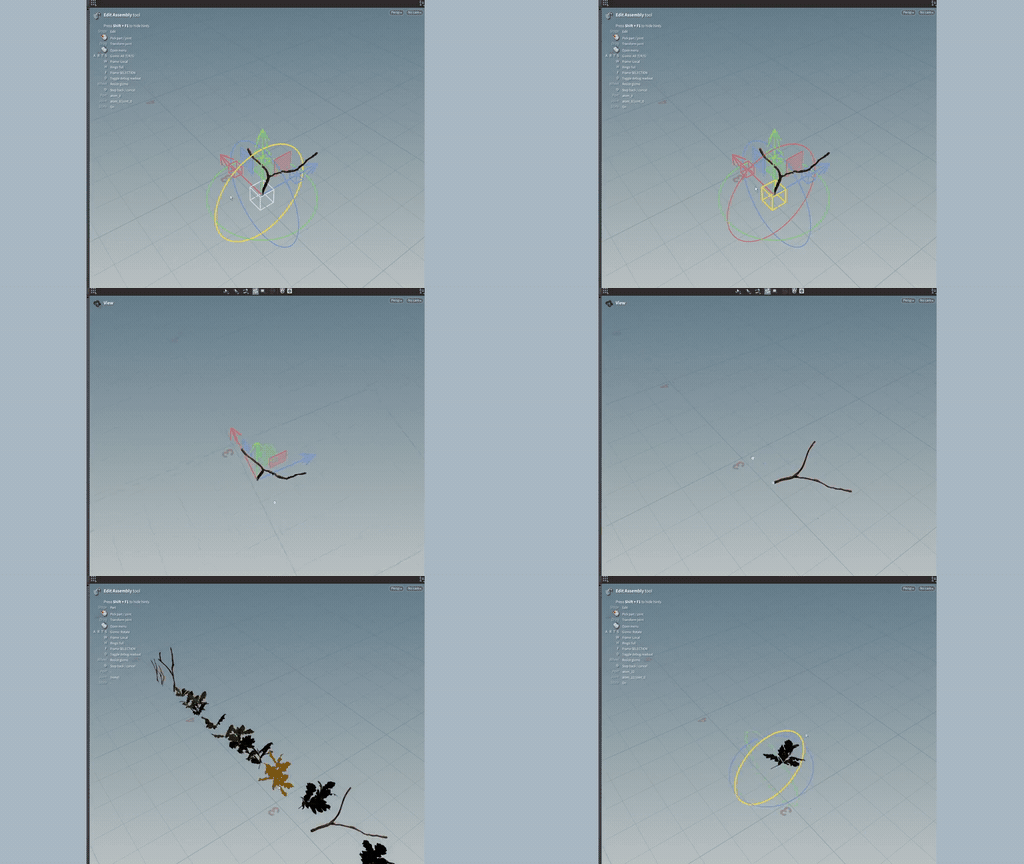
Passes the output of one Simulate into the next, so a tree can be grown in stages rather than in a single pass. The next stage starts from the tips, intersections, internodes, or roots of the last.
One form for a mappable parameter across the whole toolkit: the value, and the map that drives it. The map drives the parameter directly instead of through an expression link. See Map.
Map, decorator, and effector slots use a picker instead of Houdini's add menu. It lists what is already on this Grow, what is on other Grows, and what is not connected to anything.
Align (up) and Level (up) are effector responses on Grow that twist the growth frame: Align points a branch's up vector toward the effector, and Level lays it flat to it. This sets how a branch spirals, and so how its children are arranged. Orbit, which spirals growth around the effector, came in the same build. See Effectors.
Ancestor Effector lets a branch follow a direction stored on its parent, grandparent, or an ancestor further back, either its growth direction or another effector stored there. Direction Effector, added in 0.6.1.0, gives a constant direction such as a prevailing wind. See Ancestor Effector.
Traits on Assembly Decoration became a fixed list of up to eight, added from a picker, which stopped Houdini crashing past about ten traits. In 0.7.3.0 the trait chart was reworked: Add Selection Trait picks any skeleton attribute or makes a new trait, and each trait row has a menu to classify parts, put it on the chart, or replace it. See Traits.
Rigged Nanite skeletal assembly export to Unreal, wired end to end: grow, fuse, skin, export, and USD. A wind file is written beside the USD. See Nanite Skeletal Assemblies.
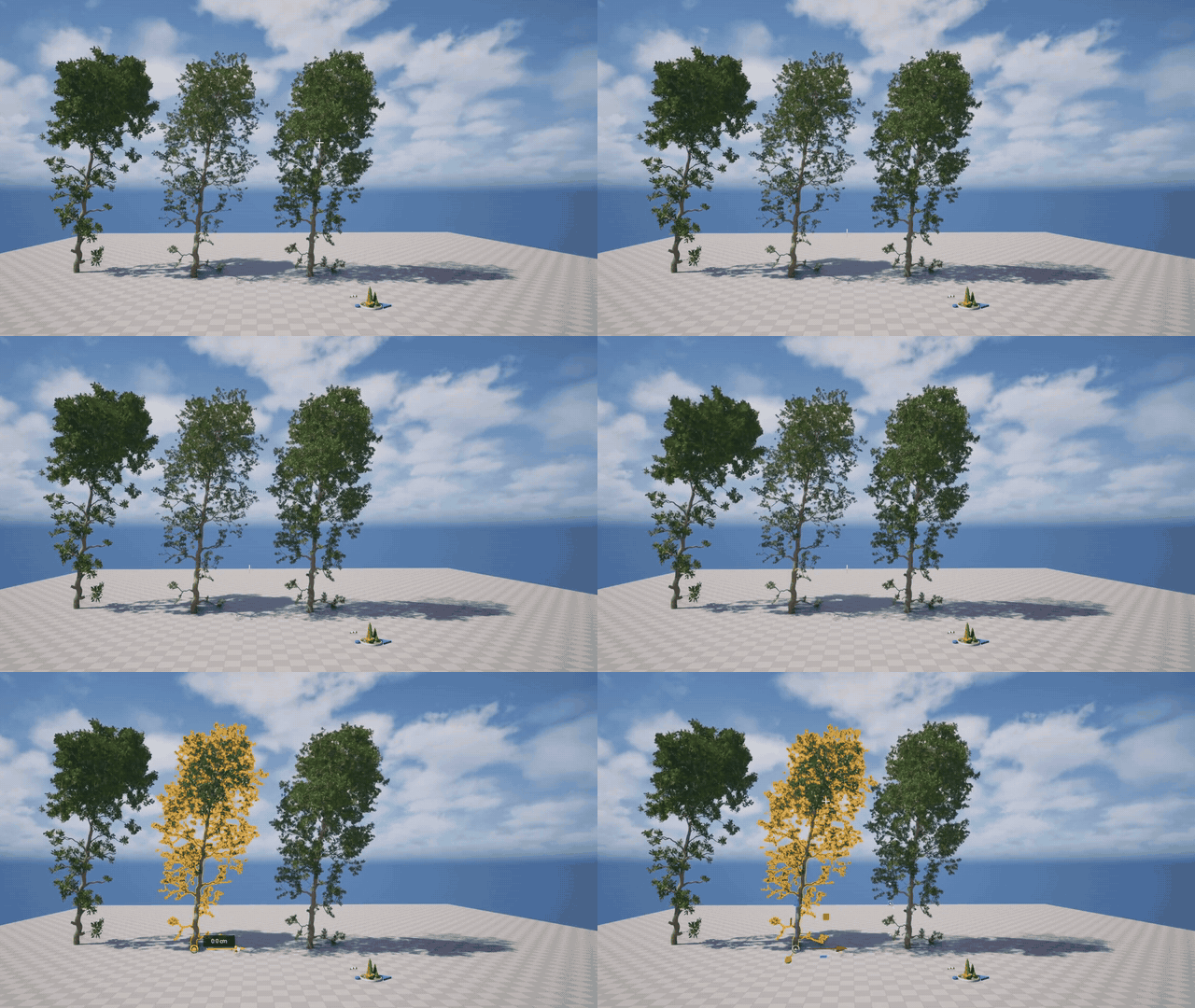
In 0.6.1.0 cook triggers were removed from the code that runs outside a cook: the interface, the menus, and the graph layer. In 0.6.2.0 we removed and simplified a lot of Python scripts that were causing errors and warnings by interfering with nodes during live cooks.
The toolbar sits above tabs for the Guide, Attributes, and Spans in one docked workspace. Right-click a tab to pop it out as a floating panel. See Interface.
The tips panel became the Guide: markdown pages, searchable by name and content, with previous and next buttons and more than one library. Since 0.7.2.0 the help buttons on Grow and Map open it too. See Interface.
The display toolbar was reorganised, and Natsura got its own menu in Houdini's main menu bar for documentation, updates, and your licence. Since 0.7.2.0 the toolbar also sets the preview wind. See Interface.
Placing a Grow sets up its Trunk Preview and decoration slot without a second cook. Its follow rows are filled in too when there is a Simulate to read. See Trunks & Meshing.
Assembly Decoration places its parts on a built-in preview tree until a Grow carries it, so you can set it up on its own. The Simulate selector on the display toolbar switches the preview between trunk, monopodial, and sympodial. See Assembly Decoration.
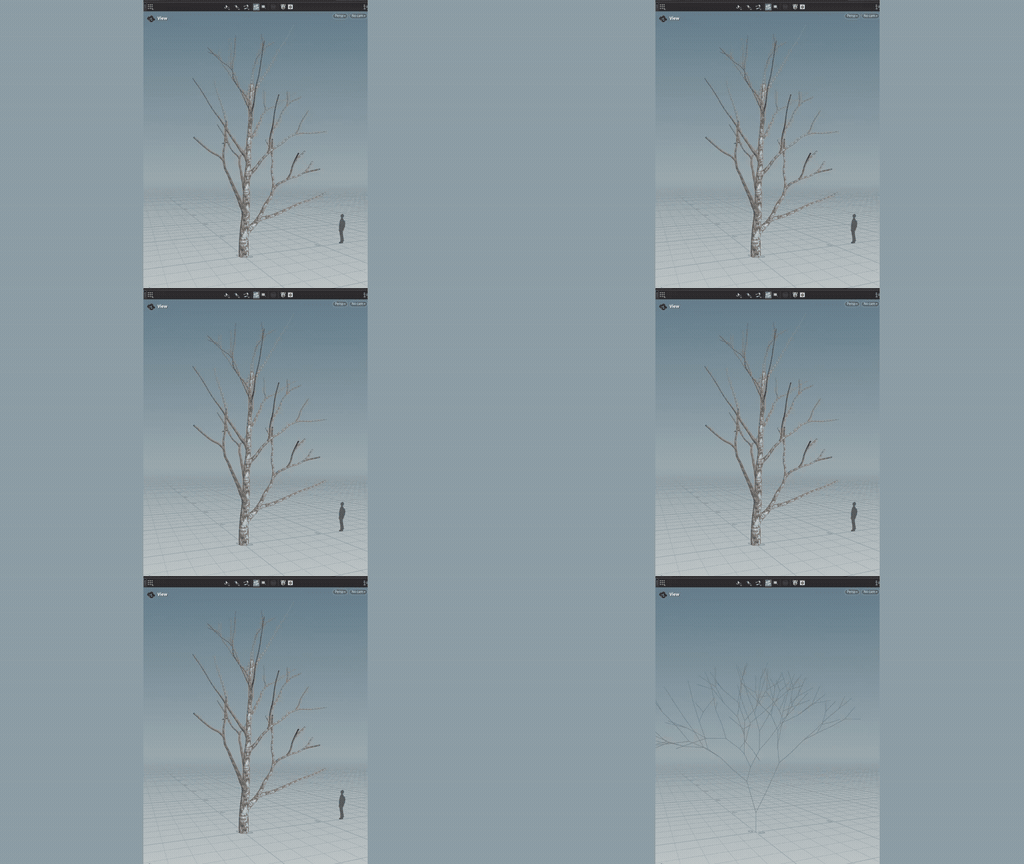
Scan meshing no longer produces holes. Holes in scan data no longer result in missing attributes or geometry.
Bake gained supersampling and MikkT tangent space, so its normal maps read correctly in engines such as Unreal. See Baking.
An example scene that walks the Rig to Assembly path end to end, from a simulated tree to a decorated canopy and an export to Unreal. Open it from the Example Browser.
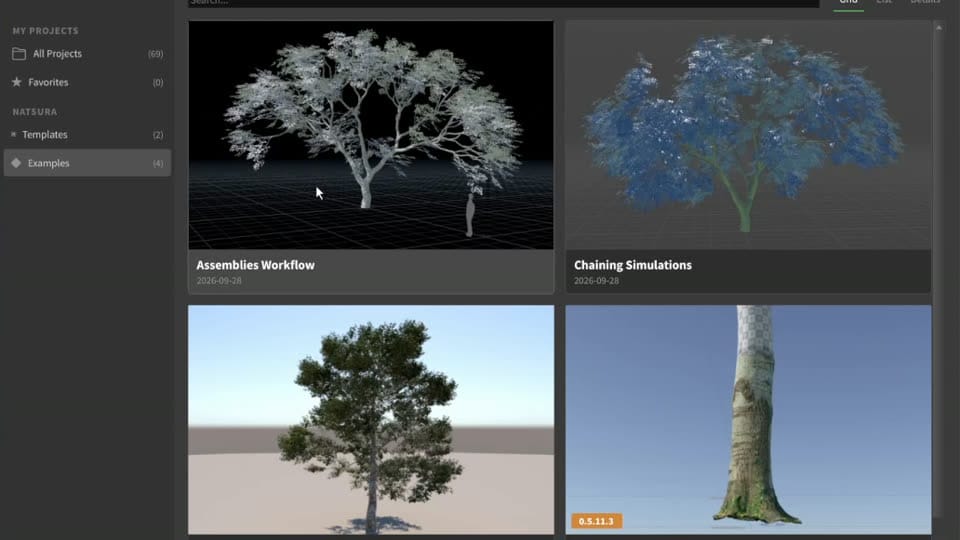
Scenes made in older versions upgrade when they open, and you can save a backup copy first. Since 0.7.3, scenes from 0.5 and 0.6 upgrade much closer to how they looked, and the console lists what changed. See Interface.
- Four example scenes: Simple Tree, Chaining Simulations, Simple Scan Extension, and Assemblies Workflow
- One template, Simple: a Grow feeding a Simulate
- Examples open from the Project Browser as a new project, and your own examples and templates survive updates
- Getting Started, as walkthroughs: installing, the interface, your first tree, bringing in and decorating with assemblies, growing from scans, and drawing a tree
- Core concepts: simulation, shaping, trunks and meshing, foliage and instancing, and a glossary
- Feature pages: assemblies, atlases, decorations, effectors, mapping, materials, scans, and traits
- Unreal: taking a tree to Unreal, wind, Nanite skeletal assemblies, and troubleshooting Nanite exports
- Guru: building your own decorations and tools, extending Natsura, and VEX
- A node reference on the website, with a page for each of the main nodes
- A help page in Houdini for almost every node, generated from its parameter tooltips (some parameters are still undescribed)
- The Guide's tips updated, with three new ones on mapping
- Help pages for installing, activation and licensing, commercial use, and troubleshooting
Meshing and Shaping
This release focuses on trunk meshing, which turns strands into a finished branch surface: stacked surfaces such as bark, the wood under rips, and lichen on top, and scattered details such as knotholes, moss, and splinters. Shaping also gets better, on Grow and on the decorations, and the core simulation is due for some pretty substantial performance improvements.
We listen closely to your feedback and requests, so please keep it coming. Based on your input, 0.9 and 1.0 will be filled out more completely.
Bring in the curves of a tree exported from SpeedTree as USD, then grow on them, decorate them, and reshape them like a grown tree. Only the curves come in, not the branch geometry. See Drawing a Tree.

StatusExperimental, and still a bit rough.
Draw a tree's branches by hand with Houdini's Skeleton node and pass them through Custom Module, then grow on them, decorate them, and reshape them like a grown tree. See Drawing a Tree.

StatusExperimental, and still a bit rough.
Surface Decoration has been overhauled, and it has surface effectors, which allow you to use any effector to displace the surface. It also gained mappable width (smoothing, min, max, and scale), resampling of the strands before meshing, end caps, displacement, and separate U and V scale. Assembly Decoration got its own effector stack in the same build. See Surface Decoration.
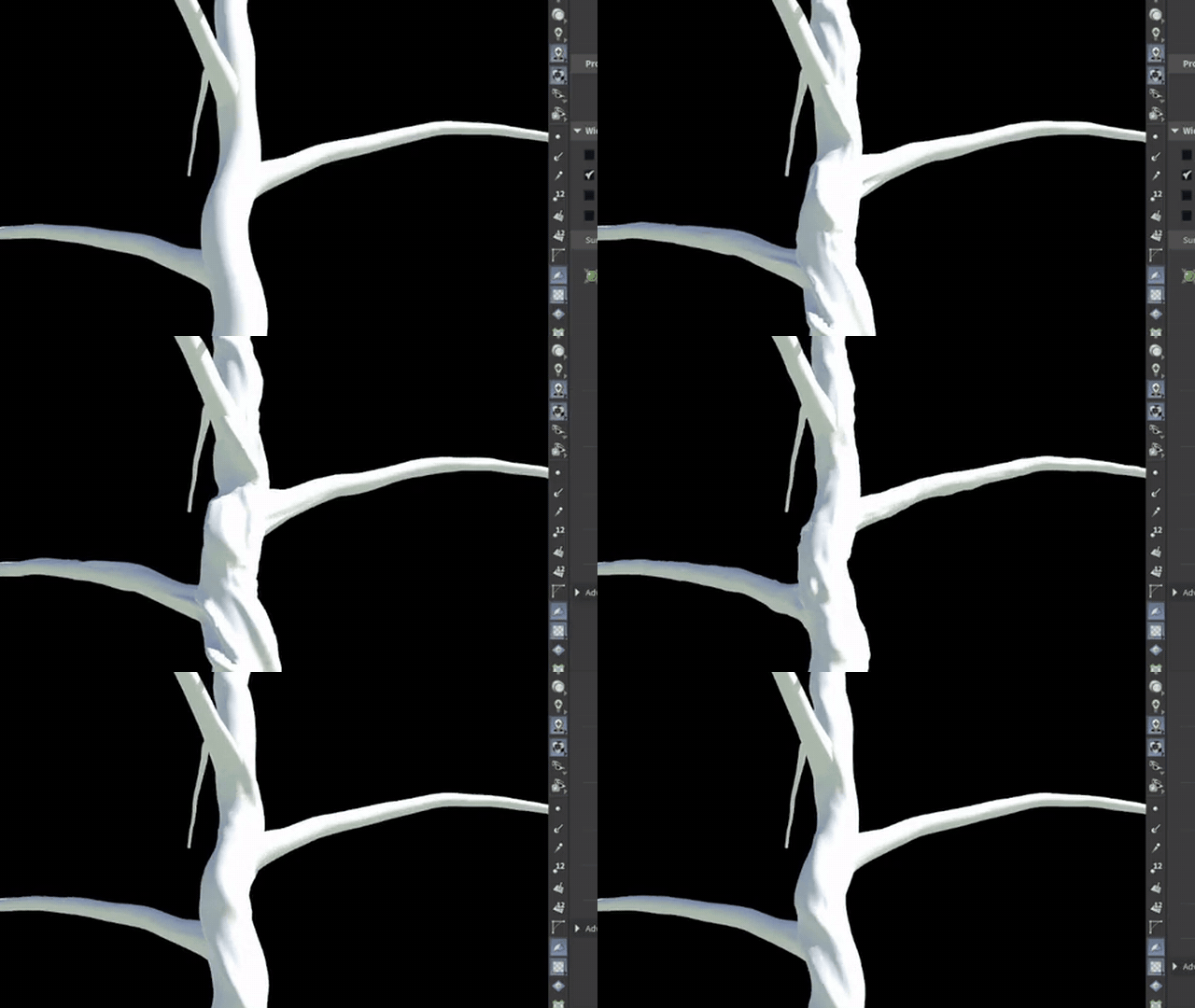
Scattered details on the trunk and branches, such as knotholes, moss, and splinters.
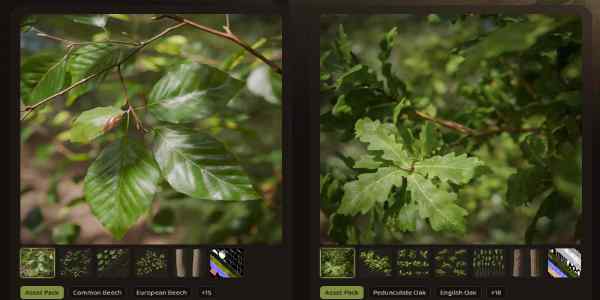
A store with content you can use in Natsura, starting with scanned tree packs.
Export a whole library of trees at once, and import it into Unreal from one root file. Shared parts go in parts/, and each tree gets its own layer and wind file in assemblies/. See Nanite Skeletal Assemblies.
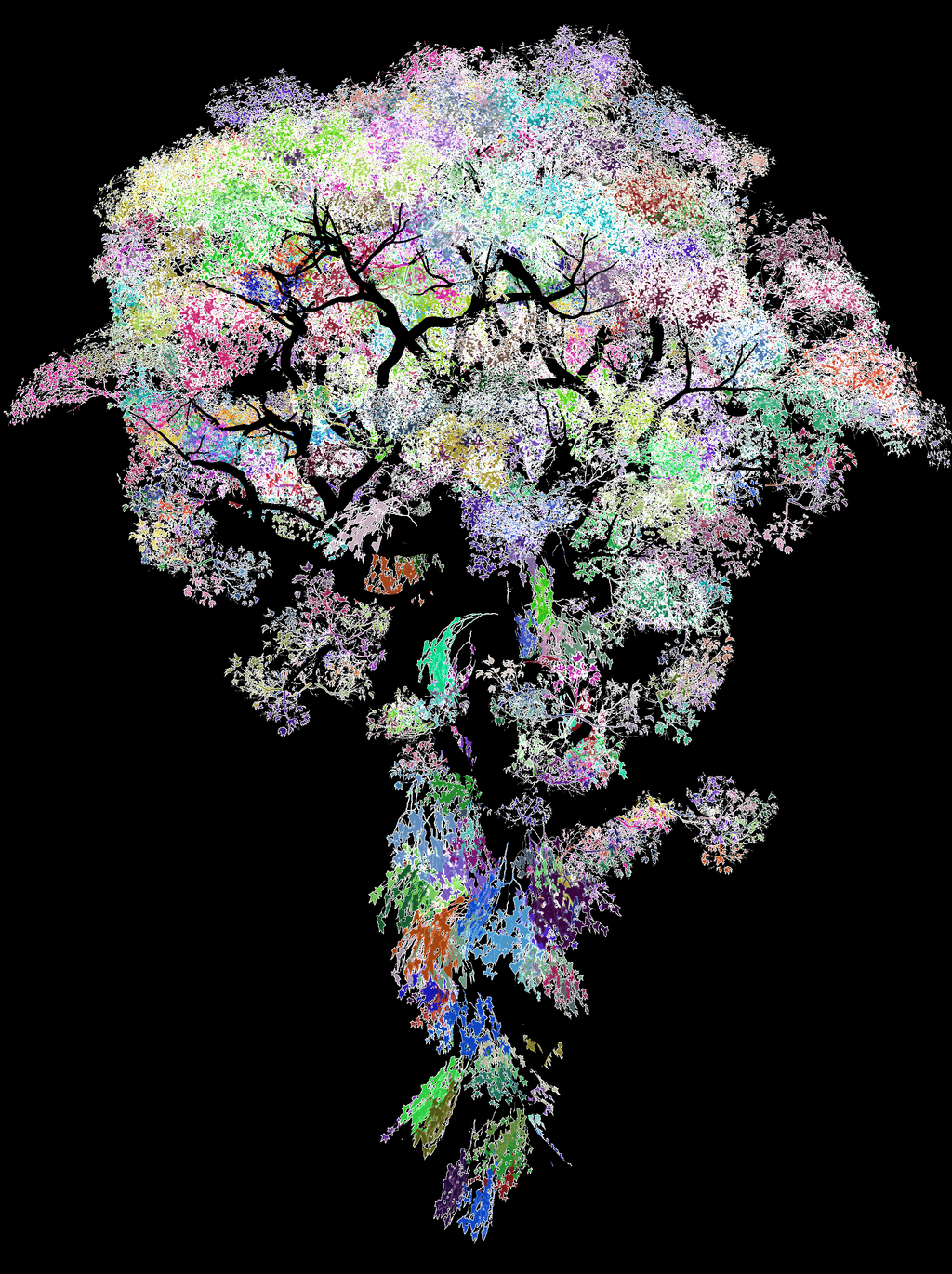
A post-process stage in Simulate, run before the decorations: substeps with mappable segments, interpolation, and enhancement, with its own effector stack. Every decoration inherits the refined shape, so assemblies stay attached to their branches. See Simulate.

Map nodes that work like the functions in a shader graph, so you can build a map without writing VEX. Map Remap is new, and Map Blend now has a Mask input and six more modes. See Mapping.
StatusThe first nodes are in.
Education licences for schools and universities, which also cover their students. Details on the pricing page.
LaunchedOctober 2026
Site licences for studios, covering everyone at one location. Details on the pricing page.
LaunchedOctober 2026
Every release from the first growth engine through to 1.0, with what shipped in each one, what is being built now, and what is coming without a version attached to it.
A page on what Natsura is, who builds it, and how it is made. See About.
Natsura runs on Houdini 22, where before it failed to start without saying why. Setup still marks Houdini 22 as untested. See Installation.
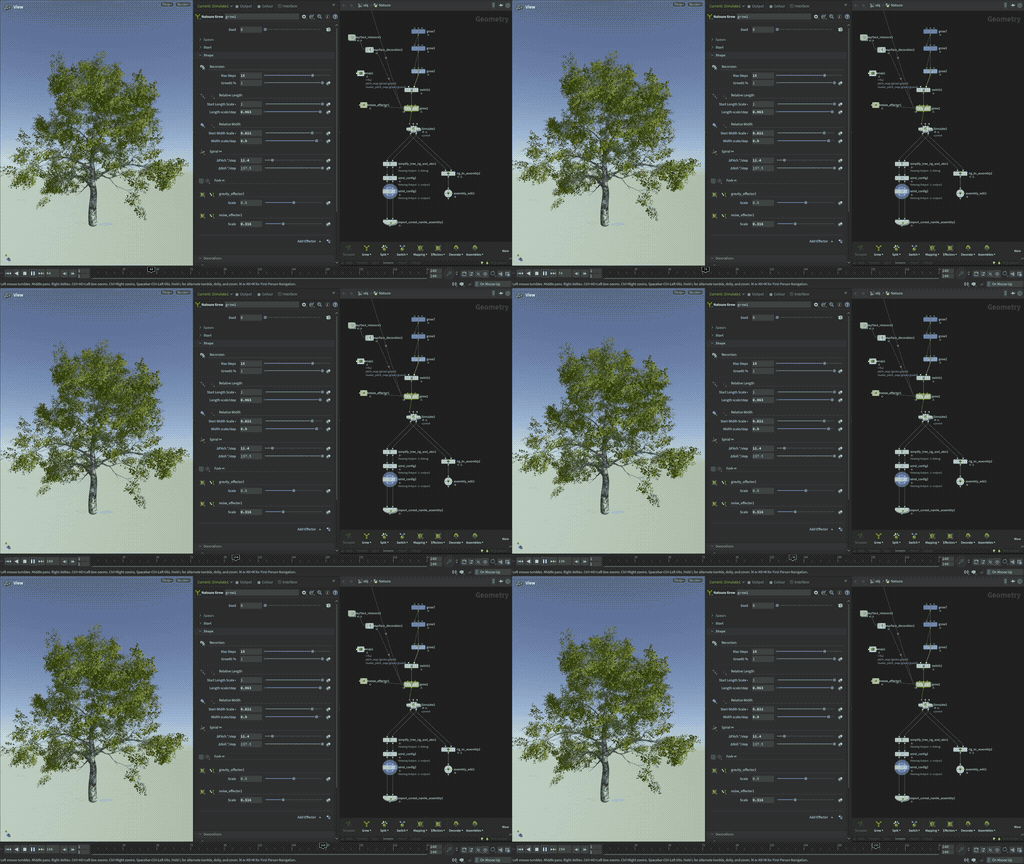
Materials come through on instanced parts, where before only the trunk arrived bound, and the material list updates itself before every export. See Nanite Skeletal Assemblies.
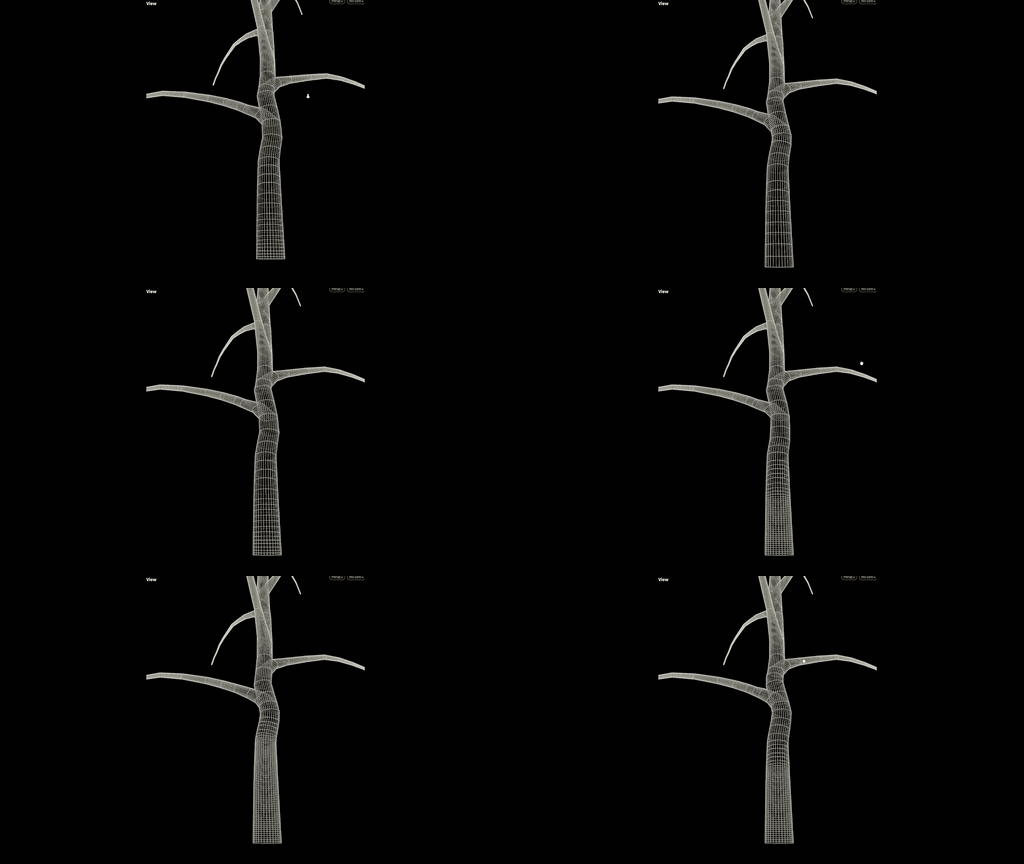
Surface Decoration sweeps each branch at a resolution that can change along its length. Density is mappable, so the trunk can be dense and the tips light. See Surface Decoration.
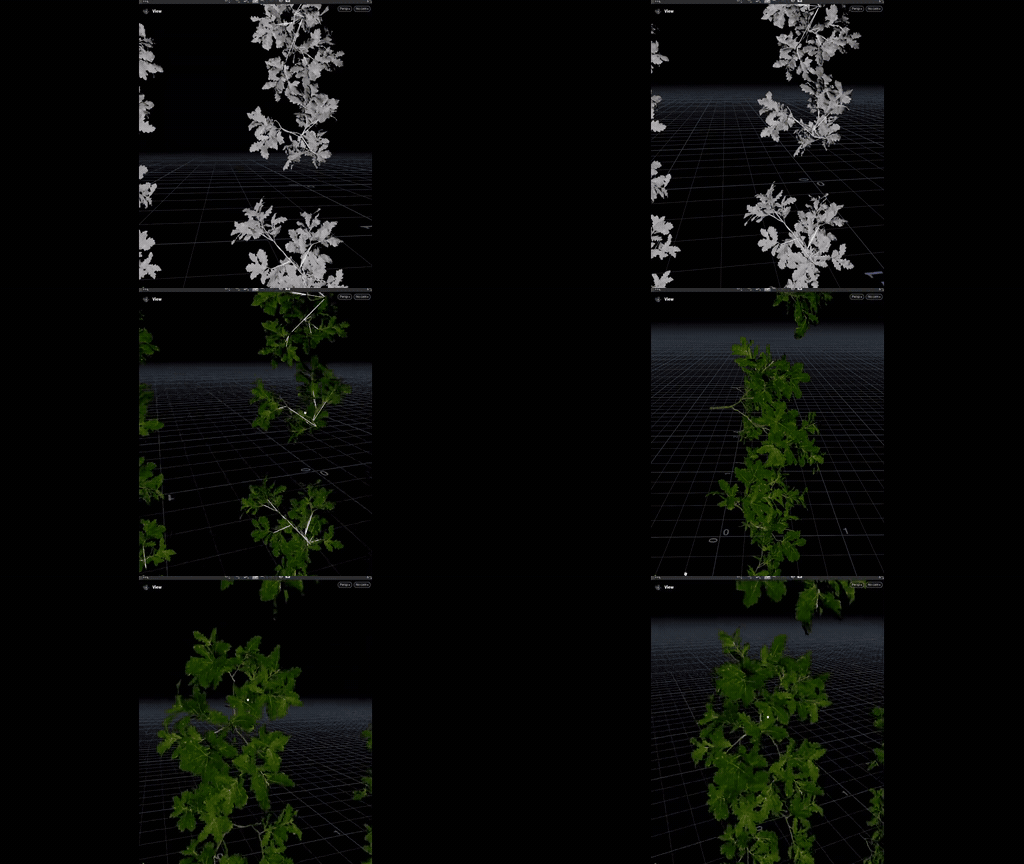
Merge Assemblies combines several assembly libraries before the decorator, so one Assembly Decoration can draw on all of them. See Assembly Workflow.

Assembly Inspect shows the polycount, instance count, joint count, and other useful data about an assembly. The assembly passes through unchanged. See Assembly Workflow.
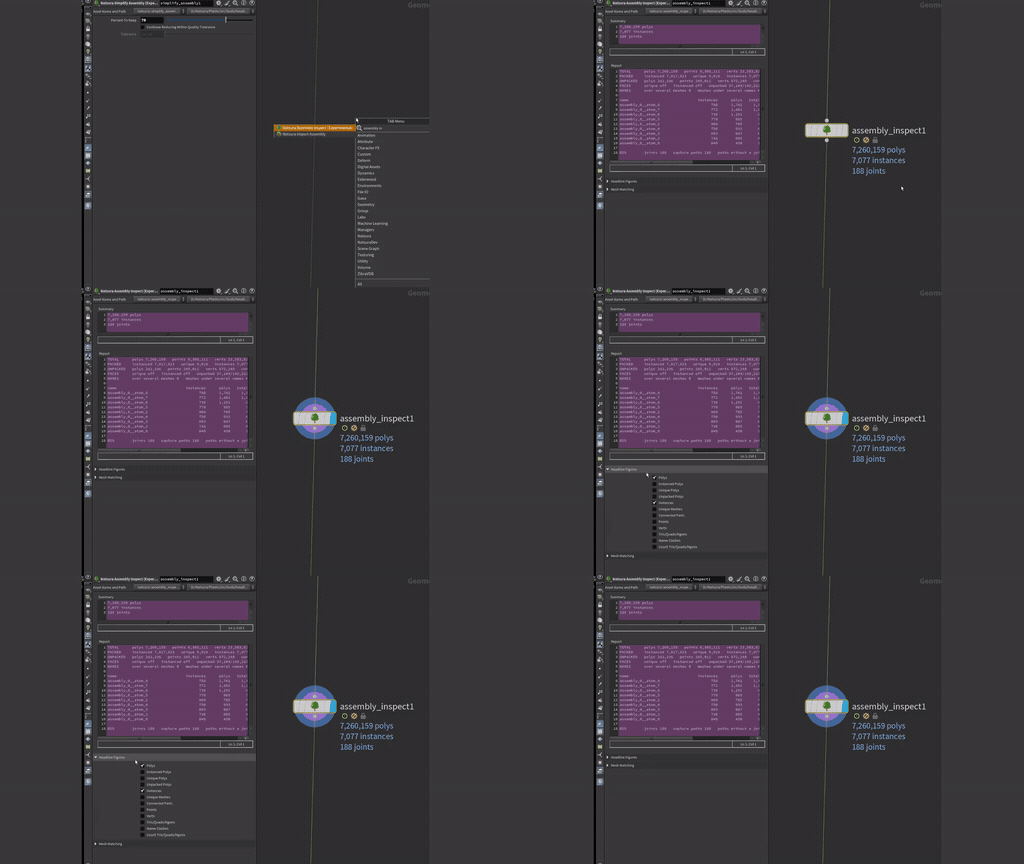
Simplify Assembly reduces an assembly's polycount. See Assembly Workflow.
Map Remap remaps a value, and Map Wrangle lets you write a map in VEX, the same way as a custom effector. See Mapping.
Shape reshapes a tree after it has grown, without simulating again. It deforms the rig and its geometry with a stack of effectors, so branches and leaves bend together. See Drawing a Tree.
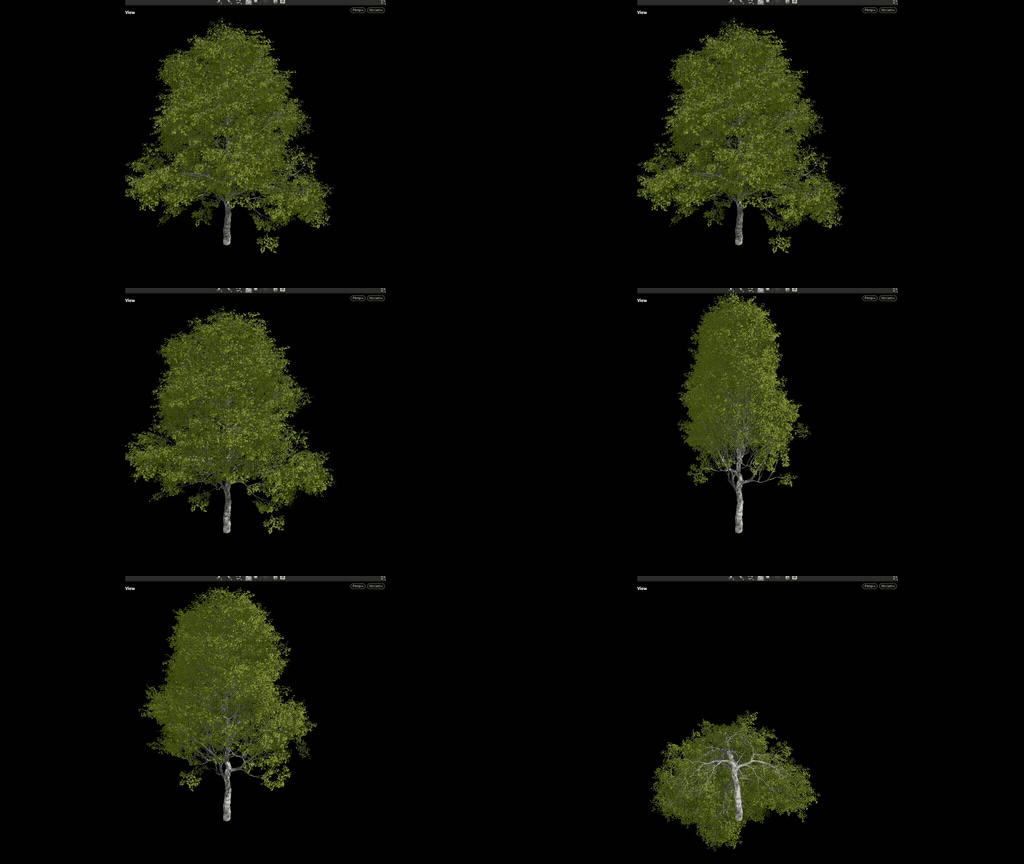
Clusters Decoration 2.0 refactors the internal utilities and simplifies the interface, as groundwork for mapping and effectors. A set of clustering utilities lets you pick from existing libraries or regenerate the clustered parts. Clusters Decoration 1.0 stays, so older scenes keep working. See Clusters Decoration.
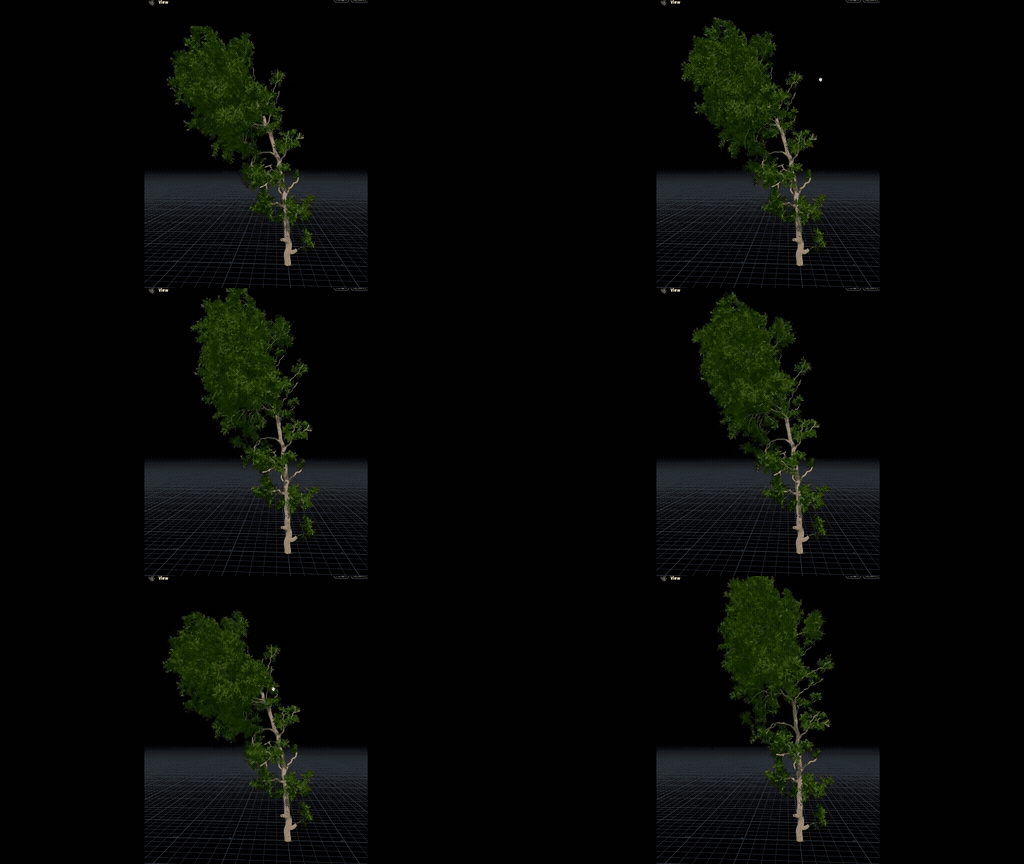
Assembly Resource, Rig to Assembly, and Simulate preview with wind, set from a wind selector on the display toolbar (Calm, Breeze, and Strong). The values live on Wind Environment, an experimental node.
You set Stiffness on each wind layer, and each joint's movement in Unreal comes from its stiffness and the width of its branch, so thin twigs move and thick limbs hold. Each layer is carved by width, by distance from the root, or by distance from the tips. See Wind Config.
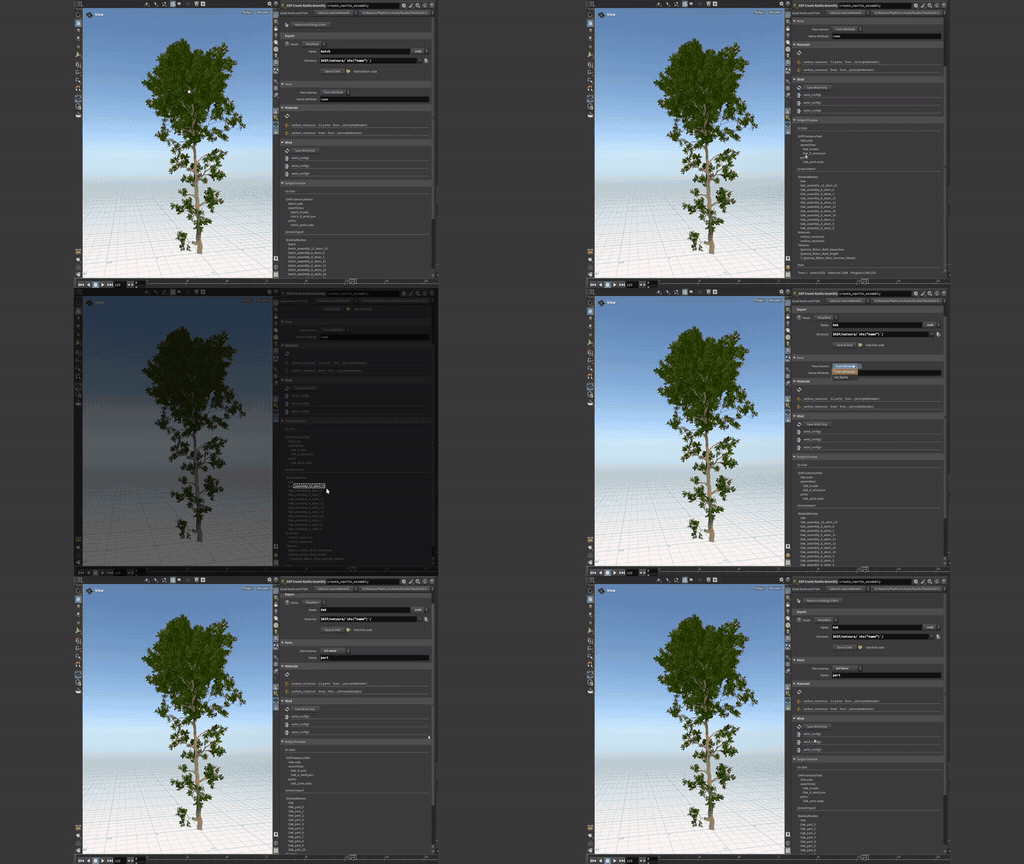
The export node has a Simplified mode for everyday exports, versioned folders and naming, and materials you can rename or link to ones already in Unreal. Save to Disk checks the export first, and bones now point along their branches, as Unreal's Dynamic Wind expects. See Export Unreal Nanite Assembly.
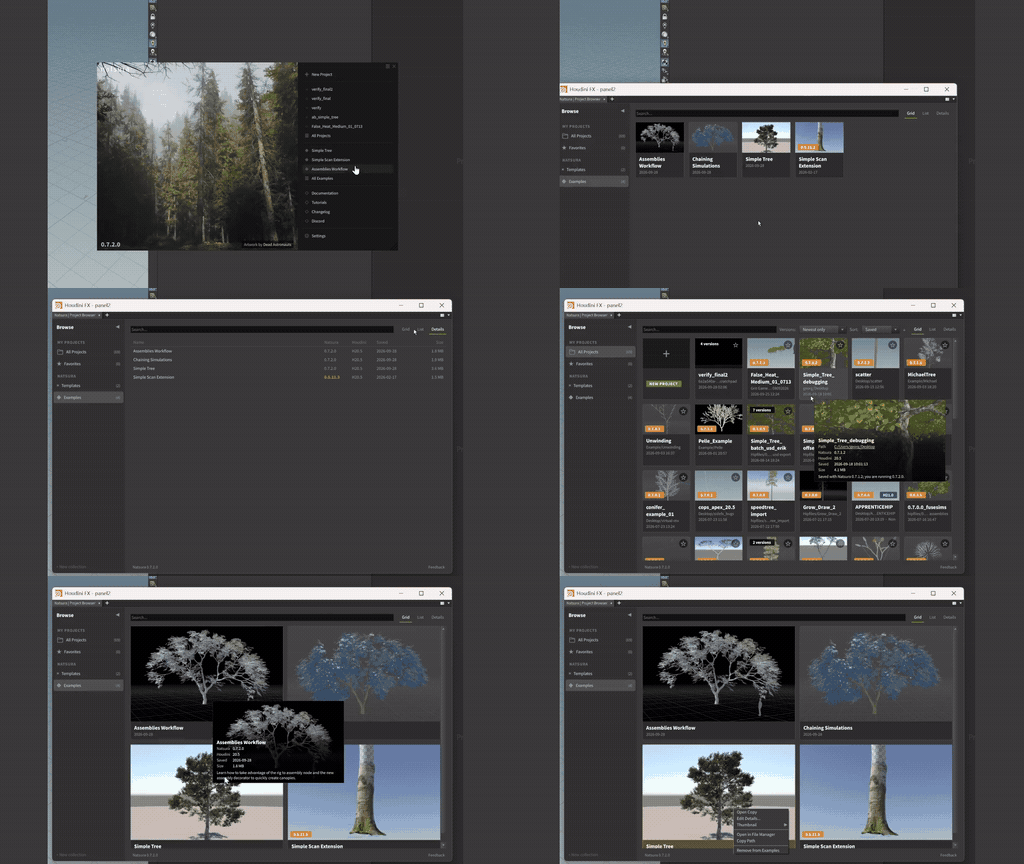
The Hub, Projects, and Examples panels are now the Project Browser, with collections, favourites, and project versions. Opening an example opens a copy as a new project. See Interface.
Stacked surfaces on the trunk and branches, such as bark, the wood under rips, and lichen on top.
Vertex colour on the trunk and branches, set with effectors and maps.
Cleaner meshing where branches meet the trunk and each other.
The export writes vertex colours and extra UV sets with each part, so they reach Unreal.
Selecting a node in a scene with about a thousand Natsura nodes went from around 3.8 seconds to 0.6 seconds per click. The Spans panel now refreshes in milliseconds instead of more than a second.
- Trunk meshing: surface layers and scattered details, with the Surface Decoration and Trunk Decoration pages updated to match
- Shaping: effectors on the decorations, and the post-process stage on Simulate
- Mapping: the new shader-graph-style functions
- Node help for the nodes this work changes
Planned
Our goal is to reach 1.0 around the second quarter of 2027. We want to fill the gaps for more traditional foliage workflows, as well as give performance the attention it needs. All these features are planned, but most of them aren't locked to 0.9 or 1.0 yet.
Bake data from the skeleton onto the mesh as vertex colour, such as branch level or a wind mask, so a material in Unreal can read it without a manual step in between.
Capture a Natsura network by selecting a Simulate and all connected nodes, and bake it down into a small graph. This simplifies studio workflows and makes it easier to run in game engines like Unreal Engine.
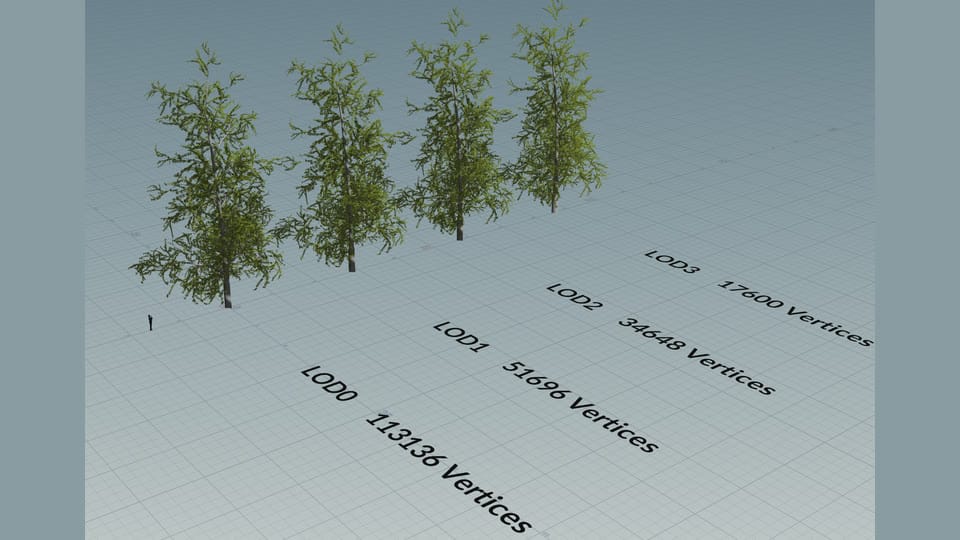
We will support LOD chains.
The export also writes a simplified static mesh for collision and proxy use.
More controls for blending where the trunk meets the roots, with root flare and buttressing that widen out of the trunk.
Proper UDIM support, and control over how UV islands are laid out across tiles. Natsura Bake already reads source textures named with UDIM tokens.
Edit and pack UV islands by hand, and choose which region of an atlas each part uses, so several bark textures can share one texture file.
A sweep that shapes the trunk's cross-section from the branches it carries, so it swells and flattens around them.
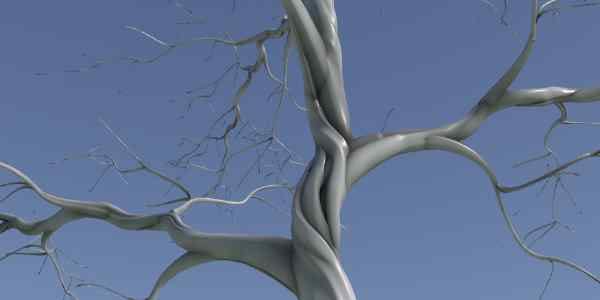
More tools to sketch, hand edit, pose, prune, and manually add branches to the simulation.
Blend between materials across the plant, driven by a map from age, depth, light exposure, or any attribute.
Blend a scanned trunk's material into the procedural bark in the shader, as well as the baked blend Create Graft Mesh does today.
Single-quad stand-ins for trees at a distance, so large forests stay cheap to render.
Select part of a plant by what the simulation knows about it, such as branch order, age, or width, and reuse that selection by name in effectors and decorations.
Seats are checked out and returned, so a studio buys for the most people using Natsura at once, not for its headcount.
Bark that lifts and peels away from the trunk and the major limbs as geometry, showing the layer underneath.
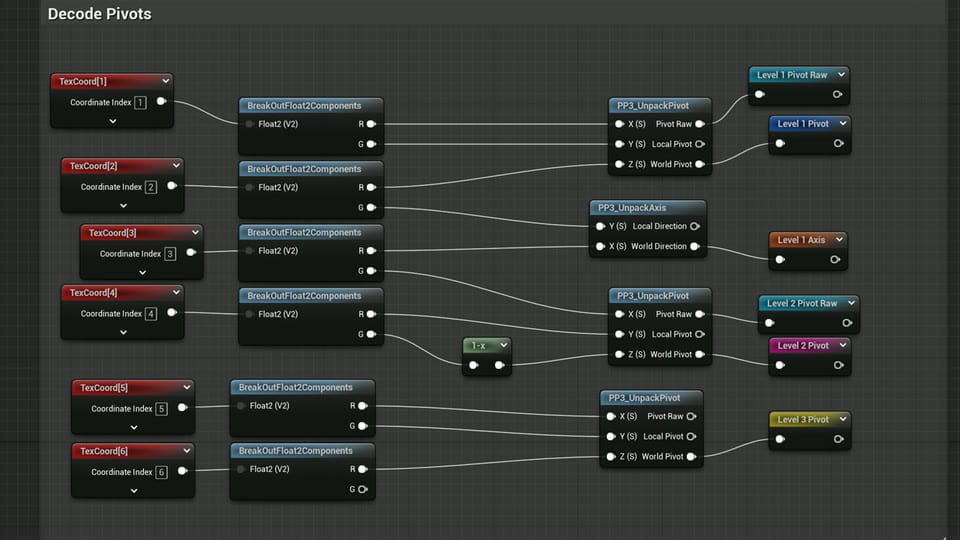
Bake each branch's pivot, rotation axis and depth in the hierarchy into UV channels and vertex colours, in the layout Unreal's Pivot Painter expects, so wind runs in the vertex shader without a skeleton. It is the cheaper wind path for large numbers of trees, and sits beside the skeletal wind that already exists.
Substantial performance improvements to the core simulation.
Better foliage through improvements to the atlas workflow and the cluster decorator.
- Atlases: UDIMs, UV editing and packing, and choosing which region of an atlas each part draws from
- LODs: the LOD chain, impostors, and proxy and collision meshes
- Editing by hand: posing, pruning, adding branches, and how the edits are kept
- Unreal: vertex colour baking and Pivot Painter wind
- Baked graphs: baking a network down so it runs in a game engine
- Licensing: floating licences