Who it is for
Natsura for foliage artists
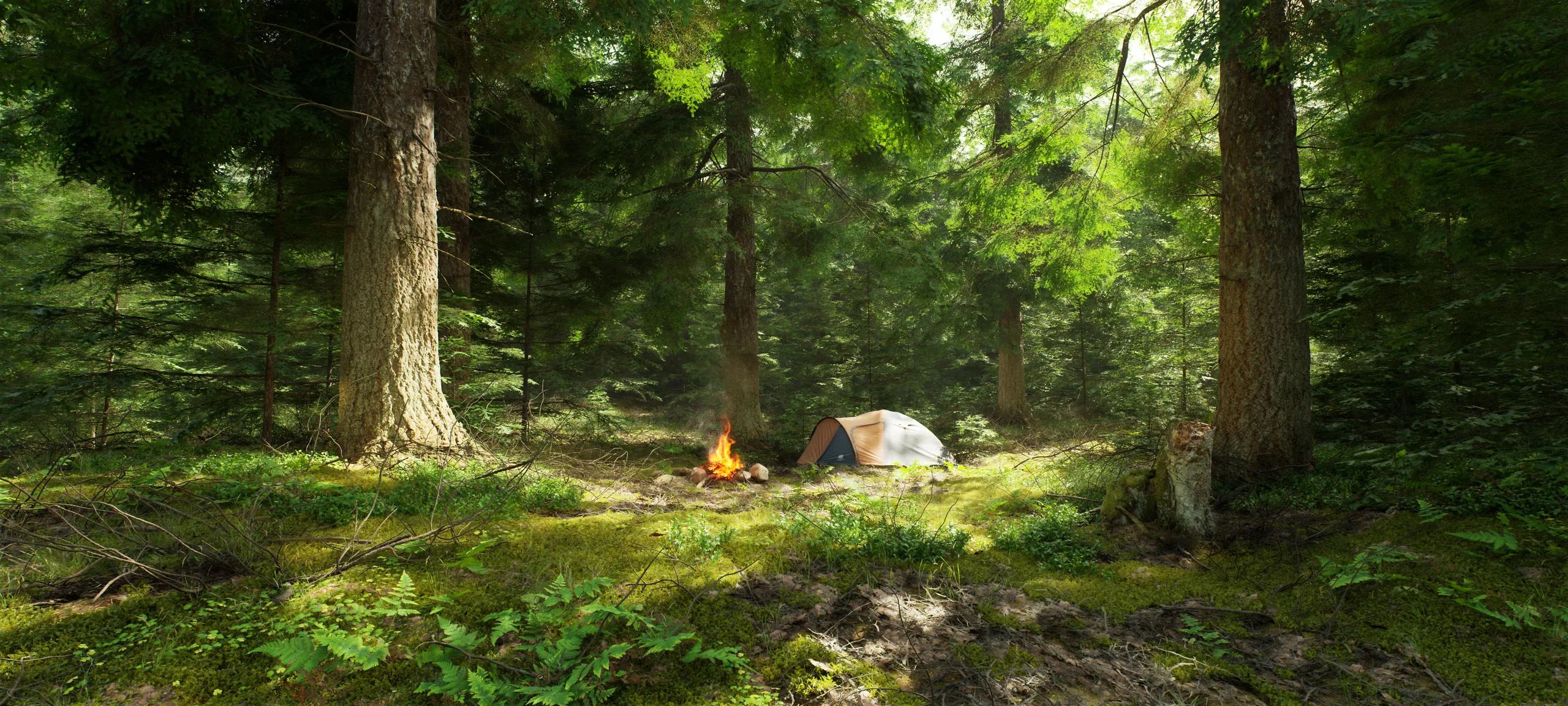
Grow trees and plants with the control of hand modelling and the speed of a simulation. Shape them as they grow, pose any branch, and extend scans into whole trees.
01
Will my trees get into the engine?
Yes, into any engine. Grow, rig and mesh in Houdini, author the wind right before export, and send finished trees out as USD or ordinary Houdini geometry, named and versioned your way. On Unreal, they go straight in as rigged assemblies with wind.

02
Does Natsura give me the control I need?
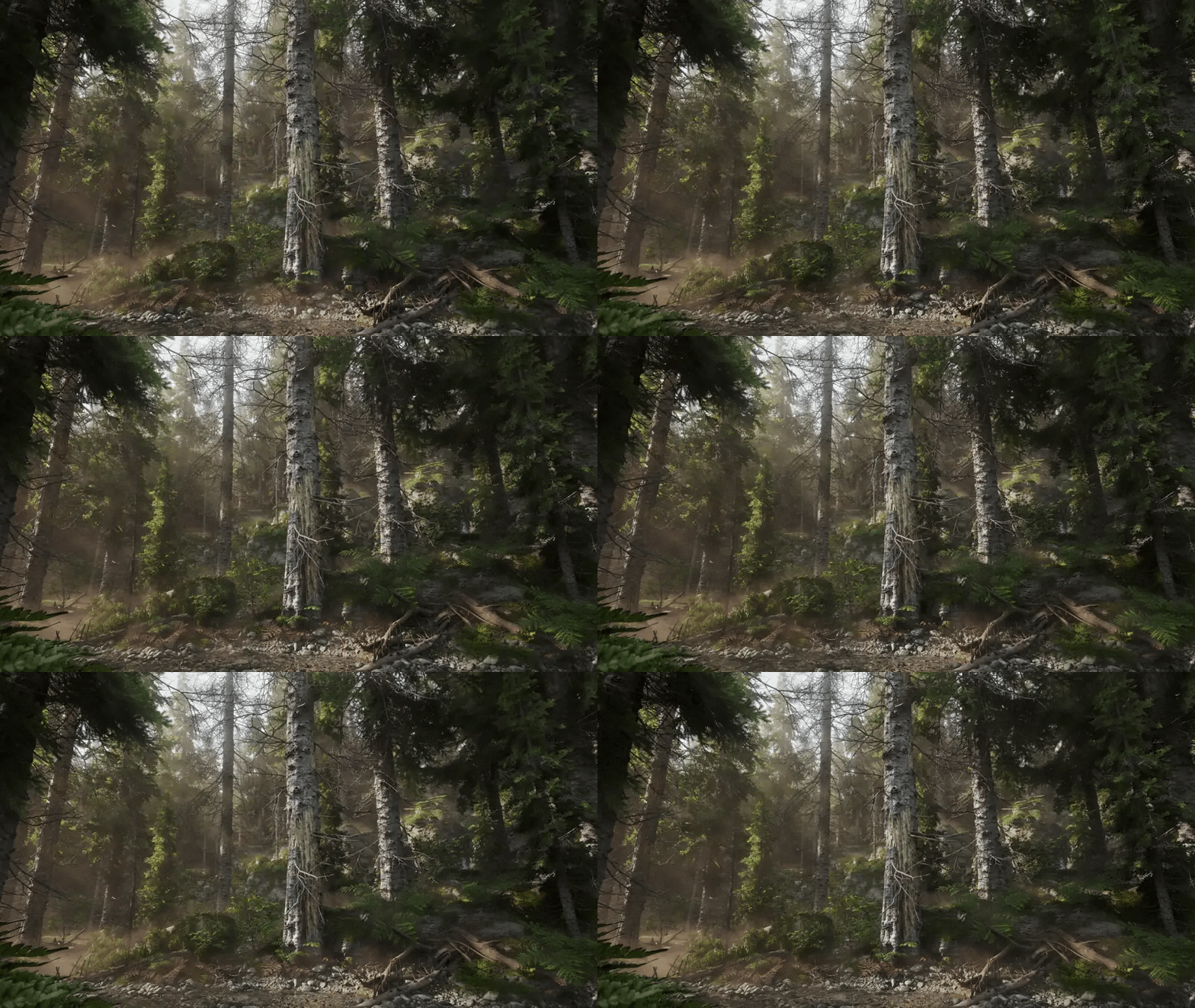
Take direct control in the viewport: scrub back through the growth, pose a branch, draw one in, or prune it and let it regrow, and the rest of the tree grows on from your change. Use parametric controls on every Grow, map any parameter to height, age or position, and steer growth with effectors and branches that respond to light and to each other. Shape the growing bud through a context that works like a shader graph, deciding what every bud does at every step, and build the controls you want into your own cockpit. “Natsura's power comes from its ability to give artists full creative freedom over the final results,” says Johan Stoerkersen, founder of Apex Nature.
03
Can I make a whole species without starting over each time?
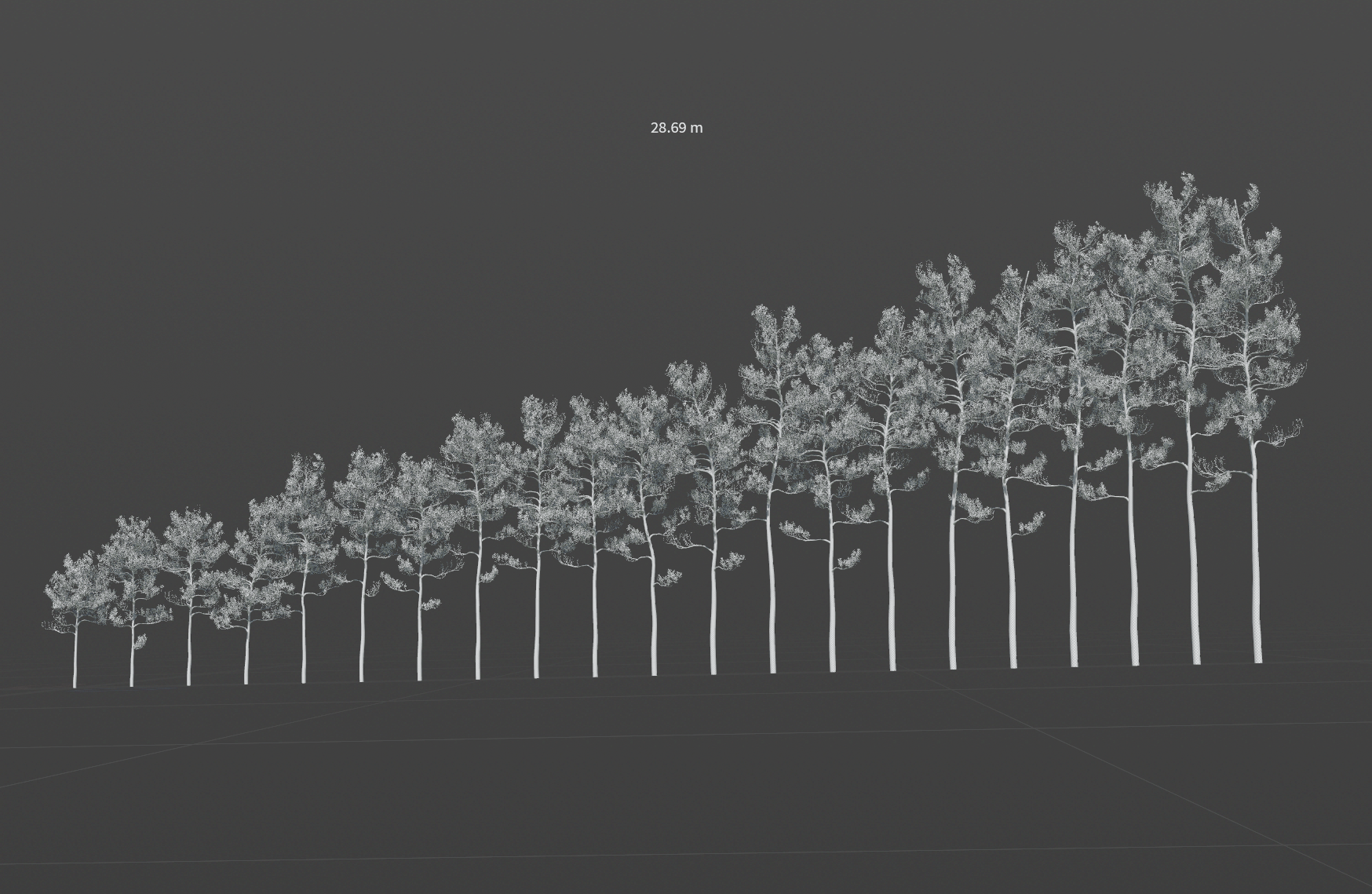
Write how a species grows, its branching, its age, how it reacts to light, gravity and pruning, and grow every tree from it: young or old, small or huge, each one different. Reaching a 60 percent result is quick, so your time goes into crafting the canopy, and that work carries into every tree after it.
04
Can I make grass, flowers, ivy or palms?
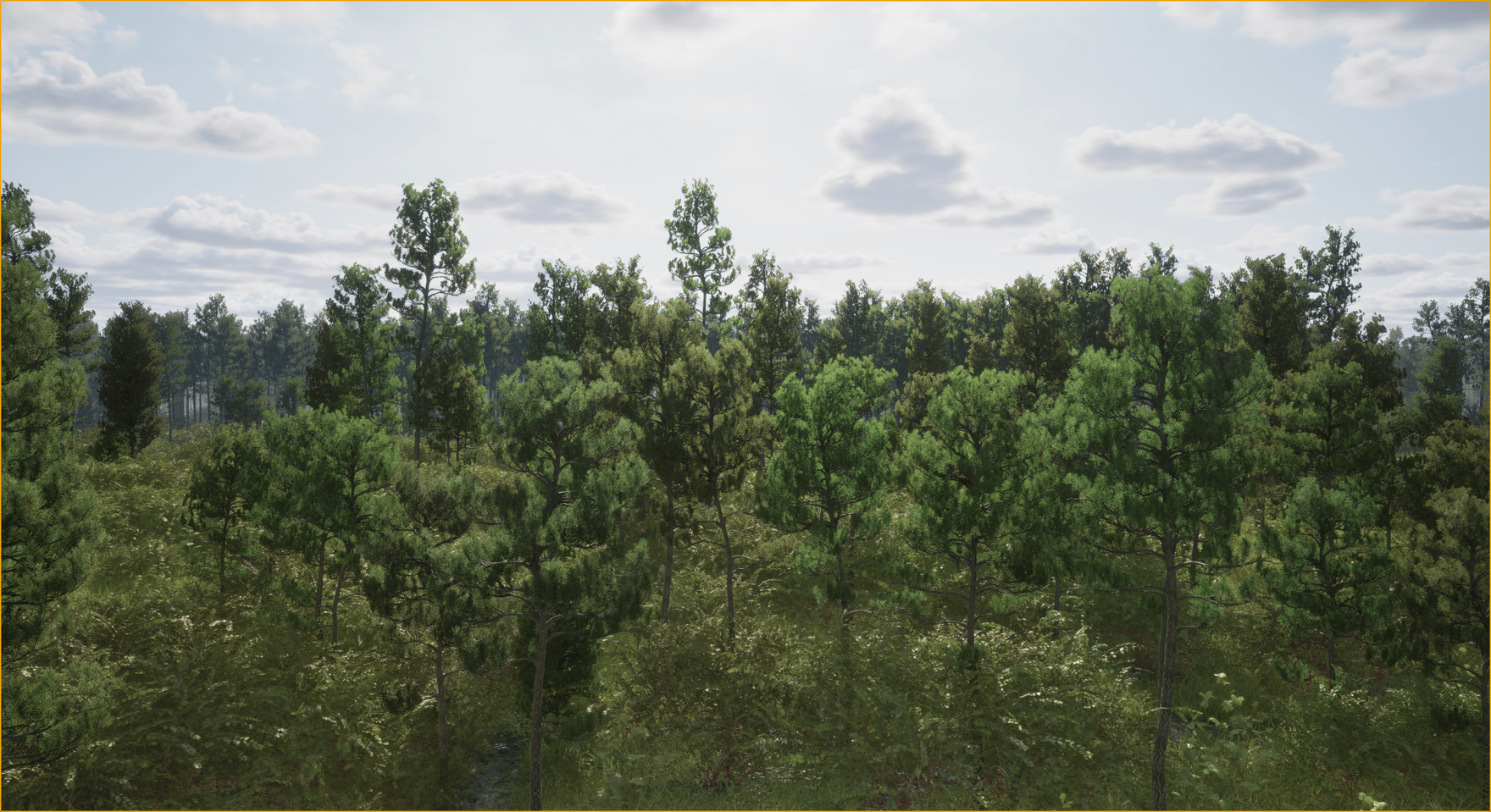
Yes. Natsura is a general growing system for trees, shrubs, grasses and other plants inside Houdini. Wire a surface into the Simulate and ivy grows over it, or over other trees you’ve grown. Bring in your own modelled flowers, fruit and fronds and the decorations place them along the skeleton, so a broadleaf, a conifer and a palm are each built without reaching for a workaround.
05
Can I use my own branches and leaves?
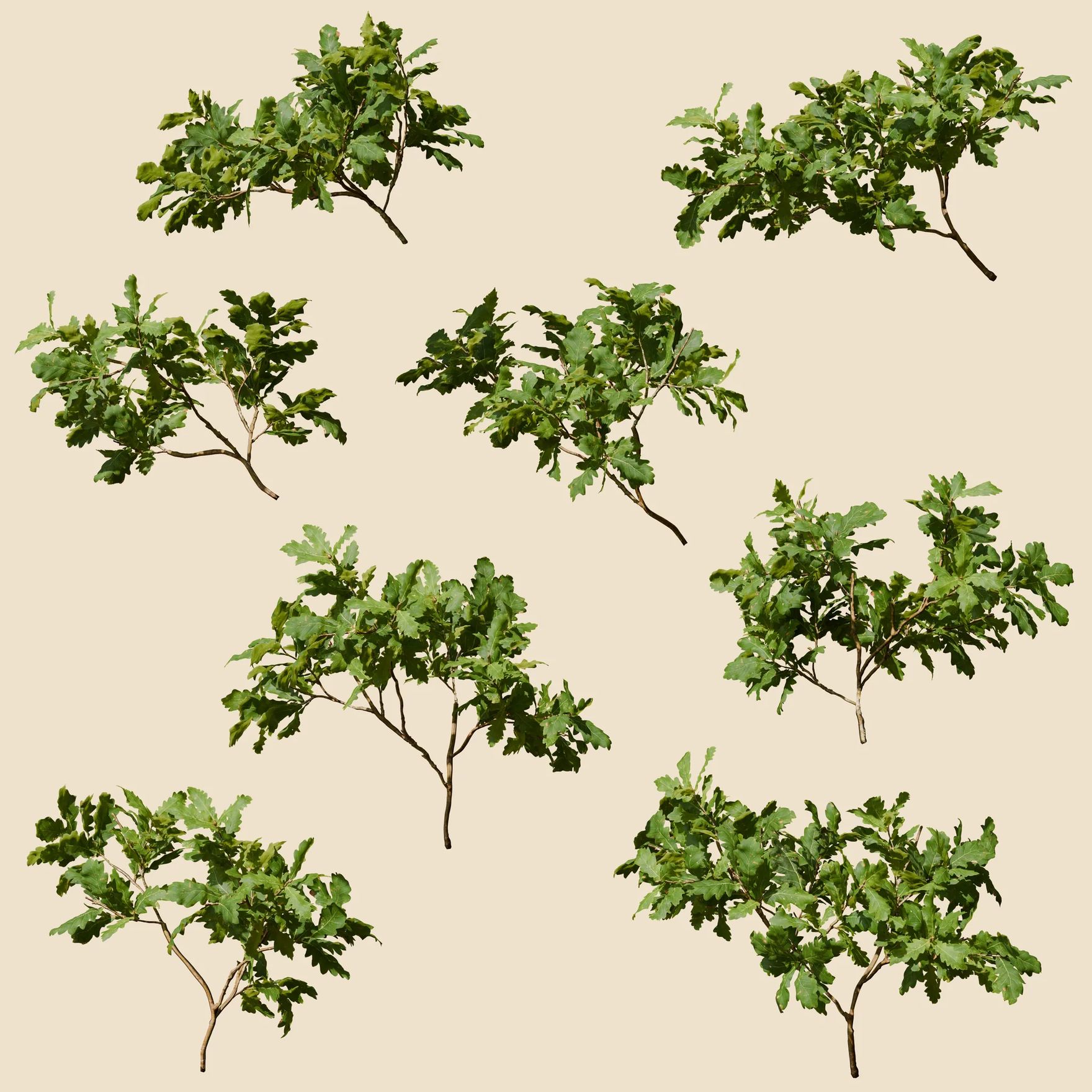
Model branches, leaves and fruit in Blender or anywhere else and bring them in as USD or BGEO. Natsura rigs them once their pivots are set and places them across the tree by its traits, so your hand-made parts become the tree.
06
Can I start from my scans?
Bring in a photogrammetry trunk as a point cloud, pick the regions to keep and the profiles to extend, and grow the rest of the tree from it. Then bake it high to low on Copernicus, with supersampling, proper MikkT normals, seam fixing and tiling textures from any region of the scan.
07
How quickly can I get started without knowing Houdini?
“As someone without much experience in Houdini, I've had a ton of fun diving into Natsura,” says Sigge Sandström of Dead Astronauts. “Coming from SpeedTree and having absolutely zero previous experience with Houdini, I have to say that the transition has been very smooth,” says Aranabel, a 3D artist. “It's an amazing software even though I'm totally new to Houdini,” says Cheenu. On the surface Natsura is built for artists, with familiar sliders, viewport tools and a toolbar that follows the pipeline, and Natsura 101 grows your first tree.
08
How does my SpeedTree experience carry over?
Directly. Many people using Natsura came from SpeedTree, and what you know about building a convincing tree, its branching, silhouette and foliage density, is exactly what a good recipe needs. On top of that, Natsura opens up new possibilities: growth simulation, instancing-based workflows that handle far denser models with many more polygons, rigging and animation, damage, and extending the tools yourself. Import SpeedTree, planned for 0.8, will bring your existing trees across.
09
Which Houdini licence do I need?
Each Natsura licence pairs with a Houdini edition. Houdini Apprentice, free from SideFX for learning, works with Natsura Apprentice, free for non-commercial learning and personal projects, with export unlocked when you move up; Houdini Education works with it too. Houdini Indie pairs with Natsura Indie, and Natsura Pro covers one person on any Houdini edition. Indie and Pro come as a subscription or a perpetual licence you keep.
10
What sets Natsura apart?
Its lineage and its openness. Before Natsura, we built two production foliage toolkits: our 2019 Houdini tree tools, proven on a 100 km² landscape of hundreds of thousands of trees, and the tree system we built at Applied Intuition for massive natural landscapes in autonomous-vehicle simulation, with LODs, impostors and wind, presented at SideFX’s Houdini HIVE. Flora, built for SideFX’s Project Pegasus, was Natsura’s prototype, and Natsura itself grew the woodland of SideFX’s Project Elderwood. Since Early Access opened in 2025, studios such as Dead Astronauts have taken it into production, and SideFX features it on its Houdini foliage page. It lives in Houdini and is open, so you can look under the hood and build on it, and it is made by a self-funded, worker-owned co-operative that is here for the long run.
11
How does AI fit in?
It’s entirely up to you. Natsura has no AI components built in, and every tree grows from rules you set and shape yourself. Because Natsura runs in Houdini, you can use AI tools with it through MCP if you choose to.
Get started
Sign up for Natsura and start creating stunning foliage today
Join the Natsura community and join other artists and developers in the conversation.
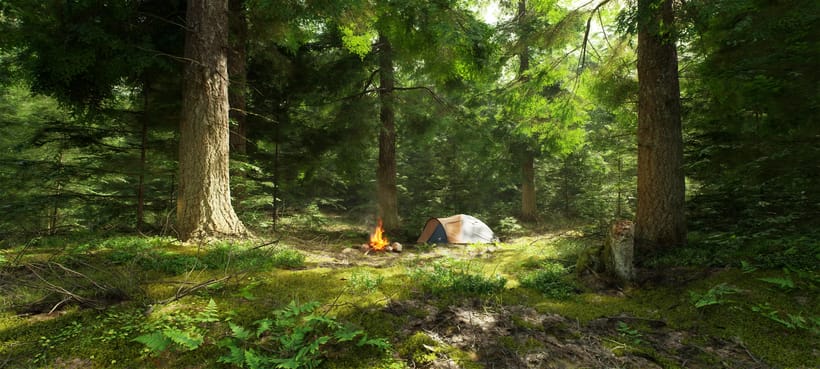
“I workshopped something in Houdini. It worked enough for a release or two, but was never going to hold long-term, so that's how I found you guys eventually. Much easier.”
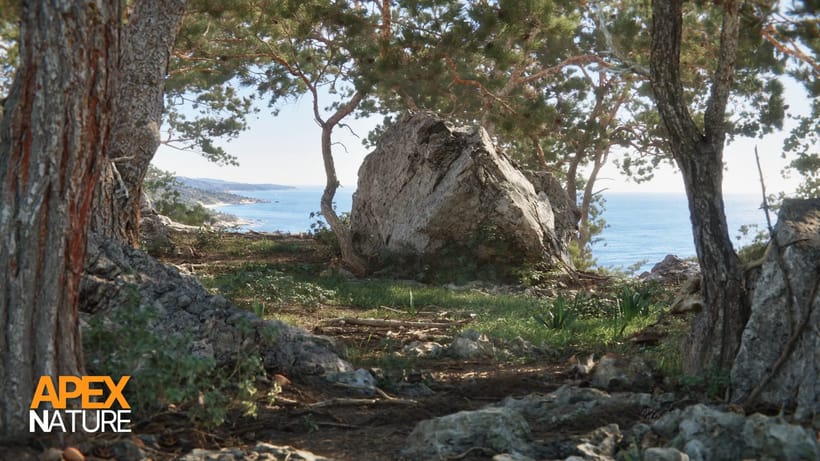
“Natsura's power comes from its ability to give artists full creative freedom over the final results. Leveraging a combination of simulated, procedural and manual artistic input has allowed us to get past the generative look that would otherwise hold us back on our quest to create truly photo-realistic natural environments.”
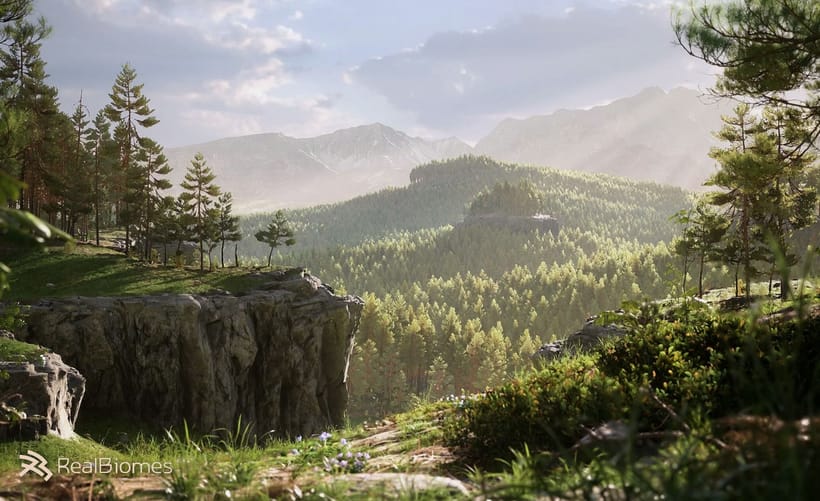
“I love Natsura's approach of combining simulation with parametric control - the developers are passionate and it shows in the product.”
 Jan Klasen, Co-Founder - Realbiomes
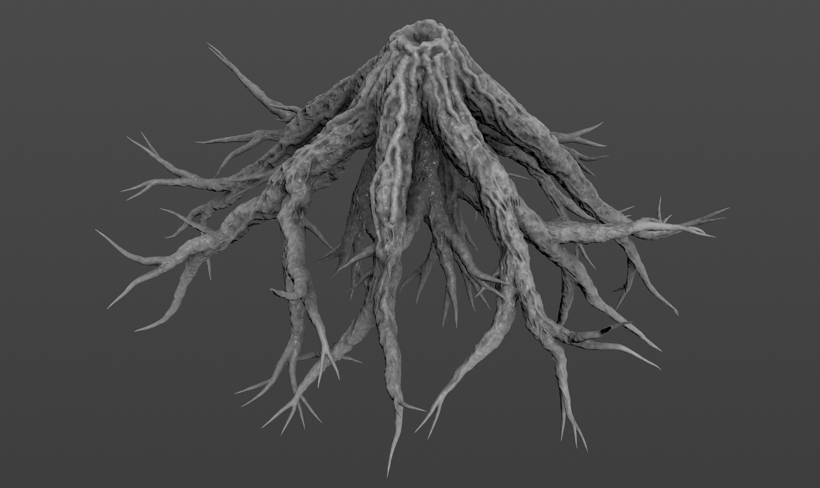
“Natsura is a groundbreaking new approach to an age old problem in video games and film- how do artists create non-cookie cutter realistic foliage that doesn't compromise. To me? Natsura is to technical artists what C was to programmers, and personally, I am excited to see it grow.”
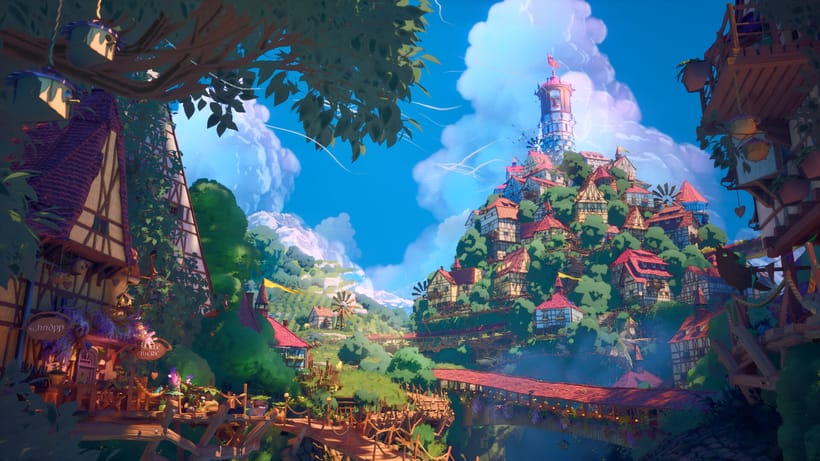
“i love that we can make all kinds of trees with the tools”