Who it is for
Natsura for game developers
From growth to engine-ready asset in one graph: bakes, LODs, atlas cards and Nanite assemblies, sent straight to Unreal.
01
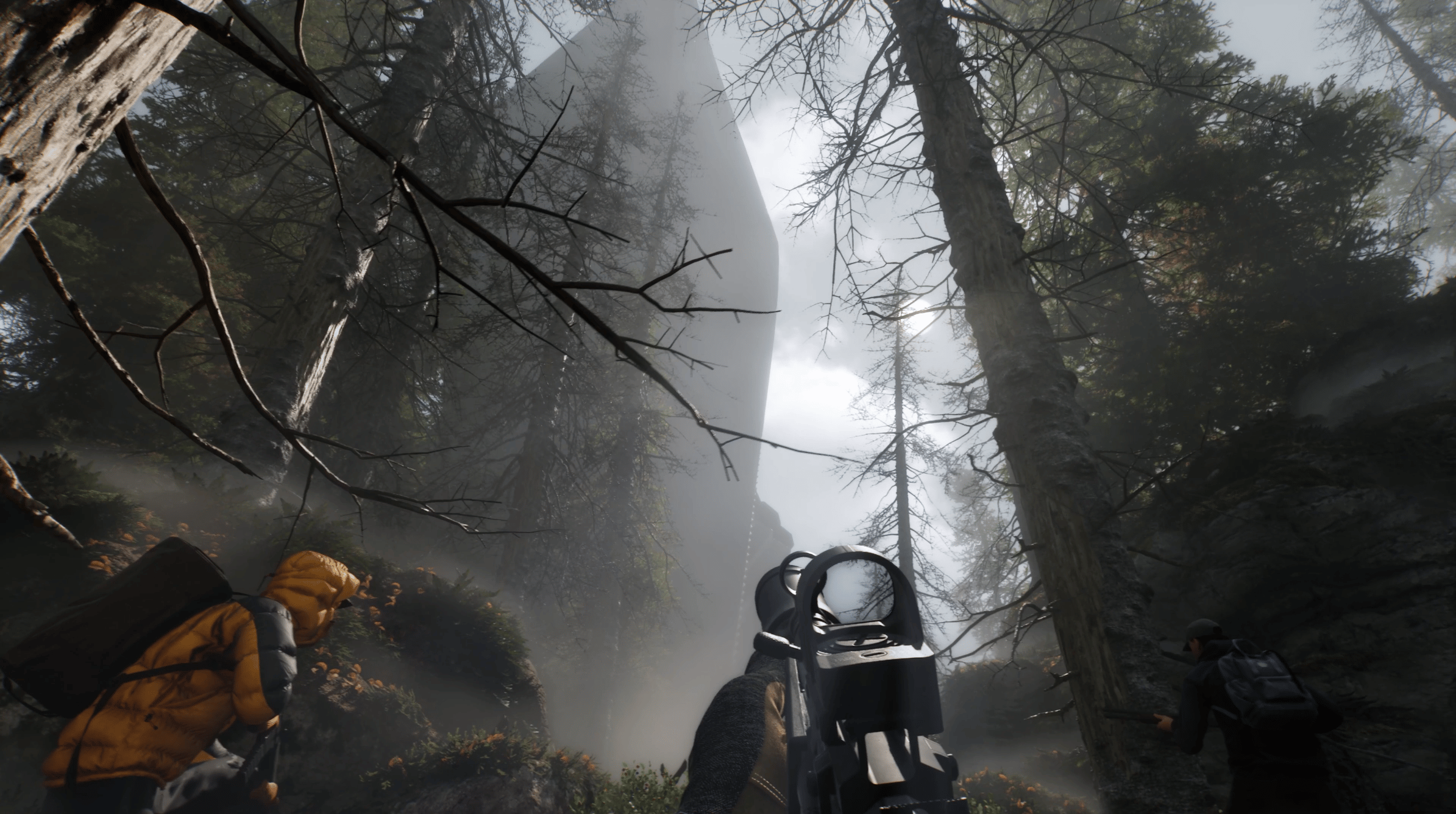
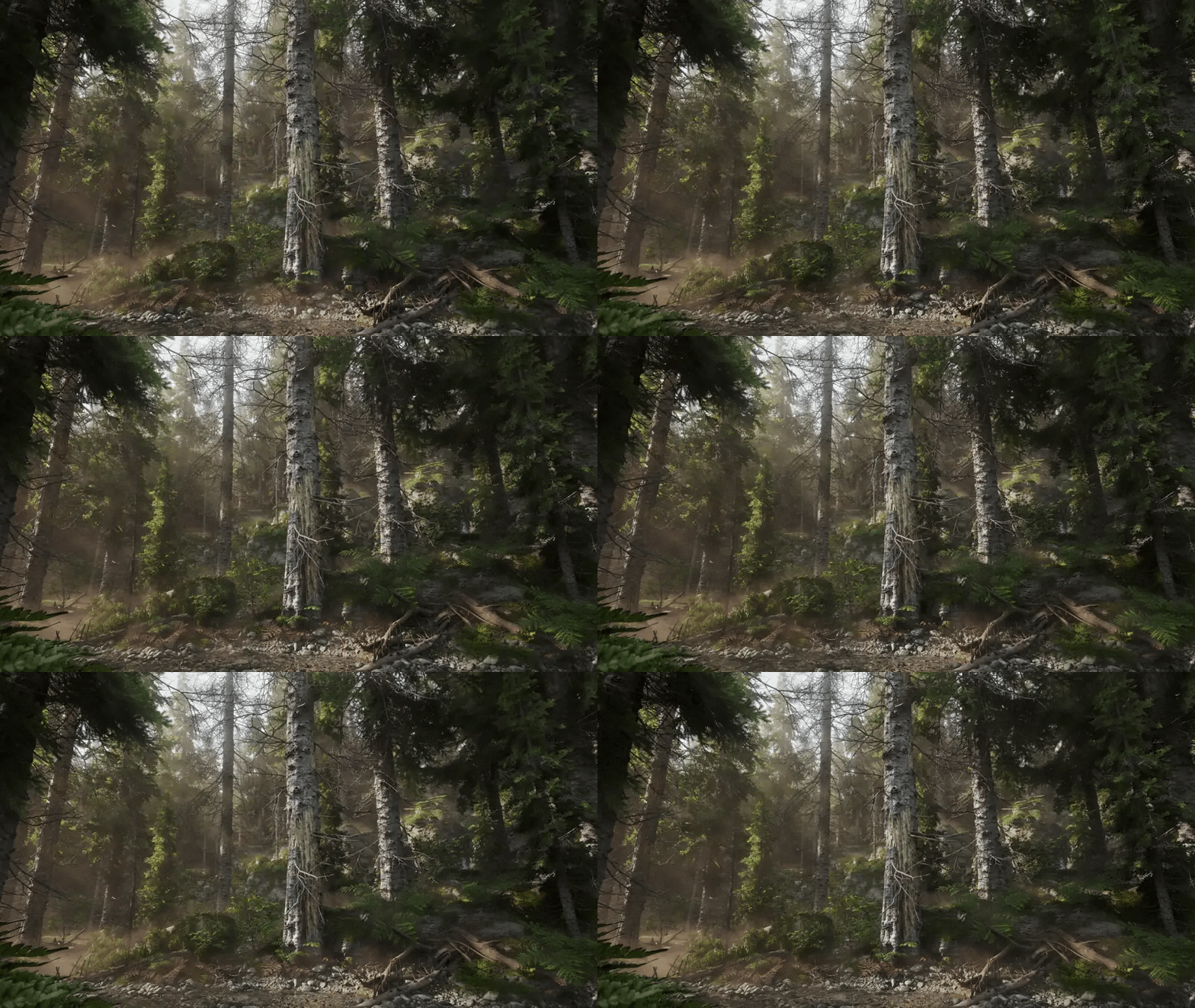
Will it get trees into our engine?
“Being able to visualize updates directly in Unreal allowed our team to respond to evolving art direction in real time, which significantly improved both the creative process and final quality,” says James Toogood of Q3D Studios. Trees go to any engine as USD, and straight to Unreal with wind.
02
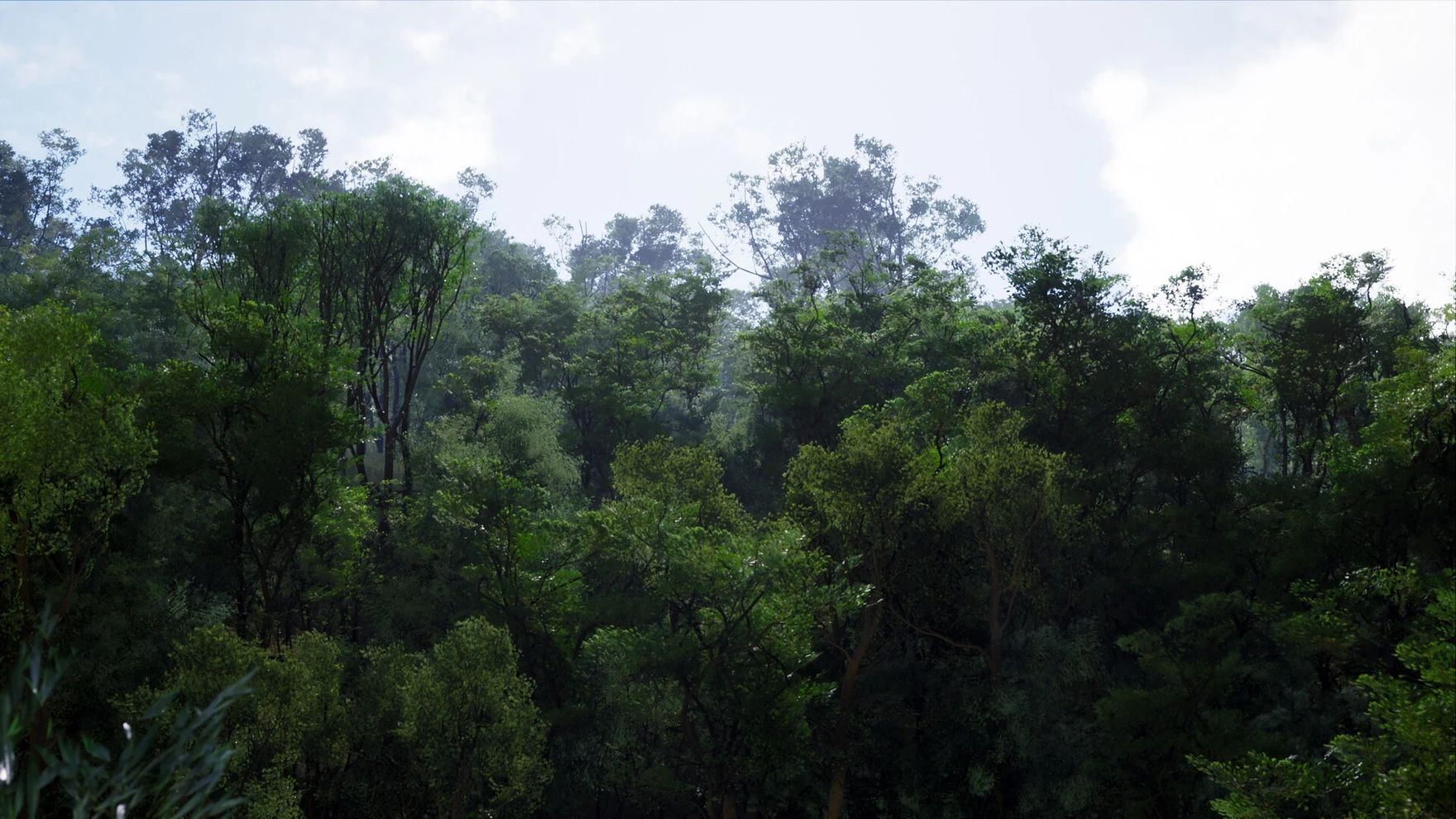
Does Natsura do LODs?
Structured LOD sets arrive in 0.9, our LODs release: the LOD chain, branch cards, impostors, and proxy and collision meshes, with a wind-ready rig on every level. Quality sliders already let you dial detail today, and we’ve done this before: our previous tools shipped a 100 km² landscape of hundreds of thousands of trees, each with LODs, wind and octahedral impostors, and the tree system we built at Applied Intuition brought LODs, impostors and wind to massive natural landscapes for autonomous-vehicle simulation.
03
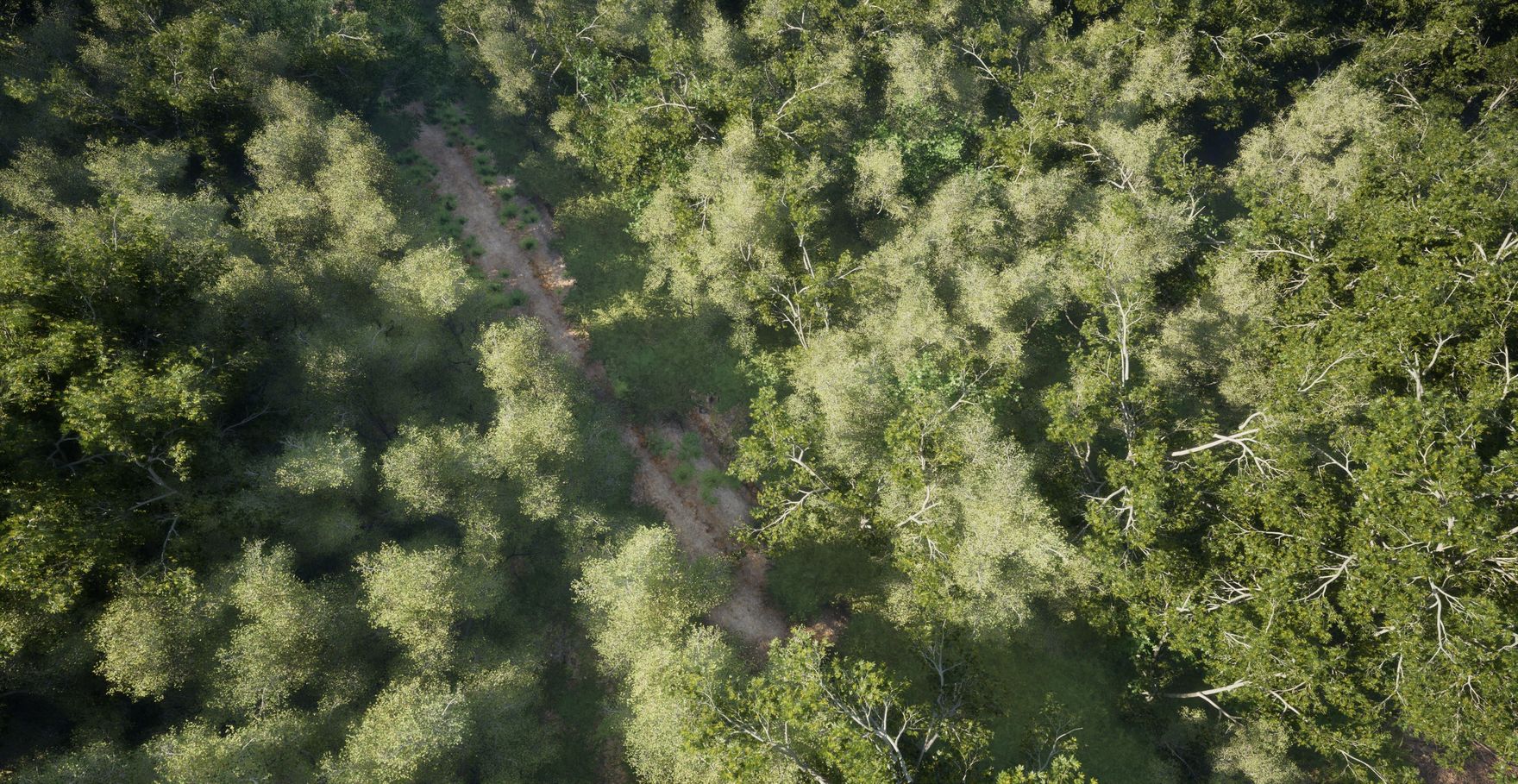
Can a small team fill a whole world?
“If you just want to get something that’s sort of shippable, you can easily do a full tree, or multiple variations of a full tree, in a day,” says Sigge Sandström of Dead Astronauts. Put age, health or vigour on your seed points and one recipe grows every tree in the forest, from hero to background.
04
How does Natsura handle wind?
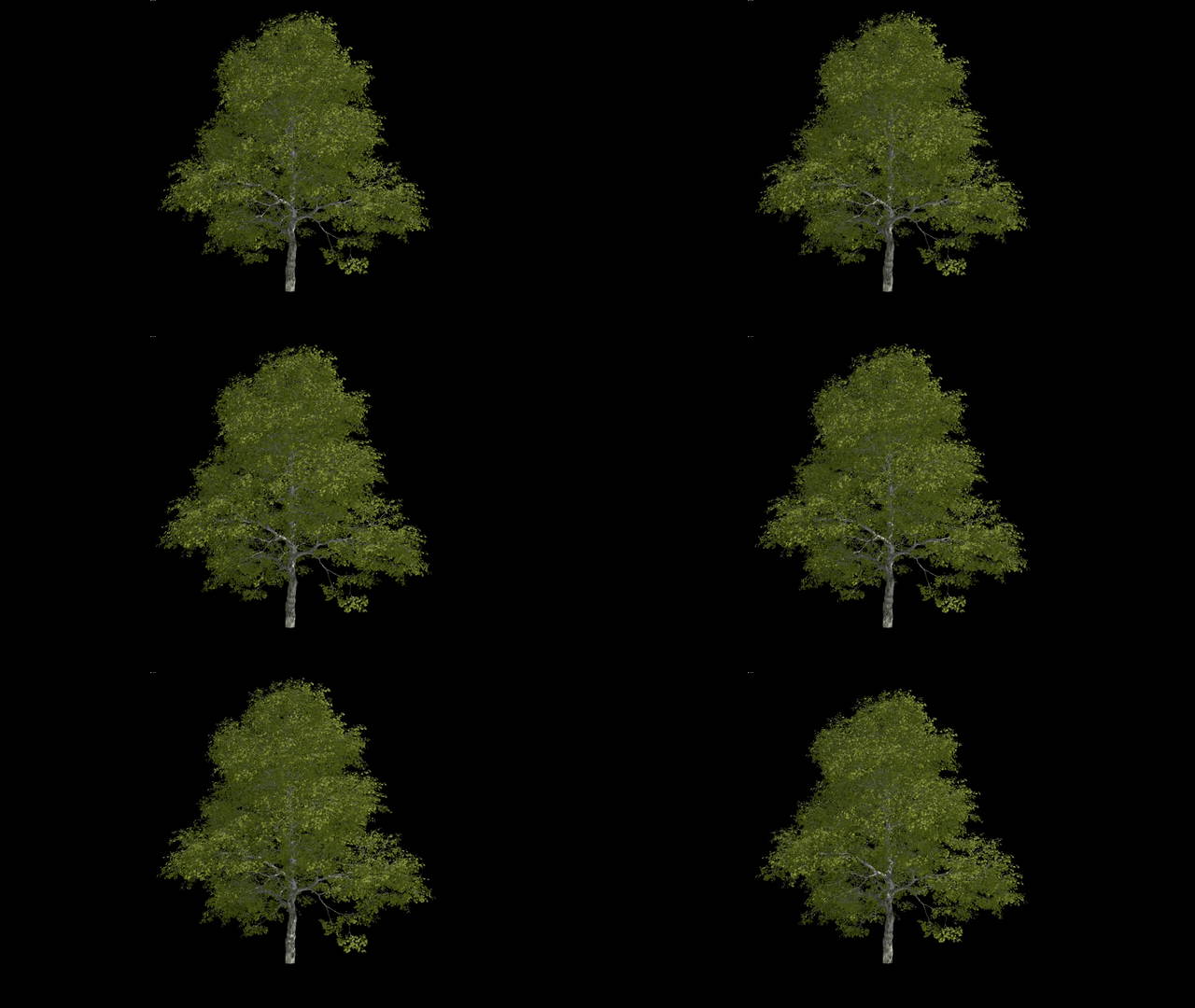
Every tree that comes out of a Simulate is rigged and skinned, so it’s ready for wind. A wind authoring layer sits right before export: Wind Config splits the tree into layers, how much a joint moves comes from its layer’s stiffness and its branch’s width, so thin twigs move and thick limbs hold, and Wind Previs shows where the layers fall before anything reaches the engine. Today wind goes to Unreal as Dynamic Wind; shader-based wind such as Pivot Painter comes with the traditional pipeline work in 0.9.
05
Will instances be set up correctly in the engine?
Instancing mattered from the start. Branches, leaves and fruit are rigged hierarchies of instances, and posing rotates the parts rigidly with the rig, so instancing holds and you get the most variation from the fewest assets. Anything that’s an instance in Natsura stays an instance in the engine, just as it would in LOPs.
06
Can we use the assets we already have?
“I love that we can make all kinds of trees with the tools,” says Lea Kronenberger, 3D Art Lead at Frictional Games. Bring in the twigs, branches and leaves you already have, and Natsura rigs them and places them across every tree, so one small library dresses a whole forest.
07
Which game engines does Natsura work with?
Any. Trees go straight to Unreal out of the box, and to any other engine, in-house ones included, as USD or ordinary Houdini geometry, so you author the plant once and drive every engine from the same library.
08
Which licence fits?
Indie for an individual on Houdini Indie, Pro for one person on any Houdini edition, and either for a small team of up to three seats. Studio covers up to five people, as node-locked seats or floating slots, and an Enterprise site licence covers a whole studio above that. Indie, Pro and Studio come as a subscription or a perpetual licence you keep; Enterprise is a yearly subscription. Apprentice is free for learning.
09
How mature is the Nanite pipeline?
“It has also allowed me to utilize cutting-edge tech like Unreal's Nanite Assemblies and Skeletal Wind with ease,” says Sigge Sandström of Dead Astronauts. It is the most tried and tested pipeline for Nanite skeletal assemblies there is: we were the first toolkit with a production pipeline for Nanite-ready vegetation, and it is now mature, with wind on the bones and one-click library export.
10
How do AI and MCP fit in?
Natsura is about giving artists control, and it plays well with your AI tools. As ordinary Houdini, it can be read and driven by Houdini MCP plugins and AI assistants, while every tree still grows from rules your artists set, so provenance is clear and what you make is yours to ship. Training models on Natsura output has its own licence: talk to us.
Get started
Sign up for Natsura and start creating stunning foliage today
Join the Natsura community and join other artists and developers in the conversation.
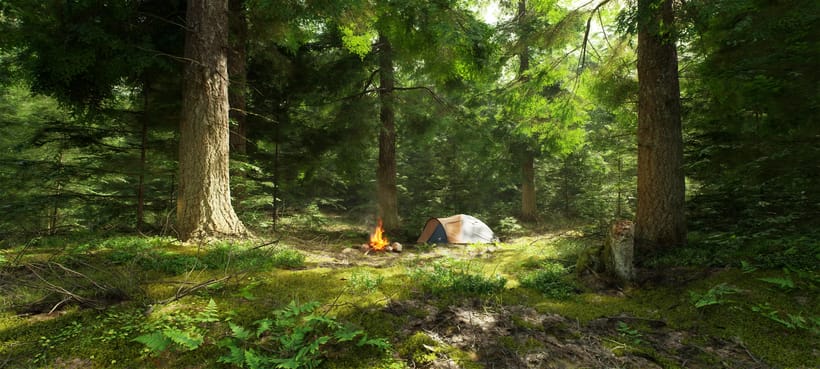
“I workshopped something in Houdini. It worked enough for a release or two, but was never going to hold long-term, so that's how I found you guys eventually. Much easier.”
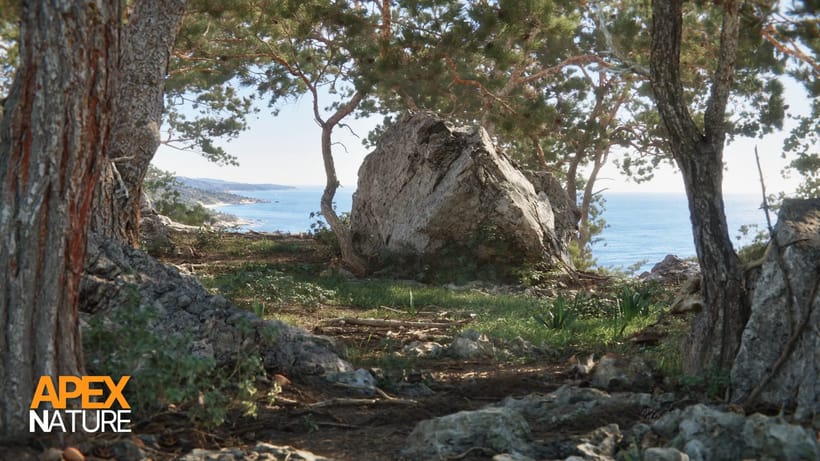
“Natsura's power comes from its ability to give artists full creative freedom over the final results. Leveraging a combination of simulated, procedural and manual artistic input has allowed us to get past the generative look that would otherwise hold us back on our quest to create truly photo-realistic natural environments.”
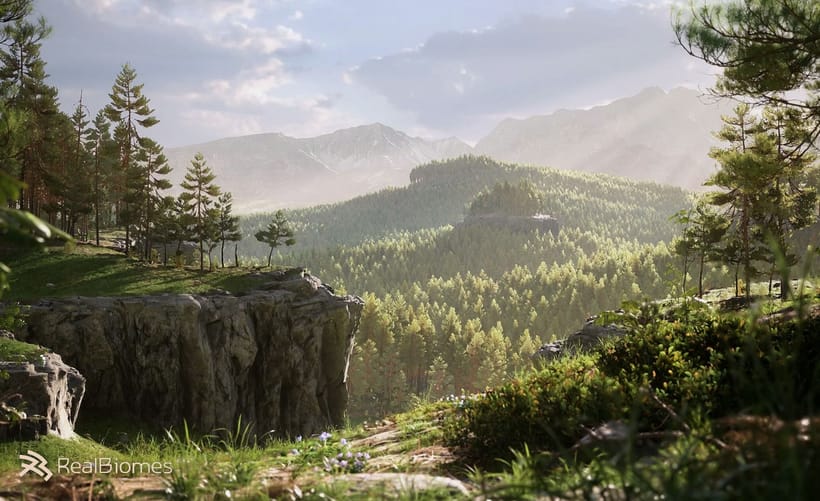
“I love Natsura's approach of combining simulation with parametric control - the developers are passionate and it shows in the product.”
 Jan Klasen, Co-Founder - Realbiomes
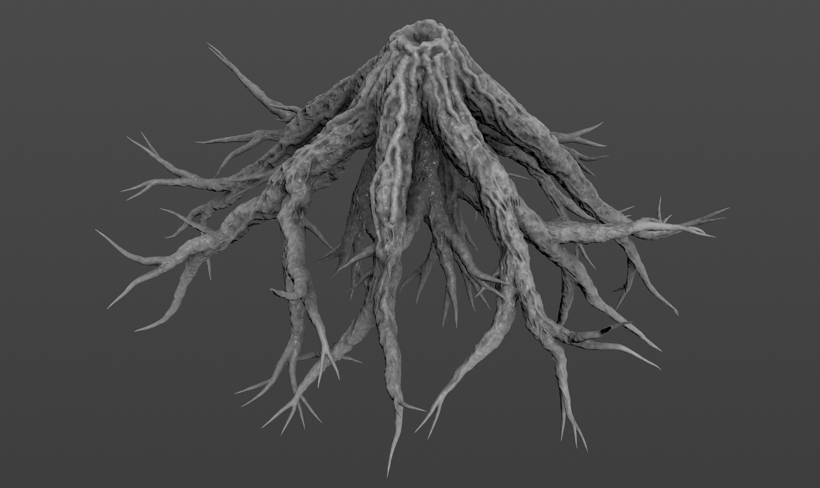
“Natsura is a groundbreaking new approach to an age old problem in video games and film- how do artists create non-cookie cutter realistic foliage that doesn't compromise. To me? Natsura is to technical artists what C was to programmers, and personally, I am excited to see it grow.”
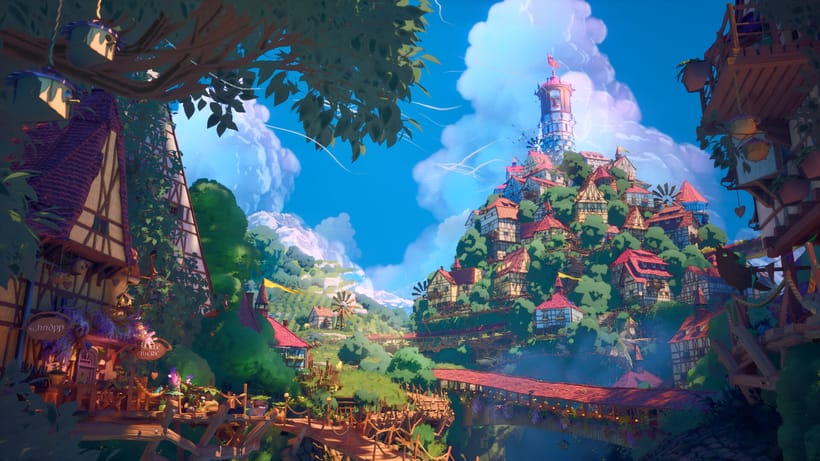
“i love that we can make all kinds of trees with the tools”