Who it is for
Natsura for VFX and animation artists
Hero trees for the shot, and whole forests behind it. Grow them in Houdini, art direct every branch, and send them on as USD, ready to light, render and blow in the wind.


01
Can we animate the trees?
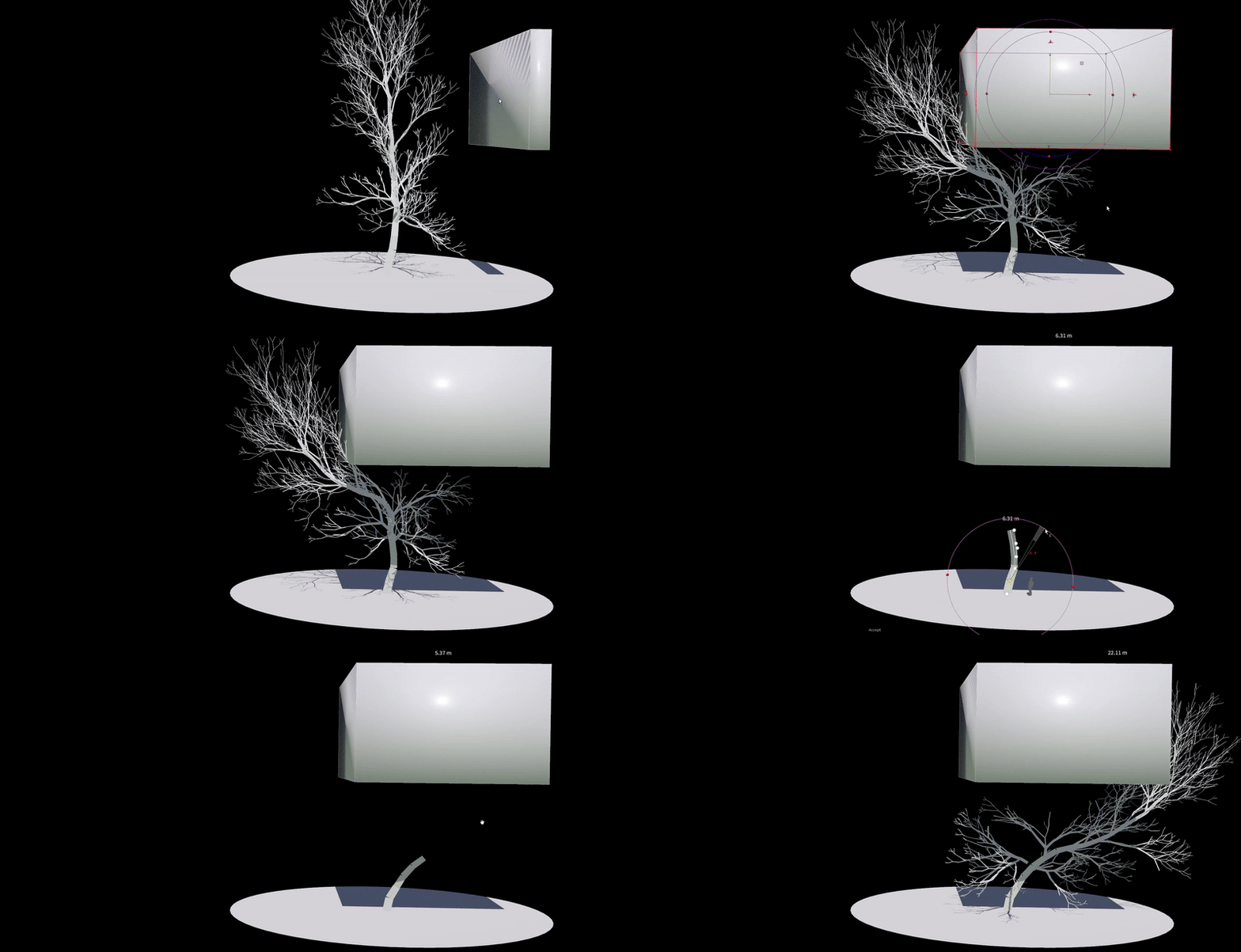
Yes. Trees come out of the Simulate rigged and skinned, ready to pose, keyframe or simulate. Branches, leaves and fruit are assemblies, packed hierarchies of instances that Natsura rigs automatically, and posing and effectors rotate them rigidly with the rig, so instancing survives all the way through. Wind is authored on the same rig, driven by stiffness and branch width.
02
Can Natsura plug into our own simulations and solvers?
Yes. The output of a Natsura simulation is always rigged and skinned geometry, so you can pose trees after the fact and run your own simulations on them with KineFX, Vellum, DOPs or your own solvers inside Houdini, or hand them to FLIP, pyro and crowd setups like any other geometry. It works the other way too: an effector is just a wrangle, an entry point for SOPs and other simulation work to steer growth, and seed points carrying age, health or vigour from any other system drive the recipe. Wire scene geometry into the Simulate and the trees respond to it, so ivy can grow over surfaces, or over other trees you’ve grown with Natsura.

03
How does Natsura fit film and animation pipelines?
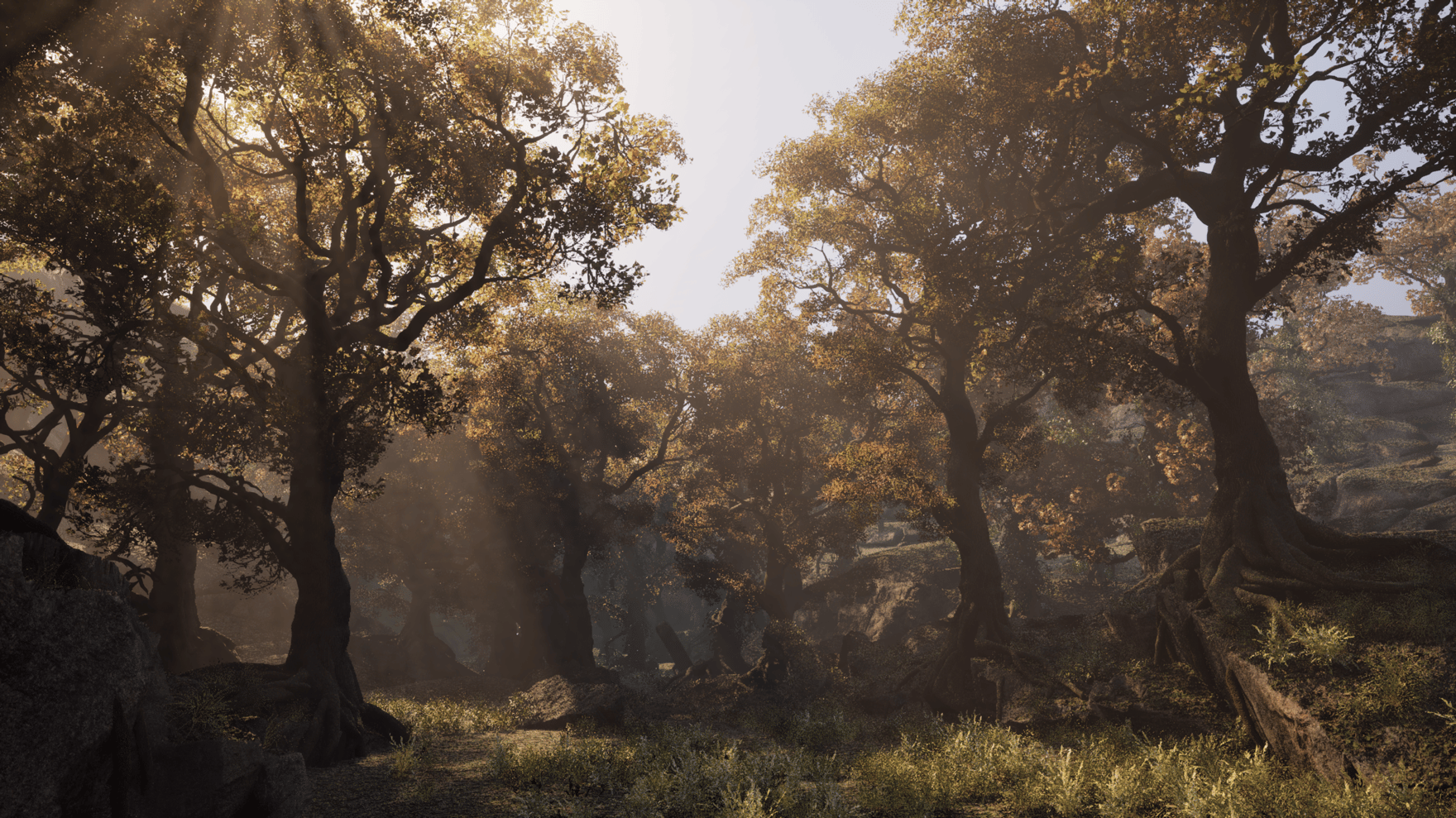
Through USD, built for the high end. Unreal is one output among several: everything also goes out through Solaris as USD, already set up correctly, with materials picked up from SOPs, so a tree goes into your shot like the rest of the set. BGEO or USD come in, and it stays ordinary Houdini geometry the whole way, so anything Houdini reads and writes, Natsura sits beside.
04
How does Natsura work with Solaris?
Everything goes out via Solaris, so it all arrives correctly there, and anything that’s an instance in Natsura stays an instance in LOPs, ready for Karma. Exports write a USD folder: shared prototypes, one assembly layer per tree, and a small root layer that stitches them together, the same in Houdini 20.5, 21 and 22. Kits come back in from USD or BGEO too. For offline rendering we’d call this your zero to one, not your zero to a hundred yet: deeper Solaris control for film teams is coming, and we’d like to hear what you need from it.

05
Will it hold up in close-up?
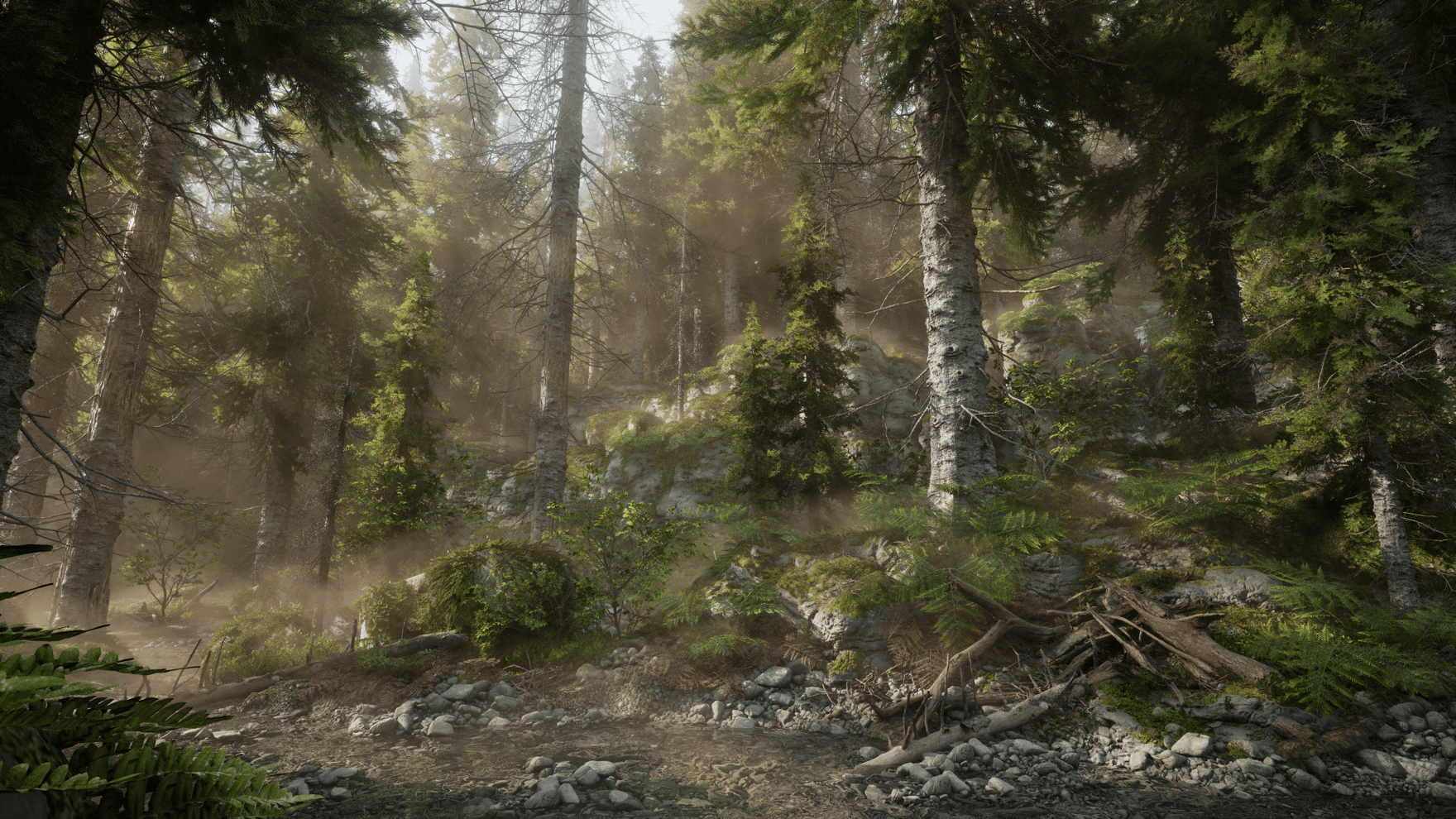
Bring every source together in one tree, in Houdini: hand-made parts modelled in any software, sculpted and scanned trunks, and simulated growth. Grow the structure, pose and shape it by hand, extend a raw RealityCapture scan into a whole tree, and dress it with your own branches and leaves, then bake it with supersampling, proper MikkT normals and seam fixing, with every texture step open in Copernicus so the bark is yours to rework.
06
Can one setup give us hero trees and the forest behind?
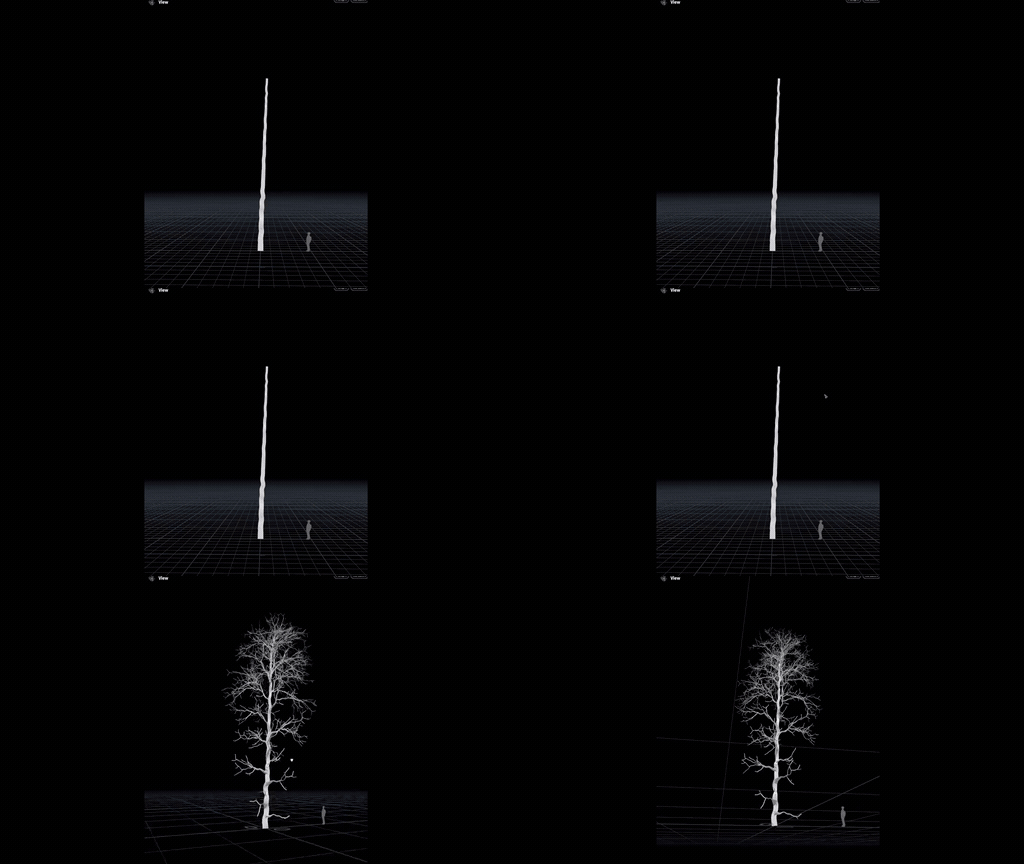
Simulate entire forests in seconds, with no wedging or TOPs needed. Growth runs on a compiled APEX program, so you iterate on the rules, not wait on them, and meshing runs as a post-process on the simulated skeleton, so changing the mesh doesn’t regrow the tree. Feed it seed points from any other Houdini system with an age, health or vigour attribute on them, and one recipe gives you hero trees in the foreground and the whole forest behind.
07
How far can the growth simulation be customised?
“Natsura is precisely what we love to see built on Houdini's framework - a fresh take on vegetation that's controllable, deterministic, artist-friendly and designed to compound in power over time,” says Cristin Barghiel, VP Product Development at SideFX. All the way down: everything apart from the engine core is open. Under every plant is a core library of verbs, Grow, Split, Switch and Repeat, a grammar that maps cleanly onto L-systems, and the Grow that ships is built from them, so your TDs can go back down into the core nodes and build their own modules. Inject custom logic with a wrangle, write your own effector or mapping node in a few lines of VEX, write your own meshing, or build your own simulation engine to run instead. Even mapping compiles to a VEX program, so the whole recipe is a program you can read and change, and with over 250 nodes your team starts far along.
08
Can we build our own meshing setups?
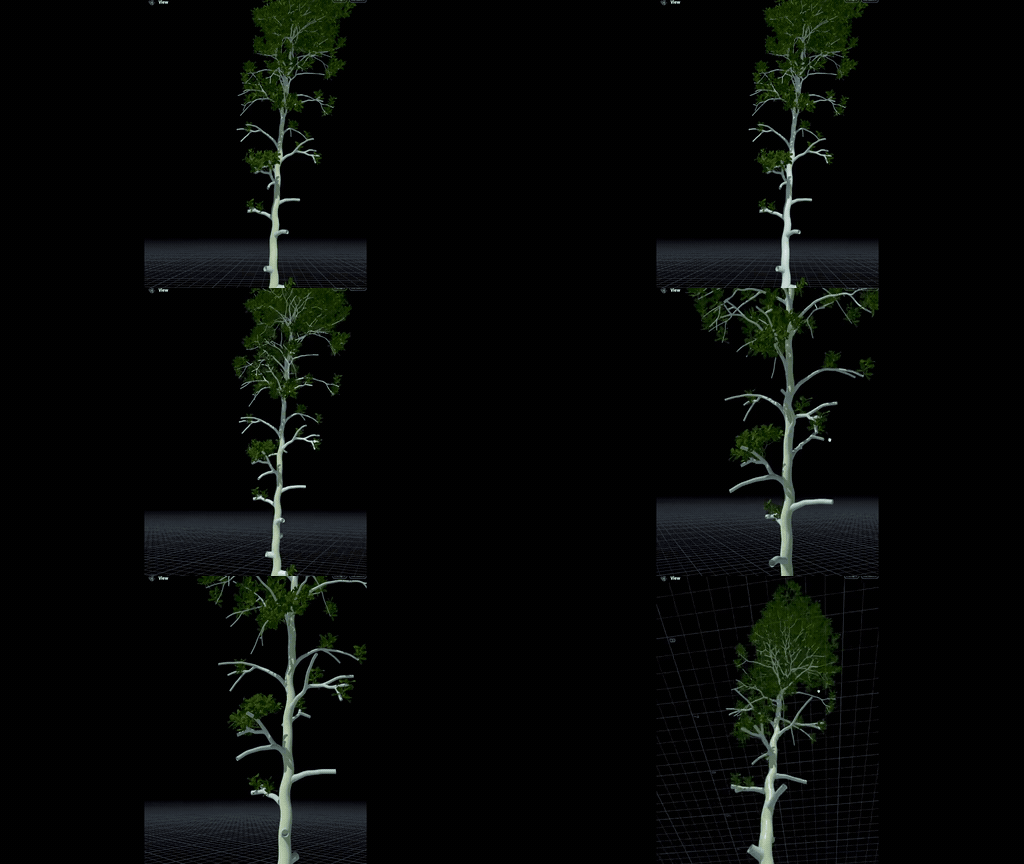
Yes. Decorations are an extensible framework built for exactly that: build a compilable SOP network that takes the skeleton and its attributes and puts out the meshes you want, then wrap it in your own HDA and call it whatever you like. Most native verbs, such as Sweep, Copy to Points and Resample, compile cleanly, and because parameter values reach it as data, changing one re-runs the decoration without rebuilding it. Use it for organs the shipped decorations don’t cover, such as fruit, thorns or caps, or for custom LOD flows, card generators and scan workflows.
09
How does Natsura work with Copernicus and TOPs?
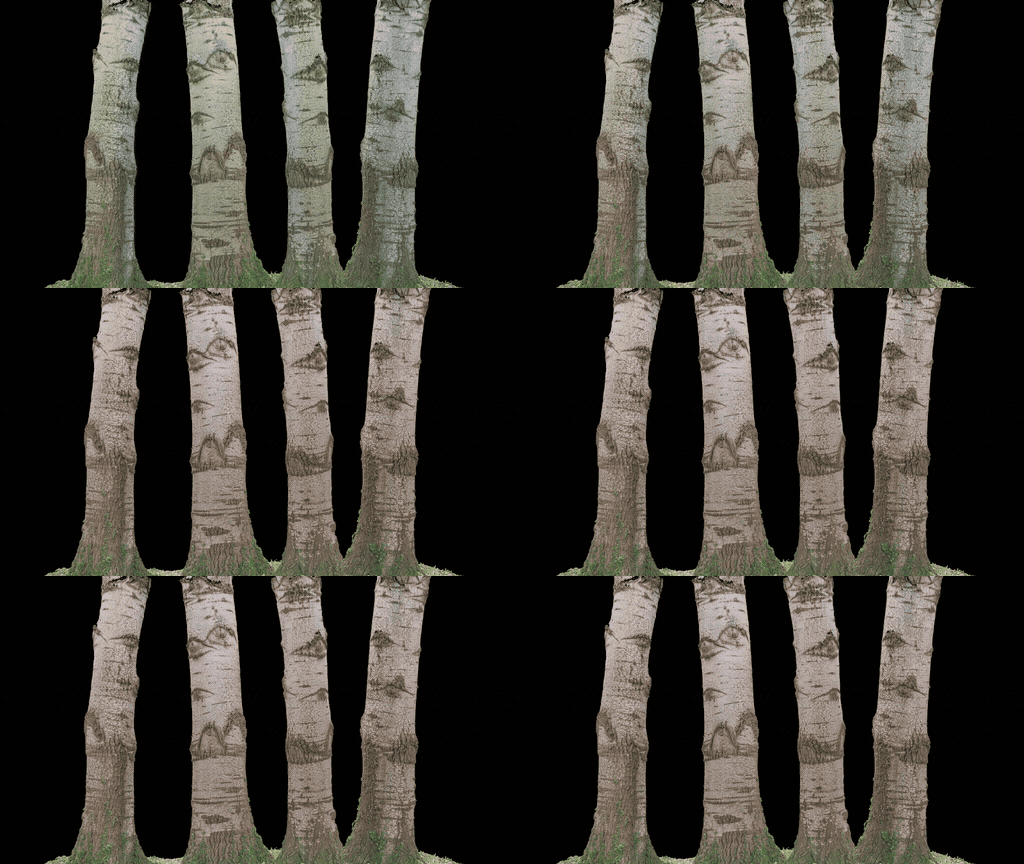
Every place you deal with texturing in Natsura is a dive target straight into a Copernicus network: grade the colour, adjust the normal map, blend detail into roughness, without leaving Houdini. Our baker is built on Copernicus with the features you’d expect from an industry-standard baker: up to 8k, UDIMs straight from RealityCapture, MikkT normals, and it re-cooks when the geometry upstream changes. Natsura is ordinary SOPs, so TOPs can drive it like any other network, and it runs headless in hython and on render farms.
10
Is it deterministic?
Yes. Growth runs on an APEX engine from rules you write, so the same inputs give the same tree, with randomness from seeds, global and per branch. Hand-made poses are tied to their joints, so they hold as you keep working.
11
Which licence fits?
Pro for one person on any Houdini edition, Studio for up to five people in a studio pipeline, and an Enterprise site licence for a whole studio above that. For a hosted service that runs Natsura for others, we’ll set up a custom deal: talk to us.
12
How do we bring in our SpeedTree trees?
With Import SpeedTree, planned for 0.8, which will bring them in as rigged assemblies to reshape, decorate and send on as USD with the rest of the set. It starts experimental, with a fuller workflow to follow.
13
How does it work with our AI and MCP tooling?
Through Houdini. The MCP plugins and AI assistants your pipeline team uses can read, drive and automate a Natsura scene like any other, and because growth is deterministic, automated runs are repeatable. They are well suited to navigating a large network and explaining parameters, while the art direction stays with your artists. Training models on Natsura output has its own licence: talk to us.
Get started
Sign up for Natsura and start creating stunning foliage today
Join the Natsura community and join other artists and developers in the conversation.
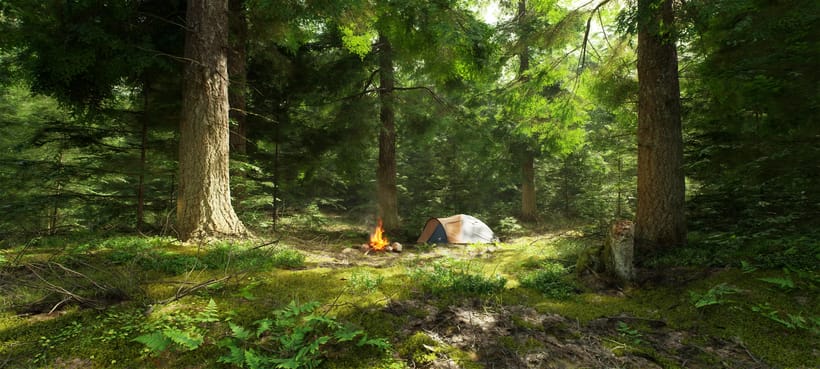
“I workshopped something in Houdini. It worked enough for a release or two, but was never going to hold long-term, so that's how I found you guys eventually. Much easier.”
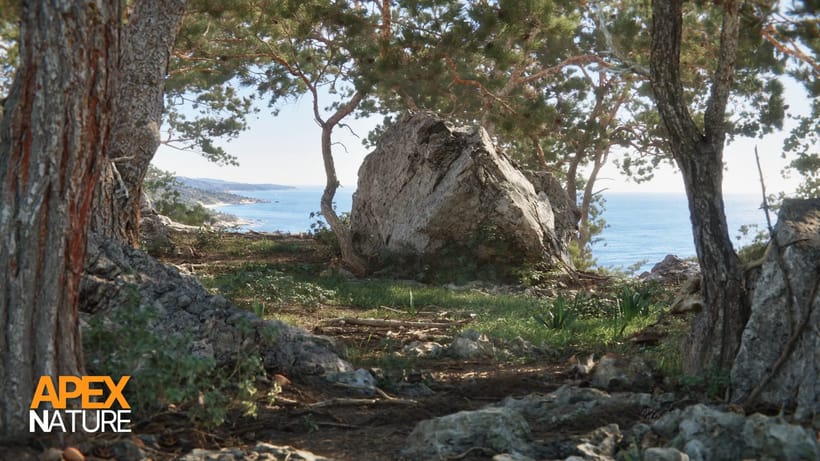
“Natsura's power comes from its ability to give artists full creative freedom over the final results. Leveraging a combination of simulated, procedural and manual artistic input has allowed us to get past the generative look that would otherwise hold us back on our quest to create truly photo-realistic natural environments.”
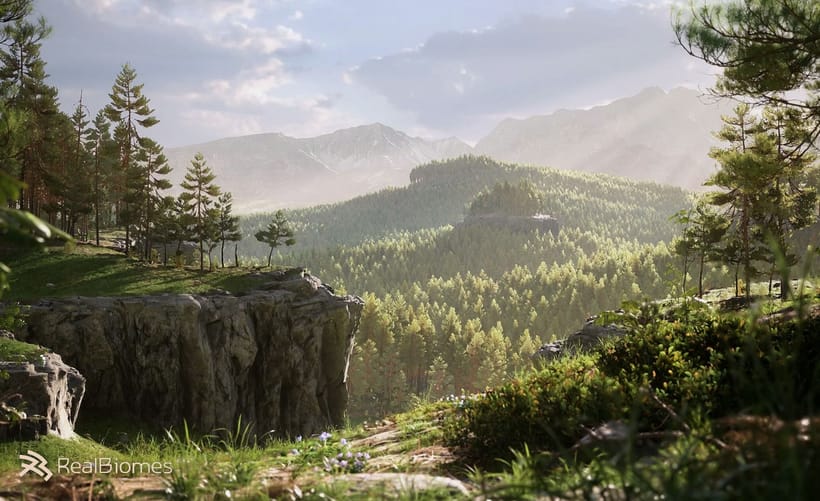
“I love Natsura's approach of combining simulation with parametric control - the developers are passionate and it shows in the product.”
 Jan Klasen, Co-Founder - Realbiomes
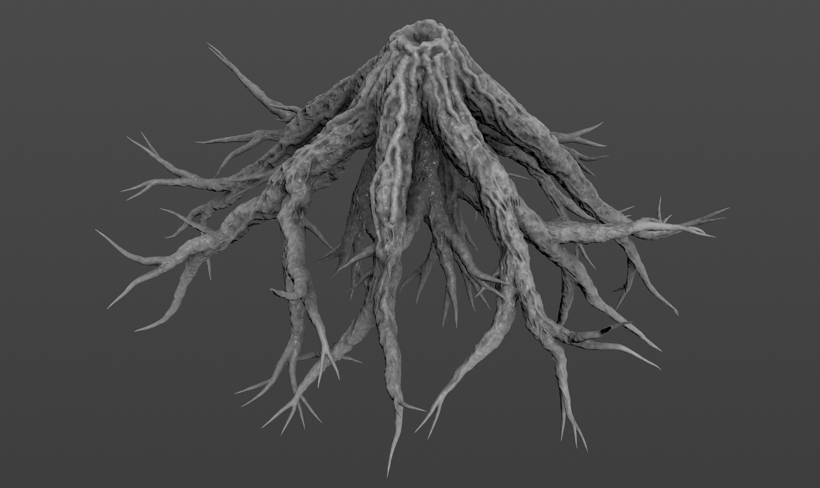
“Natsura is a groundbreaking new approach to an age old problem in video games and film- how do artists create non-cookie cutter realistic foliage that doesn't compromise. To me? Natsura is to technical artists what C was to programmers, and personally, I am excited to see it grow.”
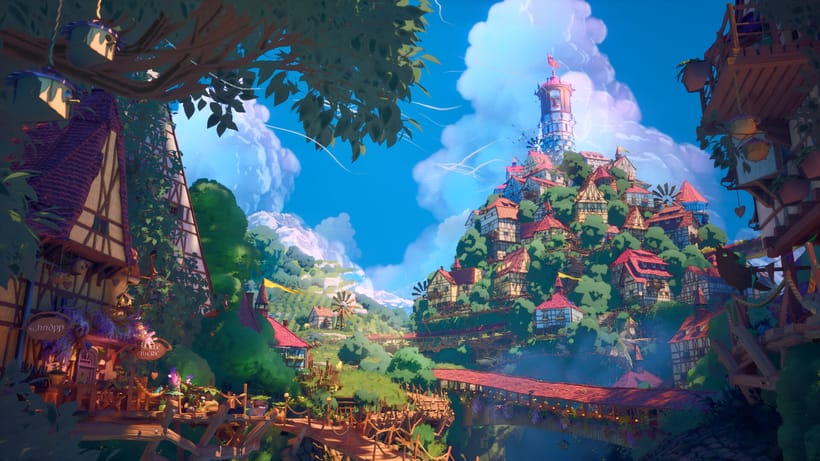
“i love that we can make all kinds of trees with the tools”