Who it is for
Natsura for educators
Teach Houdini and how real plants grow in one tool. One Education licence covers your school or university, students included, and learning on your own is free.
01
What will students learn from growing a tree?
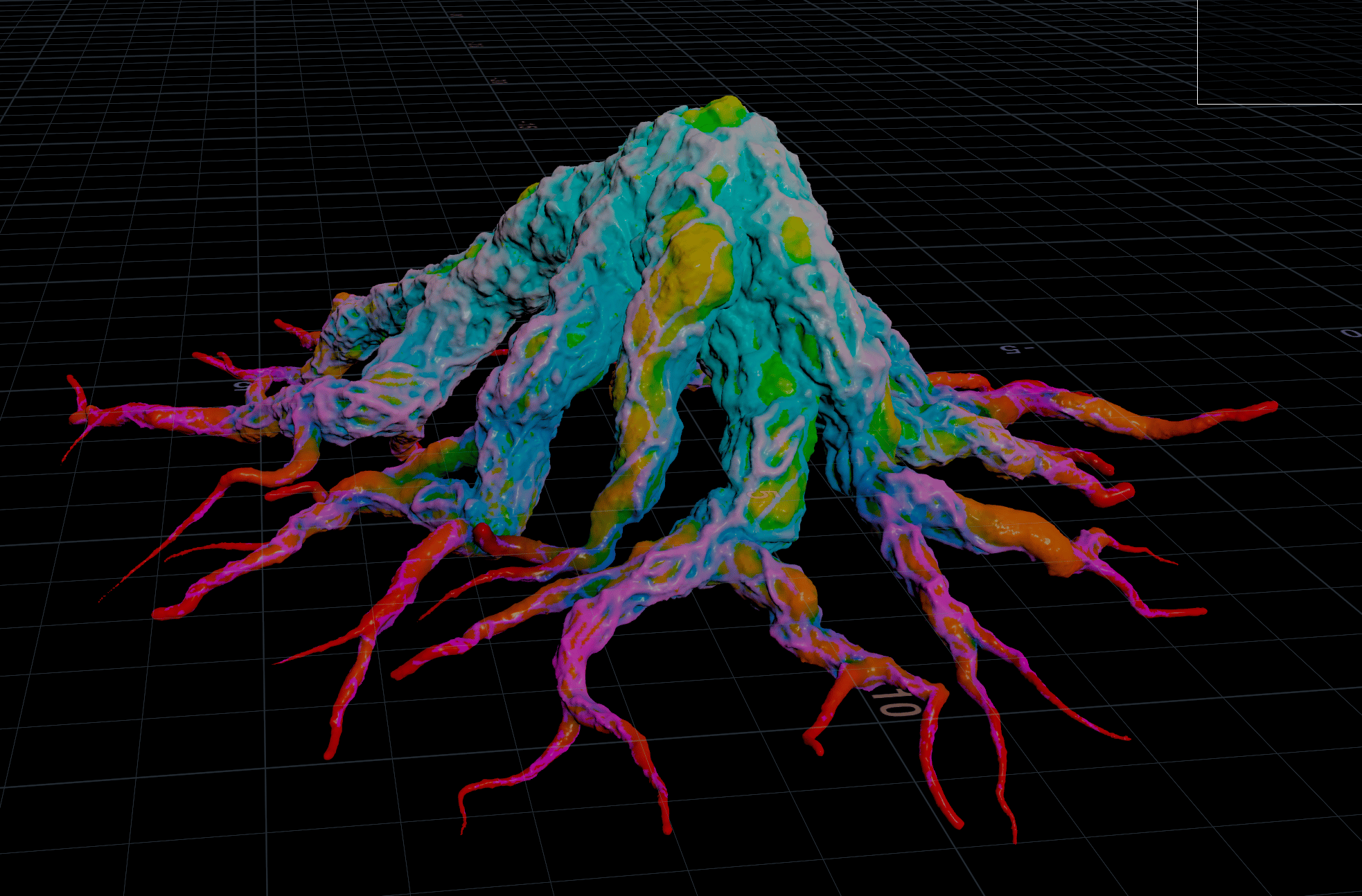
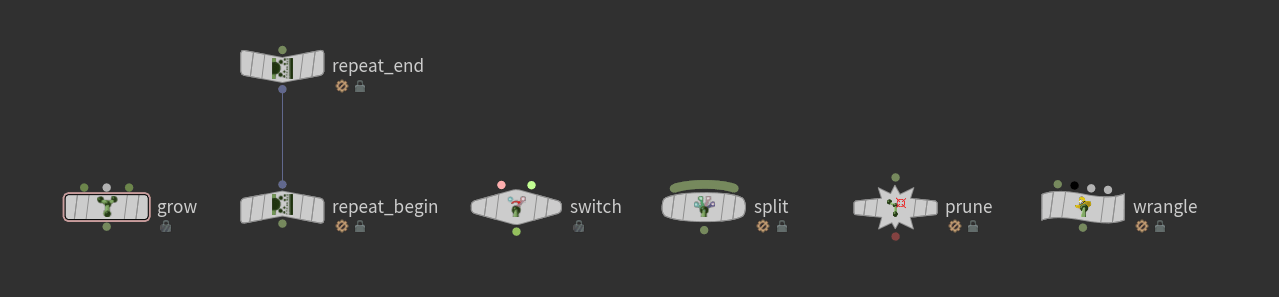
Growing a tree is fast, fun and intuitive, and students learn recursive growth while they do it. The growth graph is a grammar based on L-systems: a Repeat is the iteration counter, a Grow and a Split the advance and the branch. Setting how a species grows, its branching, age and response to light, gravity and pruning, students write the plant’s DNA and learn how real plants are built.
02
Can we teach how real plants grow?
The Effector Zoo example opens a dozen growth models side by side, each with its own controls: auxin-style apical dominance with bud release and dieback, light seeking and forking from shade, a gravitropic set-point angle, obstacle and branch avoidance, space colonisation, canopy density and a painted canopy, length from vigour, and pruning with regrowth. They are artist-facing versions of the research models, which makes for great discussion: the space colonisation setup grows from the tips rather than every node, as in the paper.
03
Can students see how production tools are built?
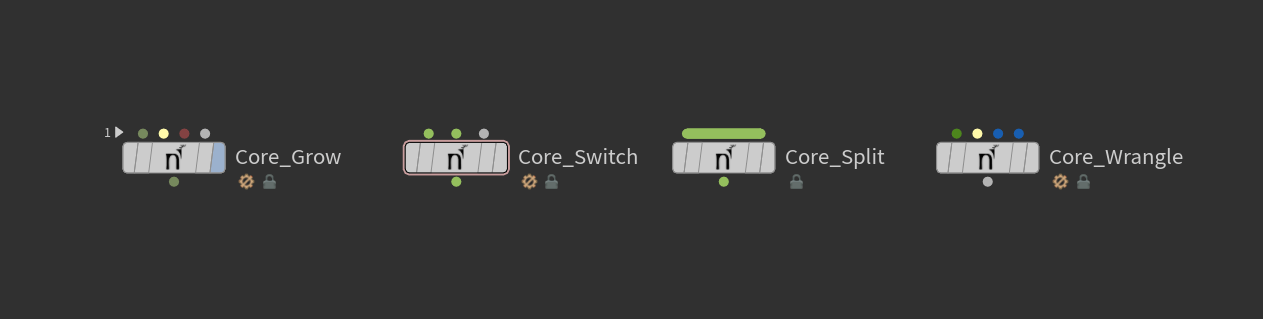
Everything apart from the engine core is open, and with over 250 nodes the toolkit is a library of worked examples of advanced Houdini setups. Dive into any Grow to see how the loop is built and where branching is decided, then rebuild it your own way.
04
Can technical students write their own?
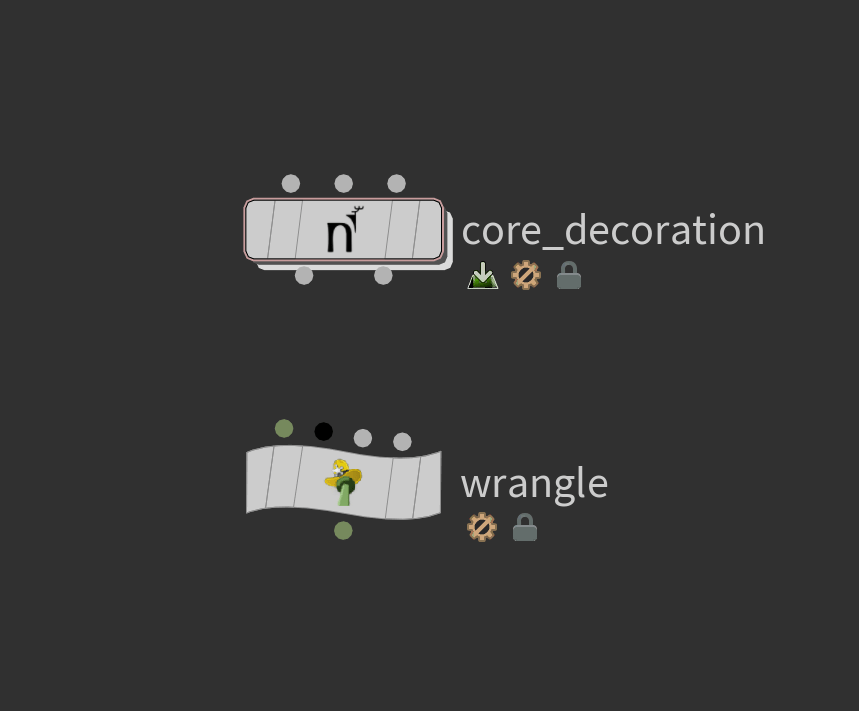
The Grow is one preset built from the core library, so students can reassemble the grammar and write their own growth behaviour. VEX stays approachable: an effector is just a vector, so a few lines in a wrangle make a new tropism, and a custom map is a short expression. Easy to start, with real depth for those who keep going.
05
How does licensing work for a whole school?
One Education licence, a yearly site licence, covers everyone at a school or university, staff and students included, with no limit on users. Schools asked us for it early, and we’re glad: your students are the future of the industry.
06
How can we teach a course with it?
If you teach environment art, technical art or procedural modelling, talk to us: we can help you set up your lab licence and prepare material for your students. The toolkit has a layer for every student, sliders and viewport for artists, the graph and VEX for technical students.
07
Where do students start?
“As someone without much experience in Houdini, I've had a ton of fun diving into Natsura,” says Sigge Sandström of Dead Astronauts. Natsura 101 grows a first tree, with a new one each major release, the Welcome Screen examples open finished trees to take apart, and the Guide panel shows tips for each node.
08
How can students learn on their own?
If their school has the Education licence, they are covered. Otherwise the Apprentice plan is free for non-commercial learning, works with Houdini Apprentice and Education, and has everything but export.
09
How does Natsura complement Houdini in our curriculum?
Natsura is Houdini with an artist-facing surface. Underneath it is the same data flow and attributes, all exposed, so students step from sliders into the network when they are ready. It ties into the rest of a course too: seed points from any SOP network, textures in Copernicus, export through Solaris as USD.
10
Where is Natsura heading in the industry?
“Precisely what we love to see built on Houdini's framework,” says SideFX, who make Houdini. Natsura runs on Houdini, the standard for procedural work in film, VFX and games, and is already in production at game studios. Schools are following: Rubika and Victoria University of Wellington are starting to bring it into their curriculum. The skills it teaches carry over to whatever tools students go on to use.
11
How do AI and MCP fit into teaching it?
As a study aid. Houdini MCP plugins and AI assistants can read a Natsura scene and help students find where a behaviour lives, explain a parameter or talk through a wrangle, and because the toolkit is open, every answer can be checked against the real network. Designing how a species grows still takes the thinking your course builds, and working alongside AI with good judgement is a skill studios value.
Get started
Sign up for Natsura and start creating stunning foliage today
Join the Natsura community and join other artists and developers in the conversation.

“I workshopped something in Houdini. It worked enough for a release or two, but was never going to hold long-term, so that's how I found you guys eventually. Much easier.”

“Natsura's power comes from its ability to give artists full creative freedom over the final results. Leveraging a combination of simulated, procedural and manual artistic input has allowed us to get past the generative look that would otherwise hold us back on our quest to create truly photo-realistic natural environments.”
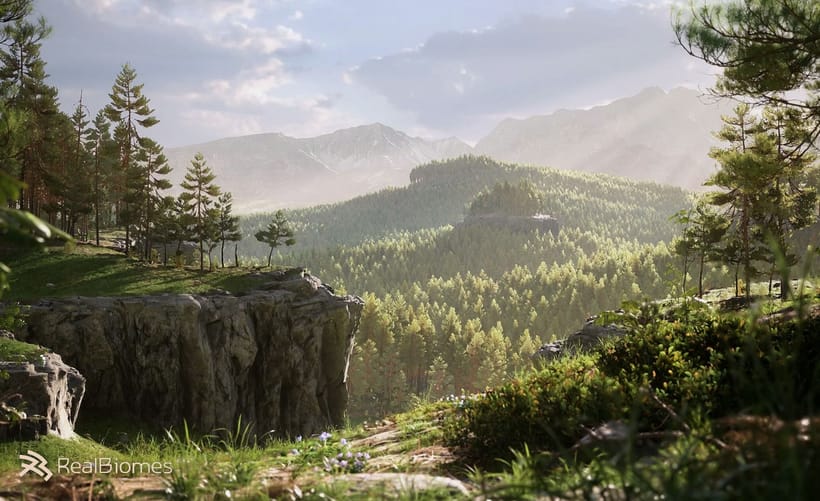
“I love Natsura's approach of combining simulation with parametric control - the developers are passionate and it shows in the product.”
 Jan Klasen, Co-Founder - Realbiomes
“Natsura is a groundbreaking new approach to an age old problem in video games and film- how do artists create non-cookie cutter realistic foliage that doesn't compromise. To me? Natsura is to technical artists what C was to programmers, and personally, I am excited to see it grow.”
“i love that we can make all kinds of trees with the tools”