Surface Decoration
A Surface Decoration turns the trunk and branches into a mesh by sweeping a surface along the grown curves, with UVs. Its material comes from a Surface Resource, so you can change the look without changing the mesh.
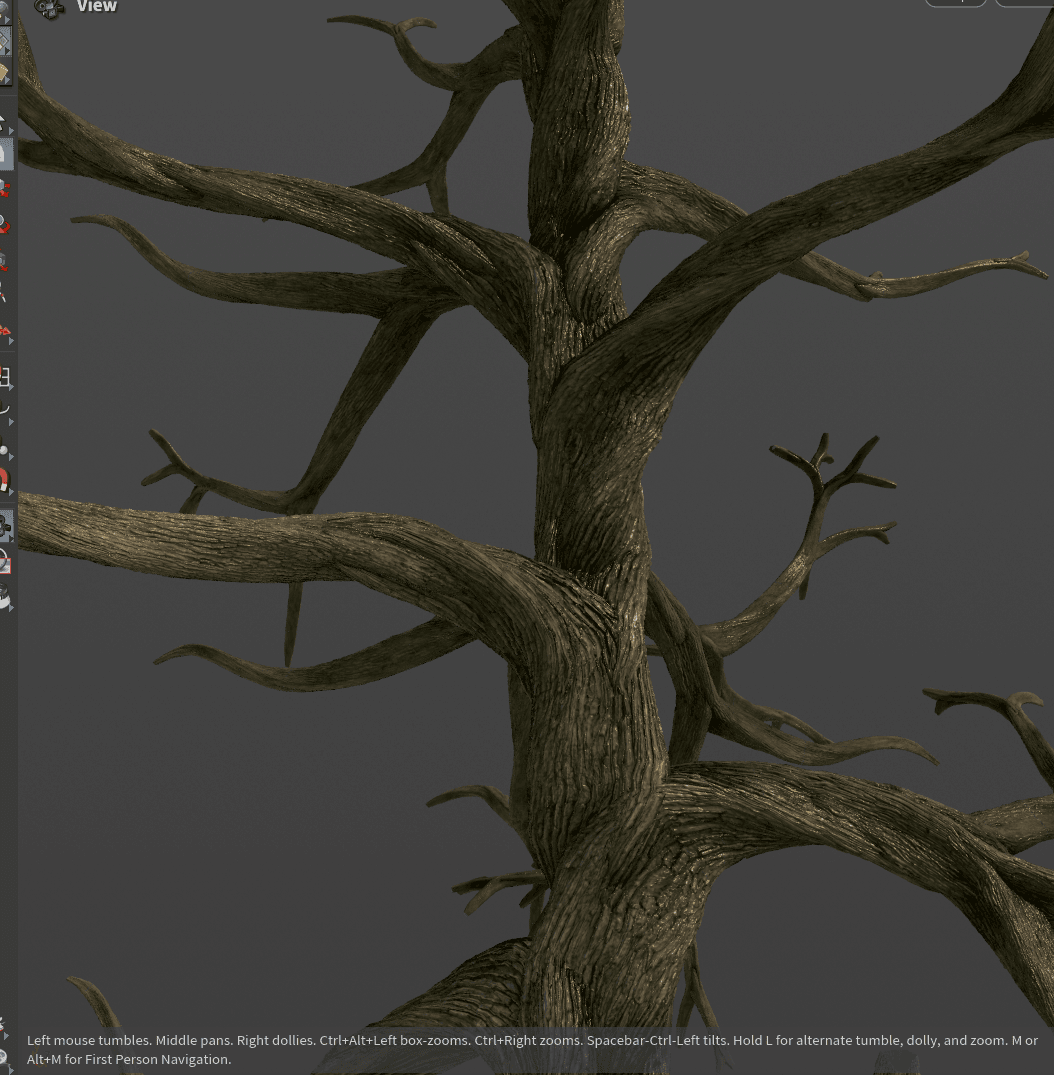
Using it
- Select the Grows to mesh and choose Surface Decoration from the toolbar's Decorate menu. Remove Trunk Preview from those Grows.
- Place a Surface Resource from the Import menu and wire it into the Surface Decoration's first input.
- To see the material in the viewport, set Colour on the display toolbar to Show Geometry Colour.
Assign the same Surface Decoration to the trunk and branch Grows and they are meshed together. Decorations covers assigning in general.
Max Steps (under Profiles) sets the resolution around the branch, Resample (under Strands) along it, and Density can be mapped so resolution goes where it is needed. The Width settings smooth, clamp and scale the branch width, Displacement Scale sets the strength of the surface detail, and U Scale and V Scale set the texture tiling. Nothing is displaced until Use Displacement is on in the Surface Resource and the mesh is dense enough; see Surface Materials. Surface Effectors push the surface with any effector.
For a scanned or sculpted trunk, use a Trunk Decoration on the trunk Grow and a Surface Decoration on the branches.
Status
Known issue: Spiral set to Inherit and None can look the same.